

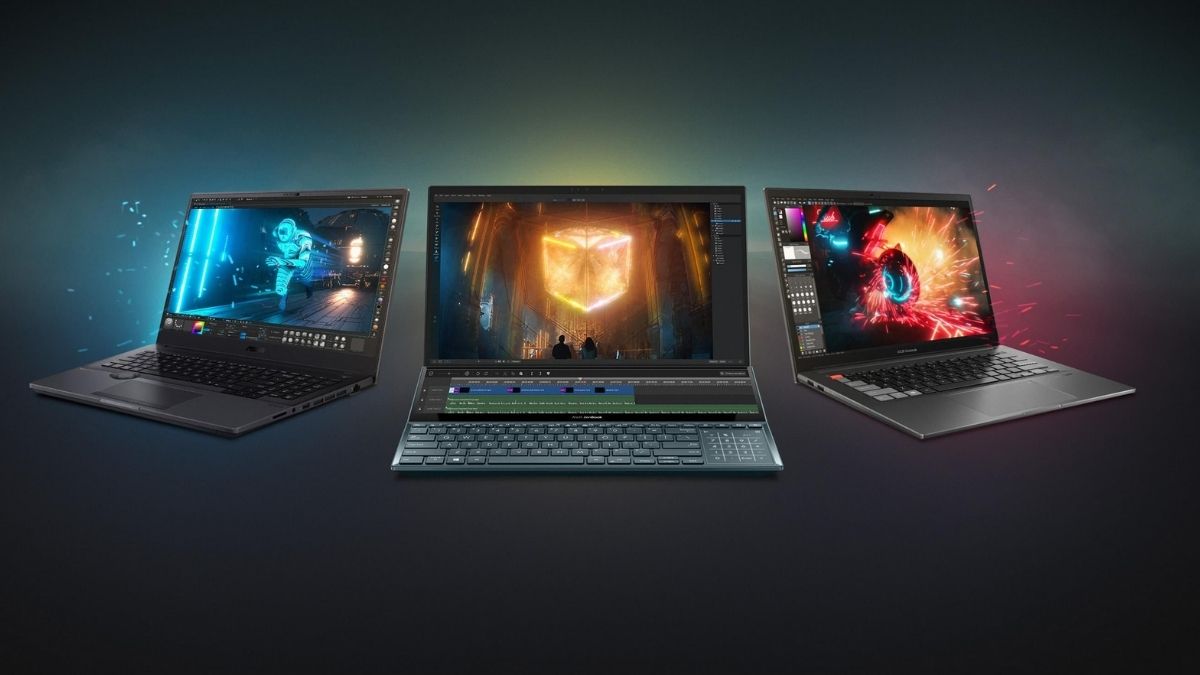
Buying a laptop from ASUS can be surprisingly complicated. The brand does not have one single type of computer aimed at one type of buyer. Its lineup spans lightweight everyday laptops, premium ultraportables, creator-focused machines, business systems, and high-performance gaming hardware.
That variety is useful, but it also creates a common problem: shoppers can end up comparing specifications that do not actually matter for their workload. A student who mainly uses a browser, Microsoft 365, and video calls does not need the same hardware as a video editor. A competitive gamer has different priorities from a remote worker who spends eight hours a day reading spreadsheets. A creator may care more about display accuracy and GPU performance than battery life.
ASUS organizes its laptop range around these different needs, with families such as Zenbook, Vivobook, ProArt, ROG, TUF Gaming, and ExpertBook serving distinct audiences. The better way to shop ASUS, therefore, is not to ask which model is “best” overall. It is to identify the workload first and then determine which combination of performance, display, portability, and features actually supports it.
ASUS Laptop Families at a Glance
| ASUS Series | Best suited for | Main priority |
| Zenbook | Professionals and frequent travelers | Premium design and portability |
| Vivobook | Students and everyday users | Practical performance and value |
| ProArt | Designers, editors, and creators | Display and workstation performance |
| ROG | Serious gamers | Maximum gaming performance |
| TUF Gaming | Gamers seeking durability and value | Performance and ruggedness |
| ExpertBook | Business users | Productivity, portability, and business features |
This division is more useful than comparing laptops purely by processor generation. A newer processor does not automatically make a laptop the better purchase if the display, battery, weight, graphics capability, or connectivity does not fit the intended use.
Zenbook: When Portability Matters as Much as Performance
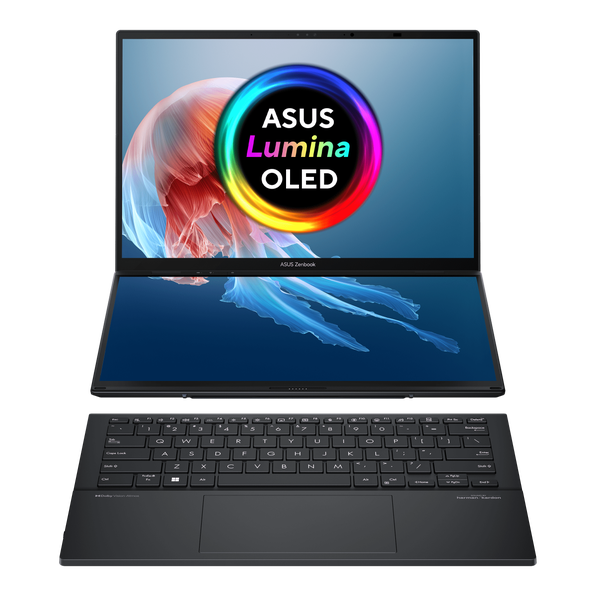
Zenbook is ASUS’s premium thin-and-light family. The series is designed for people who want substantial performance without carrying a bulky machine. The current US lineup includes conventional Zenbook models as well as Zenbook S, Zenbook DUO, and Zenbook A variants. ASUS also offers configurations using Intel, AMD, and Snapdragon platforms, depending on the model.
The key advantage of Zenbook is therefore not simply raw processing power. It is the combination of performance and mobility. For someone who regularly moves between a home office, workplace, coffee shop, classroom, or airport, a lighter laptop can have more practical value than an additional tier of processor performance.
Some current Zenbook models also use ASUS’s Lumina OLED displays. For example, the US Zenbook range includes configurations with OLED panels, while current Zenbook 14 models can offer high-resolution, high-refresh-rate OLED displays depending on configuration.
Who should consider Zenbook?
Zenbook makes the most sense for:
- Professionals who travel frequently
- Students who carry their laptop every day
- Remote workers
- Writers and office users
- Users who prioritize a premium display
- People who want a thinner alternative to traditional performance laptops
The main consideration is to avoid paying for features that are unnecessary for basic workloads. A high-end Zenbook can be excellent for productivity, but someone who only needs email, documents, web browsing, and streaming may not need the highest available configuration.
Vivobook: The Practical Choice for Everyday Computing
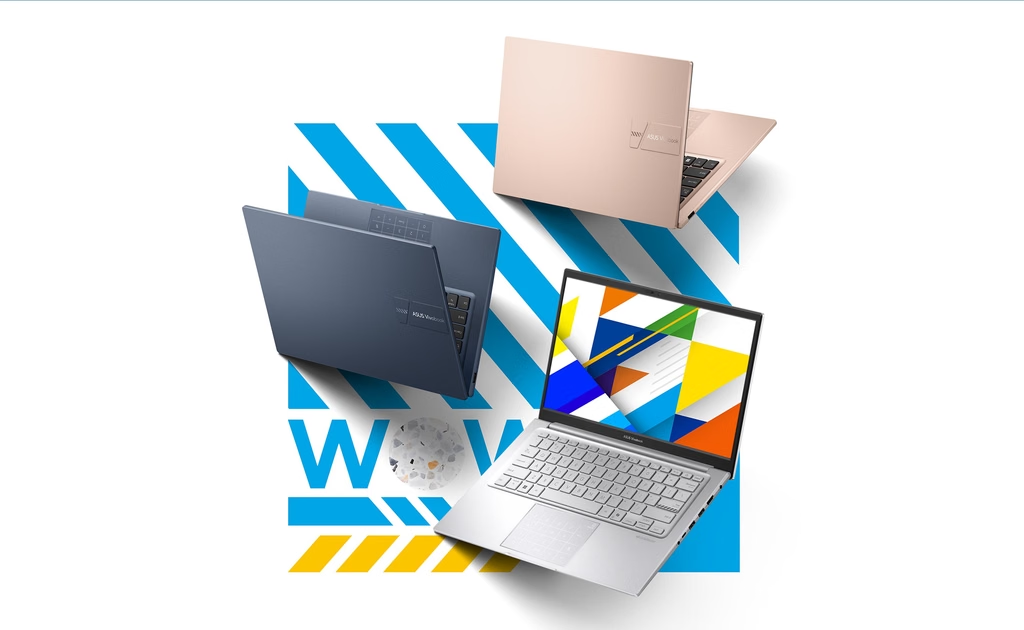
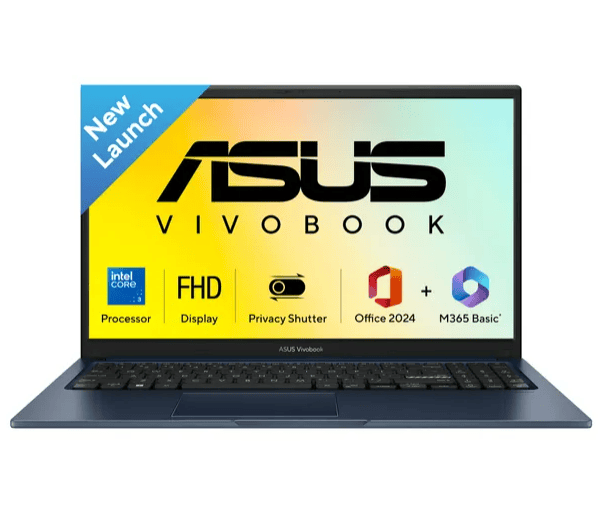
Vivobook occupies a broader part of the ASUS lineup and is aimed at everyday productivity. The range includes standard Vivobook systems, Vivobook S, Vivobook Flip, Vivobook Go, and higher-performance Vivobook Pro models. ASUS’s US catalog currently contains numerous configurations across these categories.
That makes Vivobook less of a single product category and more of a flexible platform for users who need a laptop for ordinary computing. Typical workloads include:
- Web browsing
- Microsoft Office
- Online classes
- Video calls
- Streaming
- Light photo editing
- General multitasking
- Personal productivity
For this type of use, shoppers should generally prioritize enough RAM and SSD storage rather than paying heavily for graphics performance they will rarely use.
A laptop with sensible memory, fast solid-state storage, a comfortable keyboard, and a good display can provide a better everyday experience than a much more powerful system designed for workloads that never occur.
ProArt: Built Around the Needs of Creators
Creative professionals need a different type of laptop. A video editor, photographer, 3D artist, graphic designer, or other content creator may spend more time evaluating a display than a casual laptop buyer would. ASUS positions ProArt specifically around creative workflows.
The current US ProArt laptop range includes models such as the ProArt P16, PX13, and P14, with configurations combining powerful processors, NVIDIA graphics, high-resolution displays, and creator-oriented features. The ProArt P14, for example, is listed with a 14-inch 3K 120 Hz OLED touchscreen, up to 128GB of unified memory, up to 1TB of SSD storage, NVIDIA graphics, and USB 4 connectivity.
These specifications illustrate an important point about buying a creator laptop: the display and memory can be just as important as the processor. A photographer may benefit from a high-quality, color-focused display. A video editor may need additional GPU performance. A 3D artist may prioritize graphics memory and sustained performance. The right ProArt configuration therefore depends heavily on the software being used.
ROG: For Buyers Who Put Gaming Performance First
ROG, or Republic of Gamers, is ASUS’s enthusiast gaming brand. This category is designed around high-performance gaming hardware rather than general portability. Current ASUS offerings include systems such as the ROG Strix SCAR 18, as well as gaming monitors, desktops, components, and other gaming hardware.
For a gaming laptop, the processor alone is not enough to determine performance. The graphics processor, display refresh rate, cooling system, memory, storage, and power limits all influence the experience. That is why a buyer should start with the games being played.
Someone primarily playing competitive esports titles may value a high-refresh display and strong CPU performance. Someone playing demanding AAA games at high resolutions may benefit more from a powerful discrete GPU. ROG is therefore most appropriate for shoppers who are willing to prioritize performance over factors such as weight and battery life.
TUF Gaming: Performance Without Going All-In on Premium Hardware
TUF Gaming occupies a different position from ROG. It targets gamers who still want dedicated gaming hardware but may place greater emphasis on durability and value.
ASUS’s current TUF range includes models such as the TUF Gaming A15 and A16. The Brazilian ASUS store, for example, lists TUF configurations with dedicated NVIDIA graphics, AMD processors, DDR5 memory, high-refresh displays, and expandable RAM and SSD storage. That expandability is worth paying attention to.
A laptop that allows memory or storage upgrades can remain useful for longer as software and game requirements increase. It can also make a lower initial configuration more practical if the hardware allows future expansion.
For buyers comparing gaming laptops, this is an example of a specification that can matter beyond benchmark scores.
ExpertBook: A Different Kind of ASUS Laptop
Not every laptop buyer needs gaming performance or a premium OLED screen. Business users may care more about portability, connectivity, security, manageability, and reliability.
That is where ExpertBook fits into the ASUS lineup. ASUS’s current Brazilian store categorizes ExpertBook alongside Zenbook, Vivobook, ROG, and TUF Gaming, with the range positioned around work use. For business users, the ideal laptop may therefore look very different from the ideal gaming laptop.
A lightweight design, useful selection of ports, strong battery performance, comfortable keyboard, and business-oriented features may have a much greater impact on productivity than a high-end GPU.
OLED vs. IPS: Is the More Expensive Display Worth It?
Display technology is one area where ASUS offers substantial choice. OLED displays can provide deep blacks, high contrast, and vibrant image quality. ASUS currently offers OLED configurations across several laptop families, including Zenbook and Vivobook models in the US market.
For people who watch a lot of content, edit photos, create videos, or simply value a premium viewing experience, OLED can be a meaningful upgrade. But not everyone needs it.
Someone using a laptop primarily for spreadsheets, email, and documents may get more practical value from a larger display, better battery life, or additional RAM. Display choice should therefore be tied to the workload rather than treated as a premium feature that everyone should automatically purchase.
How Much RAM and Storage Does an ASUS Laptop Need?
Two specifications deserve particular attention when comparing configurations: RAM and SSD storage. For basic everyday computing, modest memory can be sufficient. However, users who regularly keep many browser tabs, applications, documents, and communication tools open simultaneously can benefit from more RAM.
Creative professionals and users running demanding applications may need substantially more. Storage is equally important. A 512GB SSD can be adequate for many users, while people working with large video files, games, photographs, or professional applications may quickly benefit from 1TB or more.
The important question is not simply whether a laptop has an SSD. It is how much usable storage the workload actually requires.
The Processor Is Not the Whole Story
Laptop marketing often puts considerable emphasis on CPU names. However, two laptops using processors from the same general performance class can feel very different depending on their cooling systems, power limits, RAM, storage, display, and overall design.
The same principle applies when comparing Intel, AMD, and Snapdragon-based ASUS laptops. ASUS currently offers all three platforms across portions of its lineup. Current Zenbook configurations in the US, for example, include Intel, AMD, and Snapdragon variants.
For buyers, processor selection should therefore begin with software compatibility and workload requirements. A business user running conventional Windows applications may have very different requirements from someone using specialized professional software or games.
A Better Way to Choose an ASUS Laptop
Rather than starting with a budget and browsing every model, it is more efficient to work backward from the intended use.
For students
Look for a lightweight Vivobook or Zenbook with sufficient RAM, SSD storage, good battery life, and a comfortable keyboard.
For remote workers
Prioritize webcam quality, microphone performance, battery life, display comfort, portability, and connectivity.
For professionals
Zenbook and ExpertBook are logical places to start, depending on whether portability or business-oriented functionality matters more.
For creators
Look toward ProArt and higher-performance configurations with strong GPUs, color-focused displays, ample memory, and sufficient storage.
For serious gamers
ROG is the performance-focused option, while TUF Gaming can make more sense for buyers balancing gaming capability with durability and value.
The Bottom Line
ASUS’s biggest advantage is not that every laptop in its lineup is designed for everyone. It is almost the opposite. The company has built distinct product families around different priorities: Zenbook for premium portability, Vivobook for everyday computing, ProArt for creators, ROG for enthusiast gaming, TUF Gaming for durable gaming hardware, and ExpertBook for business users.
That makes the buying decision easier once the intended workload is clear. Instead of asking which ASUS laptop has the most impressive specifications, shoppers should ask which specifications will actually improve their daily experience.
A creator may benefit more from a color-accurate OLED display and powerful GPU than from an ultra-light chassis. A student may benefit more from portability and battery life than from gaming-class graphics. A gamer may reasonably prioritize GPU performance and refresh rate above almost everything else.
The best ASUS laptop is therefore not necessarily the most expensive model or the one with the highest benchmark score. It is the configuration that puts the budget into the features that matter most for the way the computer will actually be used.







Leave feedback about this