


Traveling internationally should be about exploring new places, not worrying about an unexpectedly high phone bill when you get home. International roaming allows your phone to connect to networks outside your home country, but depending on your carrier and plan, using mobile data, making calls, or sending texts abroad can lead to additional charges.
Fortunately, there are several ways to stay connected without relying on expensive roaming services. From using Wi-Fi and local SIM cards to choosing a travel eSIM, travelers have more options than ever. The key is preparing your phone before leaving and making sure it connects to the right network once you arrive.
What Are International Roaming Charges?
International roaming charges are fees that your mobile carrier may apply when you use your phone outside the country or network area covered by your regular plan. Your phone connects to a local mobile network through an agreement between your carrier and the foreign network operator.
Depending on your carrier, roaming charges can apply to mobile data, calls, and text messages. Some providers include international roaming in specific plans, while others charge separately based on usage or offer travel add-ons.
The cost can also vary by destination. Using mobile data for navigation, social media, video streaming, automatic app updates, or cloud backups can consume data quickly. If your regular plan does not include international usage, those activities may result in unexpected charges. That is why checking your carrier’s international roaming terms before traveling is an important part of preparing for an international trip.
How to Avoid International Roaming Charges
There is no single solution that works for every traveler. The right option depends on how long you are traveling, where you are going, how much data you need, and whether you need your regular phone number while abroad.
Here are some of the most practical ways to avoid or reduce international roaming charges.
1. Check Your Carrier’s International Roaming Rates
Before changing any phone settings, check what your existing mobile provider offers for international travel.
Some carriers offer international passes or travel packages that include a specific amount of data, calls, and texts for a fixed price. Others may allow you to use your domestic plan in certain countries without additional fees.
Look specifically for:
- Countries covered by the plan
- Daily or monthly roaming fees
- Included data allowance
- Call and text charges
- Data speed limitations
- Tethering or hotspot restrictions
- What happens after you use your included data
Knowing these details before departure makes it easier to compare your carrier’s option with alternatives such as a travel eSIM or local SIM.
2. Turn Off Data Roaming on Your Regular SIM
If you do not intend to use international roaming, turning off data roaming on your primary SIM can help prevent accidental mobile data usage abroad. On most phones, the setting can be found under the mobile or cellular network settings. The exact wording and location can vary depending on the device and operating system.
This is particularly important if you install a separate travel eSIM. Your phone needs to be configured so that mobile data is supplied by the travel eSIM rather than automatically switching back to your regular SIM.
3. Disable Your Primary SIM When Using a Travel eSIM
A travel eSIM can provide mobile data while you are abroad without requiring you to remove your physical SIM card. However, simply installing an eSIM does not automatically prevent your regular SIM from connecting to a foreign network.
Before using your travel eSIM, check your phone’s SIM settings and disable your primary SIM if you do not need it. On iPhones, you should also make sure that mobile data switching is disabled so the phone does not automatically use another line for data.
Saily specifically recommends disabling your personal SIM and mobile data switching when using its eSIM abroad to prevent unexpected roaming charges.

4. Use a Travel eSIM
A travel eSIM is one of the convenient alternatives to traditional international roaming. An eSIM is a digital SIM profile that can be installed directly on a compatible phone. Instead of relying on your home carrier’s roaming service, you purchase a separate data plan for the destination or region you are visiting.
This can be useful for travelers visiting countries where their regular carrier has expensive roaming rates.
For example, Saily provides prepaid eSIM data plans for more than 200 countries and regions. Its service allows travelers to purchase and install an eSIM before departure and use the plan at their destination. A travel eSIM can also eliminate the need to find a physical SIM card store immediately after landing.
5. Install Your eSIM Before You Leave
If you choose an eSIM, do not wait until you arrive at your destination to set everything up. Install the eSIM while you still have reliable Wi-Fi or mobile internet. This gives you time to complete the installation and troubleshoot any compatibility or activation problems before your flight.
Your phone generally needs to be:
- eSIM compatible
- Carrier unlocked
- Connected to the internet during installation
- Running a supported operating system
Saily recommends installing the eSIM before departure and configuring the relevant settings before reaching the destination. Once you arrive, you can switch your mobile data connection to the travel eSIM and keep your primary SIM disabled if you want to avoid roaming.
Use Wi-Fi When It Makes Sense
Wi-Fi can be another straightforward way to avoid using cellular data abroad. Hotels, airports, cafés, restaurants, and other public places may provide Wi-Fi. Connecting to Wi-Fi means activities such as browsing websites, checking maps, messaging, and syncing certain apps can happen without consuming your cellular data.
However, Wi-Fi is not always available when you need it. You may lose connectivity while walking around a city, using public transportation, visiting rural areas, or traveling between destinations.
Security is another consideration. Avoid entering sensitive information on unsecured public networks when possible, particularly when accessing banking or other important accounts. For travelers who need continuous connectivity, Wi-Fi can therefore work well as a supplement rather than a complete replacement for mobile data.
Download Maps and Travel Information Before Your Trip
Another simple way to reduce mobile data usage is to prepare your phone before departure. Many mapping applications allow you to download maps for offline use. You can also download boarding passes, hotel information, travel documents, playlists, and other content you expect to need during the trip. This means you do not have to rely on mobile data for every task.
Offline preparation is particularly useful when traveling through areas with poor coverage. However, remember that offline maps may not provide every feature available with an active internet connection, such as real-time traffic information or live updates.
Limit Background Data Usage
Your phone can use mobile data even when you are not actively browsing. Apps may refresh content, synchronize files, download updates, back up photos, or send and receive other information in the background. These activities can gradually consume a travel data allowance.
Before traveling, review your phone’s mobile data settings and restrict background data for apps that do not need to stay connected. You can also consider:
- Turning off automatic app updates over mobile data
- Disabling automatic photo and video backups
- Downloading entertainment before your flight
- Disabling automatic downloads
- Limiting high-data activities such as video streaming
- Checking which apps use the most mobile data
These small changes can help extend a limited data plan.
Consider a Local SIM Card
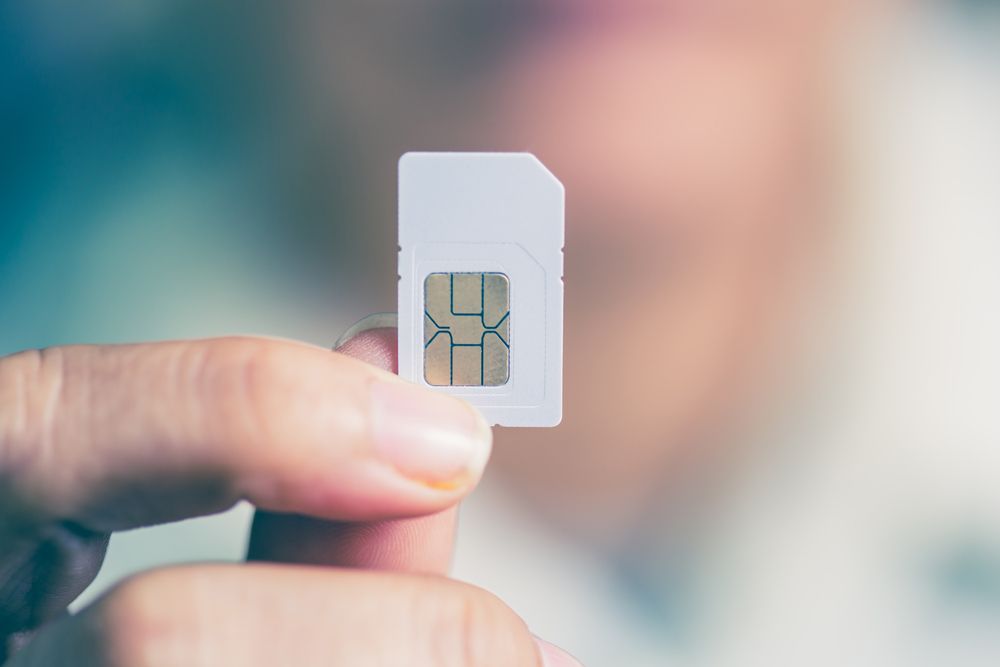
A local physical SIM is another alternative to international roaming. You can purchase a SIM from a local mobile operator after arriving in your destination country. Depending on the provider, the plan may include local data, calls, and texts.
The main drawback is convenience. You may need to find a store or kiosk, complete registration requirements, and physically replace your existing SIM. You also need somewhere safe to store your regular SIM while traveling.
If your phone uses a single physical SIM slot, switching cards can make it less convenient to maintain access to your usual number. For travelers who want to avoid swapping physical SIM cards, an eSIM provides a digital alternative.
Use Messaging Apps for Calls and Texts
Traditional international roaming charges can also come from voice calls and SMS messages. When you have an internet connection, messaging and calling applications can provide another way to communicate. Services such as WhatsApp, Messenger, FaceTime, and similar platforms can use Wi-Fi or mobile data instead of traditional cellular calling.
This can be especially useful when traveling with friends or family who already use the same communication service. However, remember that these services still require an internet connection. If you are using mobile data from a travel eSIM, voice and video calls can also consume your data allowance.
Why a Travel eSIM Can Be Useful for International Trips
For travelers who want mobile internet without depending on their home carrier’s roaming service, an eSIM can offer a convenient middle ground between roaming and buying a local physical SIM.
Saily, for example, provides prepaid travel eSIM plans that can be purchased and installed through its app. Its plans include destination-specific, regional, and global options, allowing travelers to choose based on their itinerary.
One practical advantage is that travelers can prepare their connection before leaving home. Saily says its eSIM can activate automatically when the traveler reaches the destination, provided the required setup has been completed.
This can be particularly useful when arriving late at night, changing countries during a trip, or traveling somewhere where finding a local SIM immediately may be inconvenient.
How to Set Up Your Phone to Avoid Roaming
Before leaving for an international trip, go through this quick checklist.
Before Departure
Check your carrier’s international roaming policy and decide whether you actually need its roaming service. If you are using an eSIM, make sure your phone supports eSIM technology and is carrier-unlocked. Install the eSIM while you have a reliable internet connection. Download important travel information, offline maps, and entertainment you may need.
After Arriving
Once you reach your destination, check which SIM is selected for mobile data. If you are using a travel eSIM, select it as your mobile data line. Disable your primary SIM if you do not need calls or texts through it, and make sure mobile data switching is turned off. For Saily users, the company’s setup guidance recommends disabling the personal SIM and mobile data switching to help prevent accidental roaming.
During the Trip
Keep an eye on your data usage. Avoid unnecessary background activity and use Wi-Fi when it is convenient and trustworthy. If your eSIM has a limited data allowance, regularly check how much data remains so you can purchase additional data before running out.
What Is the Best Way to Avoid Roaming Charges?
The best approach depends on your travel style. If you only need occasional internet access and spend most of your time at hotels or other places with reliable Wi-Fi, you may be able to minimize cellular usage.
If you need internet access throughout the day for maps, ride-hailing, translation, messaging, reservations, and travel research, a travel eSIM can provide more consistent connectivity without relying entirely on public Wi-Fi.
A local SIM can also work well for longer stays, particularly when local calling and texting are important. For frequent international travelers visiting multiple destinations, a regional or global eSIM can be more convenient because it can reduce the need to repeatedly purchase and install separate physical SIM cards.
Final Thoughts
Avoiding international roaming charges mostly comes down to preparing before you travel. Check your carrier’s roaming terms, disable unwanted roaming features, download useful content for offline access, and monitor background data. Wi-Fi, local SIM cards, international roaming packages, and travel eSIMs all provide different ways to stay connected abroad.
For travelers who want mobile data without depending on their regular carrier’s international roaming, a travel eSIM such as Saily can be a practical option. Saily offers plans across more than 200 countries and regions, with destination, regional, and global options available through its app.
The most important step is to configure your phone correctly before you leave. A few minutes spent checking your SIM and mobile data settings can help prevent accidental roaming and make it easier to stay connected throughout your trip.







Leave feedback about this