


Choosing between a dedicated server vs VPS for business applications is one of the most consequential infrastructure decisions a growing company makes. The wrong choice either wastes budget on idle hardware or exposes customer-facing systems to slowdowns and noisy neighbours. For companies in the United States running customer portals, databases, ecommerce platforms or internal tools, understanding the trade-offs between dedicated server versus virtual server hosting helps align spending with real workload demand.
This guide compares the two models on performance, isolation, cost, security and scalability, then offers a practical framework for deciding which fits your applications.
How a VPS Works
A virtual private server divides one physical machine into several isolated virtual environments using a hypervisor. Each VPS receives an allocation of CPU cores, memory and storage, plus its own operating system and root access. Because the hardware is shared, the monthly cost is considerably lower than renting a whole machine.
For many small and mid-sized workloads, a VPS offers the best balance of price and control. Resources can usually be increased in minutes, which suits applications with variable demand.
Where a VPS can fall short
- Shared physical hardware means performance can vary if neighbouring servers are busy.
- Resource ceilings are set by the host node’s capacity.
- Strict compliance regimes may require physical separation.
How a Dedicated Server Works
A dedicated server gives one customer an entire physical machine. Every core, every gigabyte of memory and all disk throughput belong to your workloads, which delivers isolated hosting resources and predictable performance. You can also select hardware, such as high-frequency processors, large RAM configurations or NVMe storage arrays, to match the application.
The trade-off is cost and flexibility. Dedicated hardware is priced as a whole machine, and upgrading beyond its capacity may require migration to a new server.
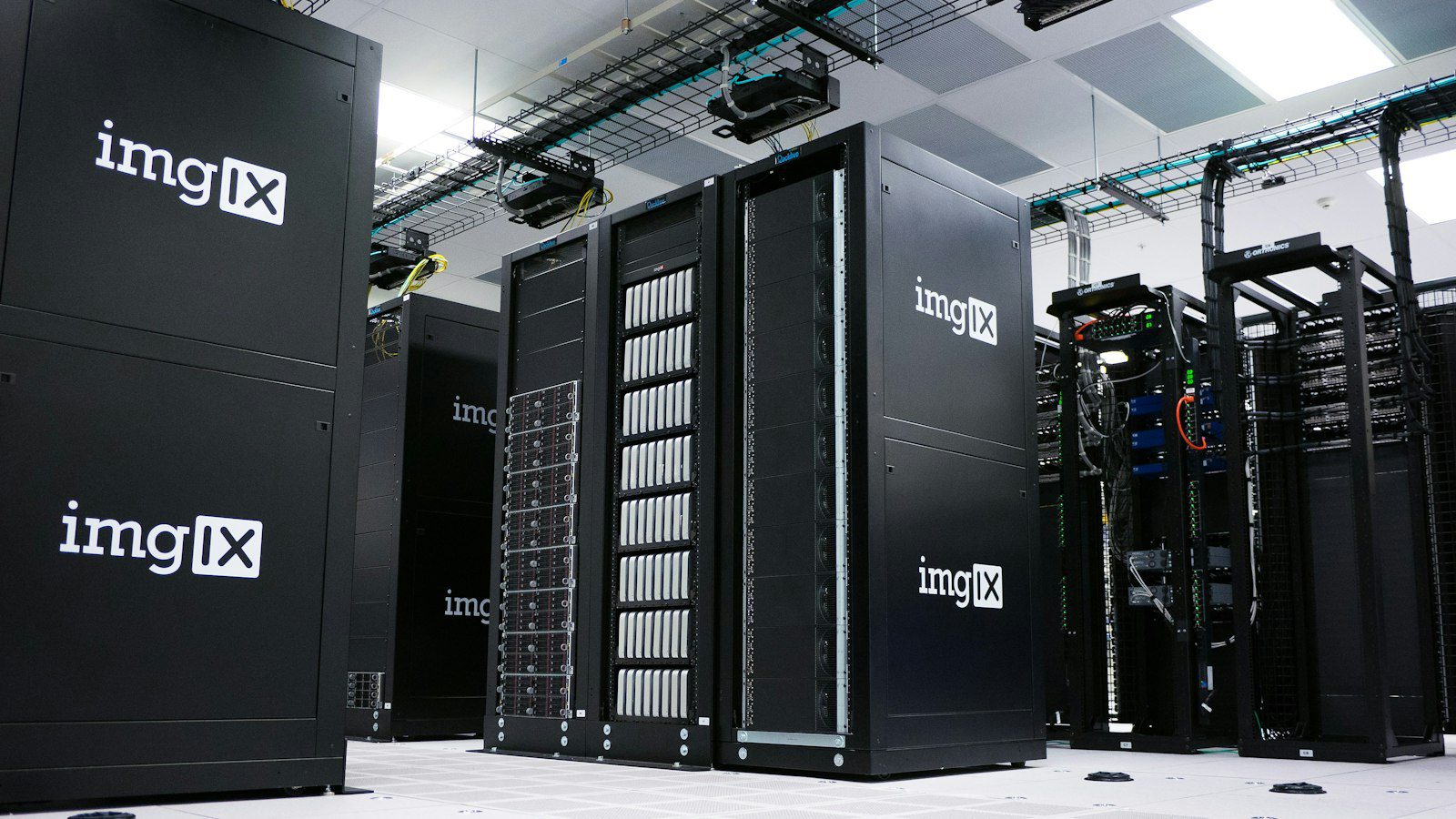
Business Application Hosting Comparison
| Factor | VPS | Dedicated Server |
|---|---|---|
| Performance consistency | Good, may vary under shared load | Excellent and predictable |
| Resource isolation | Virtual isolation | Full physical isolation |
| Typical monthly cost (USD) | Lower, often tens of dollars | Higher, often hundreds of dollars |
| Scaling speed | Minutes | Hours to days, may need migration |
| Hardware customisation | Limited | Extensive |
| Best for | Websites, small apps, test environments | Databases, high-traffic platforms, compliance workloads |
Pros and Cons
VPS
- Pros: affordable, quick to scale, easy to snapshot and clone.
- Cons: shared hardware, lower ceiling for heavy workloads.
Dedicated server
- Pros: maximum performance, complete isolation, custom hardware.
- Cons: higher cost, slower to resize, you pay for unused capacity.
Which Workloads Suit Which Model?
Match the platform to the application’s behaviour rather than its importance. A corporate website, a customer relationship tool for a small team or a staging environment will run well on a VPS. A transactional database, a busy online store during peak sales events or an analytics engine that saturates disk input and output benefits from the consistent throughput of dedicated hardware.
Security and compliance considerations
Businesses handling payment card data, health records or regulated financial information often need to show strong separation of environments. Frameworks such as PCI DSS and HIPAA do not automatically forbid virtual servers, but a dedicated server simplifies the audit conversation because no other tenant shares the hardware. Regardless of model, enforce firewalls, key-based access, patching and tested backups.
Cost over time
Compare total cost, not just the monthly fee. Include managed support, backups, monitoring and migration effort. A VPS that is repeatedly resized or paired with extra load balancers can approach dedicated pricing, at which point the physical machine often becomes the better value.
Providers Worth Considering
If you are looking for a reliable provider with both options, you can try Liquid Web, which offers managed VPS and dedicated servers with fully managed support in the United States. For better efficiency during growth, consider exploring the managed dedicated configurations from Liquid Web, which remove much of the day-to-day administration burden. Teams that begin on a smaller plan can also review the upgrade paths available through Liquid Web before deciding.
Key Takeaways
- Choose a VPS for flexibility, lower cost and moderate workloads.
- Choose a dedicated server for heavy databases, strict compliance and steady high traffic.
- Measure real CPU, memory and disk usage for 30 days before deciding.
- Budget for managed support and backups, not hardware alone.
FAQ
Q1: Is a dedicated server always faster than a VPS?
Not always. A well-provisioned VPS can outperform a weak dedicated machine, but dedicated hardware offers more consistent performance under load.
Q2: When should I move from a VPS to a dedicated server?
Move when sustained resource use regularly exceeds about 70 percent, when latency becomes unpredictable, or when compliance requires physical isolation.
Q3: Can I migrate without downtime?
Yes, with planning. Replicate data, lower DNS time-to-live values in advance and cut over during a low-traffic window.
Q4: Do I need managed hosting?
If you lack in-house system administrators, managed hosting reduces risk by covering patching, monitoring and incident response.
Conclusion
The right answer in the dedicated server vs VPS for business applications debate depends on workload, compliance and growth. A VPS is the sensible starting point for most teams, while a dedicated server earns its price when performance consistency and isolation become business requirements. Audit your usage, estimate total cost including support, and migrate when the data, not instinct, says it is time.







Leave feedback about this