

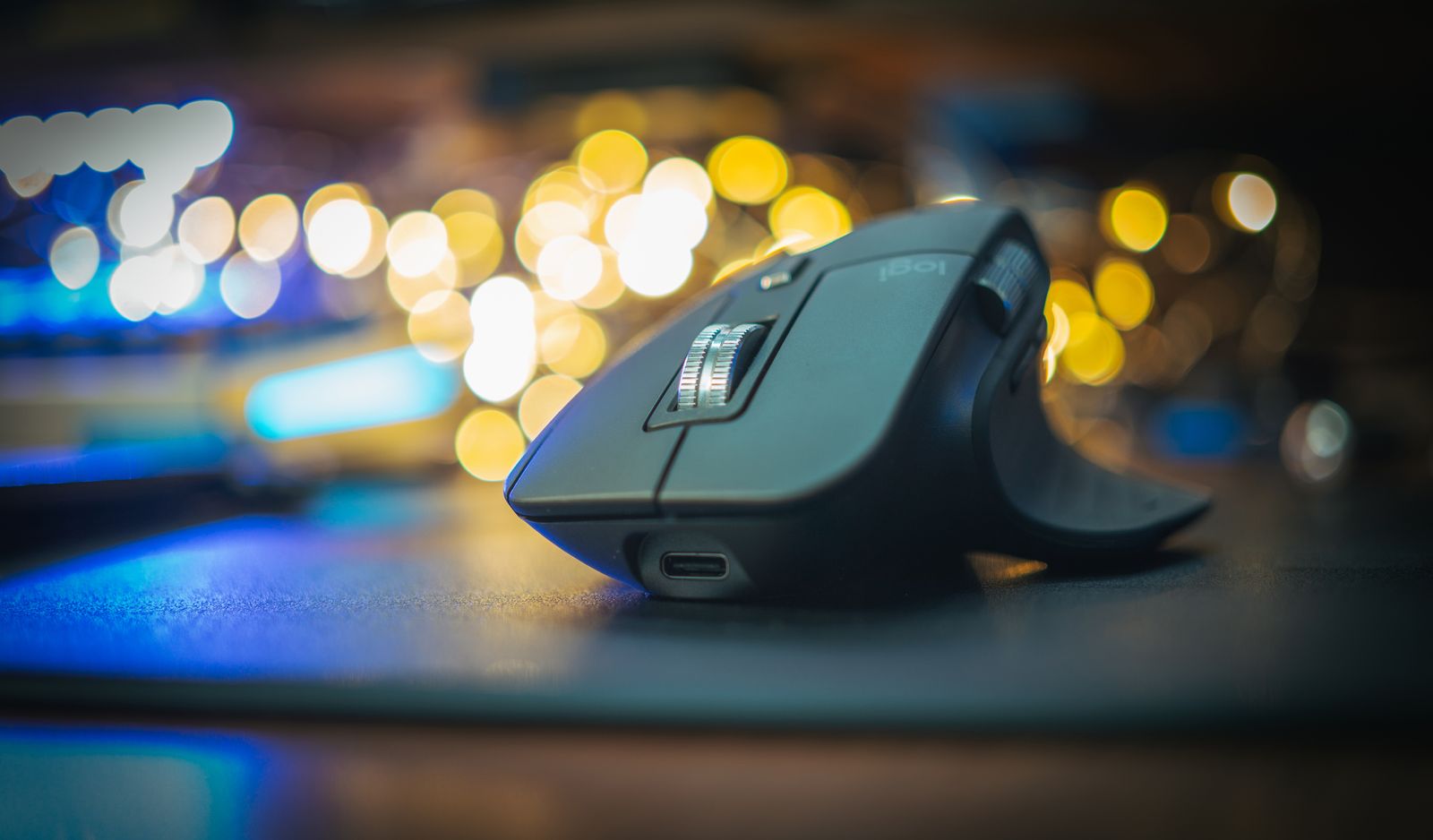
Choosing between an ergonomic mouse vs standard mouse in Mexico is a decision that affects comfort, productivity and long-term wrist health for anyone who spends the working day at a computer. Professionals in Mexico City, Monterrey, Guadalajara and Querétaro increasingly work long hours on spreadsheets, video calls, design tools and web-based platforms, and the pointing device they use is one of the few pieces of equipment they touch continuously. This guide compares the two designs on shape, grip, features, price in Mexican pesos and practical buying considerations.
The aim is not to declare one design universally superior. A conventional mouse remains a sensible, economical choice for many users, while a contoured or vertical model can make a measurable difference for people who feel strain after long sessions. Below, you will find a structured comparison, a checklist of office mouse features that matter, and guidance for buying with confidence in the Mexican market.
Ergonomic Mouse vs Standard Mouse in Mexico: Key Differences
A standard mouse is typically a symmetrical or gently sculpted device that keeps the hand in a flat, palm-down position. This posture requires the forearm bones to cross over one another, a position called pronation, which some users find tiring after several hours. Standard mice are lightweight, familiar and widely available, which explains why they dominate office supply orders across the country.
An ergonomic mouse Mexico buyers will see in stores usually takes one of two forms: a sculpted right- or left-handed shell with a thumb rest, or a vertical design that holds the hand in a handshake position. For readers who want to see how regional pricing and availability shape this choice, our guide to the best wireless mice for work in Mexico offers useful context before you compare models side by side.
Key Design Differences
- Hand posture: a standard mouse keeps the palm flat, whereas a vertical ergonomic model reduces forearm twisting.
- Grip support: ergonomic shells add thumb rests and contoured sides that reduce finger tension.
- Size range: many ergonomic models come in multiple sizes, while standard mice often use one general-purpose size.
- Learning curve: vertical designs usually need a short adjustment period, often a few days to two weeks.
Productivity Mouse Comparison for Mexican Office Workers
A fair productivity mouse comparison Mexico teams can use should look beyond shape alone. Scroll precision, programmable buttons, battery life and multi-device switching all influence how quickly a person completes everyday tasks. The table below summarises how each category usually performs. Specifications vary by model, so confirm the details with an authorised retailer before purchasing.
| Feature | Standard Mouse | Ergonomic Mouse |
|---|---|---|
| Typical price range (MXN, incl. IVA) | Roughly 150 to 600 pesos | Roughly 700 to 2,500 pesos |
| Wrist and forearm comfort | Adequate for short sessions | Better for long daily use |
| Learning curve | None | Short adjustment period |
| Portability | Excellent, often compact | Moderate, usually larger |
| Programmable buttons | Basic, on some models | Common on mid and premium models |
| Best for | Occasional use, travel, shared desks | Full-time desk work, long sessions |
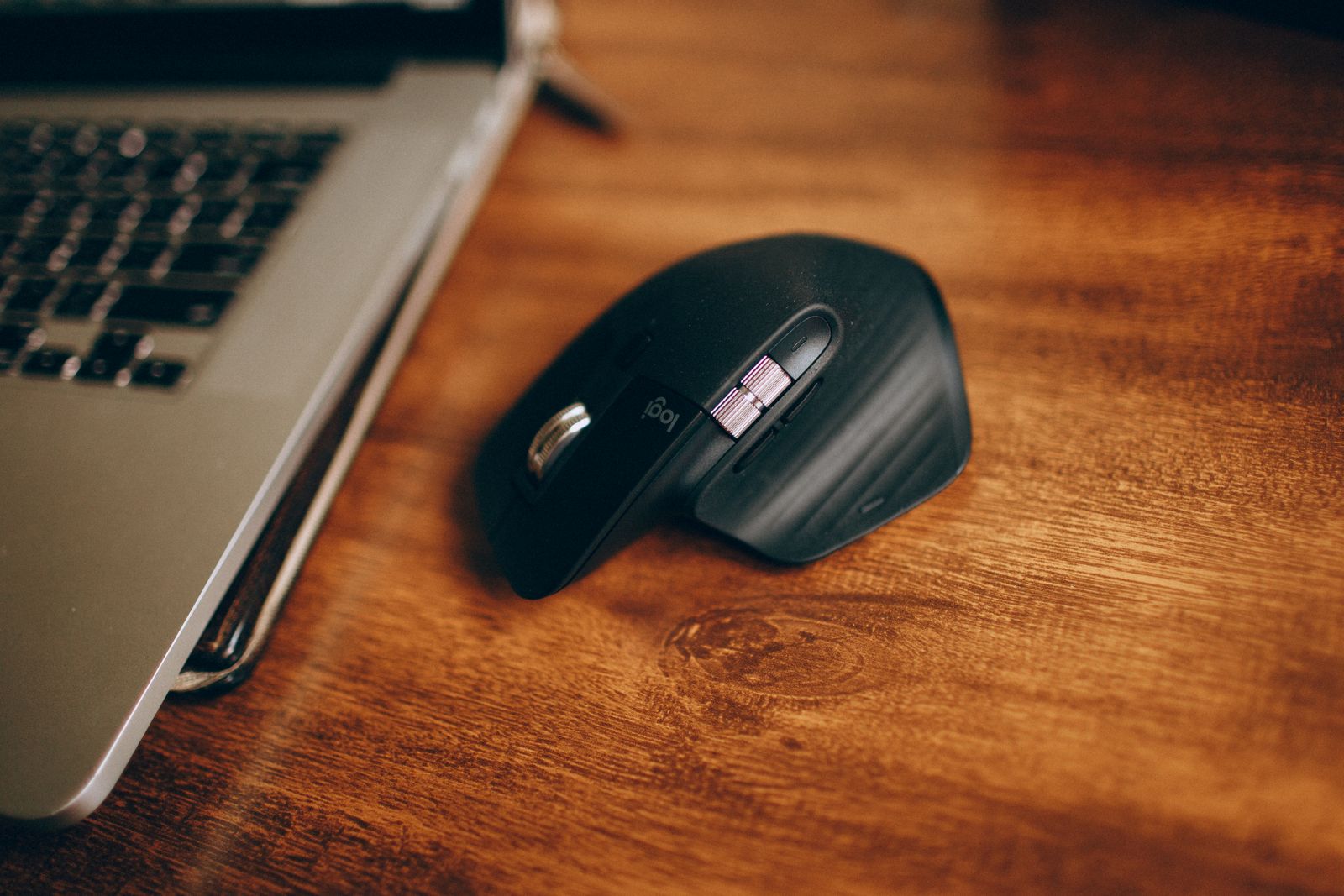
As the table shows, the price gap is real but modest when spread over years of daily use. For someone working eight hours a day, an ergonomic mouse that costs around 1,200 pesos works out to a few centavos per working hour across its lifespan. Buyers who rotate between a desk and a coworking space may still prefer a compact standard model for portability, keeping an ergonomic option at the main workstation.
Office Mouse Features Worth Checking Before You Buy
Whether you choose a conventional or contoured design, a short list of office mouse features separates a dependable product from a disappointing one. Review these points against your own working habits.
- Connectivity: a USB receiver is simple on managed corporate laptops, while Bluetooth suits slim devices and tablets. Dual-mode models give you both.
- Adjustable DPI: sensitivity settings help you move accurately across large or multiple monitors.
- Scroll wheel quality: smooth or ratcheted scrolling saves time in long documents and spreadsheets.
- Silent clicks: valuable in shared offices and open-plan spaces.
- Battery type and life: compare AA or AAA replacement with rechargeable cells that last weeks per charge.
- Multi-device pairing: useful if you switch between a desktop and a laptop during the day.
If you are looking for a reliable option across both categories, you can try Logitech, whose range includes compact standard mice, sculpted comfort models and vertical designs for different hand sizes.
Choosing by Work Style: Who Benefits From Which Design
The most useful way to decide is to match the device to your routine. Users who spend most of the day on a desktop computer with heavy mouse use, such as analysts, designers, accountants and customer support staff, are the strongest candidates for an ergonomic design. Their work involves thousands of repetitive clicks and small movements, and reduced forearm rotation can lessen end-of-day fatigue.
People who use a computer in short bursts, who travel frequently or who share workstations may be better served by a standard mouse. A compact model slips into a laptop bag, works on most surfaces and costs little to replace. Hybrid workers often take a balanced approach: a contoured mouse at the home desk and a travel-sized one for the road. For better efficiency across several devices, consider exploring Logitech models with multi-device switching so a single mouse can follow you between machines.
A Practical Way to Test Comfort
Whenever possible, hold the mouse in a store before buying. Your fingers should rest naturally on the buttons, your palm should be supported without gripping, and your wrist should stay close to neutral. If the device feels too small or too large, try another size rather than forcing a fit. Mexican retail chains and online marketplaces generally publish return policies, so check how many days you have to exchange a product that does not suit you.
Buying in Mexico: Pricing, Warranty and Retailers
Prices in Mexico include 16% IVA, and promotional events such as Buen Fin and Hot Sale often reduce the cost of peripherals noticeably. Buy from authorised sellers, confirm that the warranty is valid in Mexico, and keep the invoice (factura) if you need to claim service or reimbursement for business use. Checking model names and specifications on the manufacturer’s official page, for example Logitech, helps you avoid confusion between similar product names sold under different regional listings.
A comfortable mouse works best as part of a complete workstation. Pairing it with a well-chosen input device matters too, and our overview of the ergonomic vs standard mouse trade-offs for different workflows explains how workflow type changes the answer.
Pros and Cons Summary
Ergonomic mouse pros: improved posture, reduced forearm twisting, better support during long sessions, and frequent extras such as programmable buttons.
Ergonomic mouse cons: higher price, a short adjustment period, and larger dimensions that are less convenient for travel.
Standard mouse pros: low cost, familiar feel, compact size and wide availability.
Standard mouse cons: less support for long sessions and fewer advanced features on entry-level models.
Key Takeaways
- Choose an ergonomic mouse if you use a computer for most of the working day.
- Choose a standard mouse if you travel often or use the computer only in short sessions.
- Budget 700 to 2,500 pesos for ergonomic models and 150 to 600 pesos for standard ones, including IVA.
- Always verify warranty coverage in Mexico and buy from authorised sellers.
- Allow one to two weeks to adapt to a vertical design.
FAQ
Q1: Is an ergonomic mouse really better than a standard mouse?
For people who work at a desk for many hours, an ergonomic design can reduce forearm twisting and improve comfort. For short or occasional use, a standard mouse is usually perfectly adequate.
Q2: How long does it take to get used to a vertical mouse?
Most users adapt within a few days to two weeks. Precise tasks such as photo editing may feel slower at first, then improve as muscle memory develops.
Q3: How much should I spend on a work mouse in Mexico?
Reasonable standard mice start at around 150 pesos, while quality ergonomic models commonly range from 700 to 2,500 pesos including IVA. Spend more only if you value programmable buttons, multi-device pairing or rechargeable batteries.
Conclusion: Which Should You Choose?
When weighing an ergonomic mouse vs standard mouse in Mexico, let your daily routine decide. Full-time desk workers will usually gain the most from a contoured or vertical design, while travellers and occasional users can save money with a dependable standard model. Measure your hand, set a budget in pesos including IVA, and test comfort before committing. To explore both categories in one place, you can visit Logitech and shortlist two or three models to compare against the checklist above. For the rest of your desk, our guide to the best keyboards for a home office will help you build a comfortable setup.






Leave feedback about this