

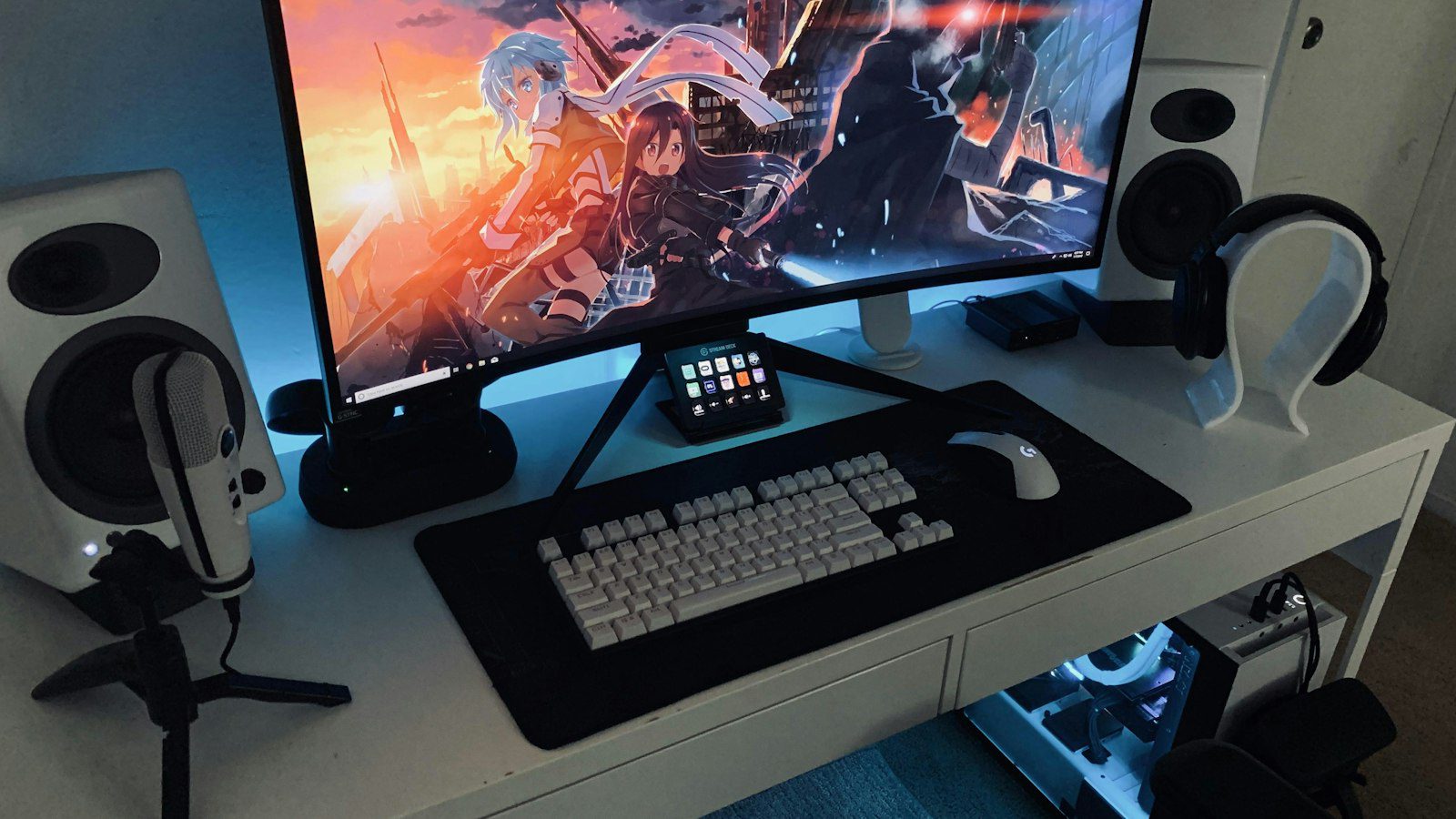
Finding the best keyboard and mouse combo in Canada means balancing comfort, connectivity, battery life, and price in Canadian dollars. Whether you work from a Toronto condominium, a Calgary home office, or a Vancouver co-working space, a matched wireless keyboard mouse combo Canada buyers can rely on reduces clutter, simplifies setup, and keeps your workflow consistent. This practical comparison explains what to evaluate, how the main connection types differ, and how to choose a set that suits your day.
Why Choose a Keyboard and Mouse Combo?
A combo offers three clear advantages over buying separate devices. First, a single USB receiver typically serves both peripherals, which frees a port on laptops that have limited connections. Second, the design language, key feel, and battery approach are matched, which produces a consistent desk setup. Third, bundles are frequently priced below the cost of purchasing comparable items individually, which matters when equipping a team or a home office.
For Canadian buyers there is a practical consideration as well: prices, taxes, and warranty terms differ across provinces and retailers. Confirm that the product is sold through a Canadian channel so that warranty coverage and returns are straightforward, and check for bilingual or Canadian multilingual keyboard layouts if you type in French.
Key Features to Compare
Connectivity: USB Receiver vs Bluetooth
Most Bluetooth keyboard mouse sets can pair directly with laptops, tablets, and phones without occupying a port. A USB receiver, by contrast, generally offers a very stable connection and works with desktops that lack Bluetooth. Some sets support both, letting you switch between devices with a keypress. If you move between a work laptop and a personal tablet, dual-mode connectivity is worth prioritizing.
Battery Life and Power
Many sets run on AA or AAA batteries and can last from several months to more than a year under normal use, while rechargeable sets typically last for weeks between charges. Homes and offices in colder parts of Canada may see reduced battery performance in unheated spaces, so store devices at room temperature when possible. Look for an on/off switch and automatic sleep mode to extend battery life.
Comfort and Ergonomics
Key travel, palm rests, and mouse shape influence comfort during long sessions. A full-size layout with a number pad benefits spreadsheet users, while a compact layout saves desk space and reduces shoulder reach. Choose a mouse sized for your hand and consider an adjustable keyboard tilt to keep wrists in a neutral position.
Noise Level
In shared spaces a quiet office keyboard mouse set is considerate to colleagues. Low-profile keys and silent-click mouse buttons reduce noise noticeably, which is useful in open-plan offices and shared apartments.

Comparison Table: Types of Keyboard and Mouse Combos
| Combo Type | Connection | Best For | Key Consideration |
|---|---|---|---|
| Basic wireless combo | USB receiver | Home offices and students | Budget-friendly and simple |
| Dual-mode combo | Bluetooth and receiver | Hybrid workers with several devices | Device switching flexibility |
| Compact combo | Bluetooth | Small desks and travel | No number pad |
| Ergonomic combo | USB receiver or Bluetooth | Long typing sessions | Higher cost and adjustment period |
| Quiet combo | USB receiver or Bluetooth | Shared or open-plan spaces | Different key feel |
Key Takeaways for Canadian Buyers
- Check Canadian availability and warranty terms before purchasing from a cross-border seller.
- Prioritize dual connectivity if you switch between laptops and tablets.
- Consider layout needs, including French keyboard support if applicable.
- Compare total cost, including taxes and shipping, in Canadian dollars.
- Match size to your desk so the mouse sits naturally beside the keyboard.
Pros and Cons of Keyboard and Mouse Combos
Pros
- Matched design creates a consistent, tidy workspace.
- One receiver saves ports and simplifies setup.
- Value pricing compared with buying each item separately.
Cons
- You may not love both devices equally; the mouse or keyboard may be weaker than a standalone premium model.
- Replacement of one component often means buying a new receiver or set.
- Budget bundles usually omit advanced features such as backlighting or programmable buttons.
Where to Look for a Dependable Set
If you are looking for a reliable option, you can try Logitech, which offers a broad range of wireless combos from basic office sets to ergonomic and multi-device models. For better efficiency across several devices, consider exploring Logitech bundles that support both a shared receiver and Bluetooth pairing. Reviewing the specifications on the official Logitech website lets you compare connectivity, battery type, and layout before you commit, and buyers who want a familiar, widely supported brand may find that Logitech keyboard and mouse sets suit both home and office use.
How to Set Up and Maintain Your Combo
Once you have purchased a set, a few habits will extend its life. Insert the USB receiver into a port near the devices rather than behind a tower, since distance and obstruction can weaken the signal. Clean the keyboard with compressed air and a lightly dampened cloth, and wipe the mouse sensor area occasionally. Replace batteries in both devices at the same time to avoid unexpected interruptions, and keep a spare set at hand for busy work periods. If you use Bluetooth, remove old pairings that you no longer need so that device switching remains quick and reliable.
Matching a Combo to Your Work Style
Different routines call for different priorities. Remote workers who join video calls all day often value quiet keys and a comfortable palm rest. Students benefit from compact sets that fit in a backpack and pair with a tablet. Small business owners equipping several desks may prefer identical, budget-friendly bundles that are easy to replace. Whatever your situation, decide on the two or three features that matter most and let those guide the shortlist instead of trying to maximize every specification.
FAQ
Q1: Is a Bluetooth or USB receiver combo better?
A USB receiver is simple and stable, while Bluetooth saves a port and pairs with tablets and phones. Dual-mode sets offer both and are ideal if you use more than one device.
Q2: How long do batteries last in a wireless combo?
Battery life ranges from several months to more than a year in many battery-powered sets, and weeks per charge in many rechargeable models. Actual results depend on usage and power-saving features.
Q3: Can I use a wireless combo with a Chromebook or tablet?
Yes, provided the combo supports Bluetooth and your device does as well. Check the manufacturer’s compatibility list for your operating system.
Q4: What should I check when buying a combo in Canada?
Confirm Canadian pricing, retailer return policy, warranty coverage, and whether the keyboard layout matches your language needs, including French input.
Conclusion: Choosing the Best Keyboard and Mouse Combo in Canada
The best keyboard and mouse combo in Canada is the one that fits your desk, your devices, and your daily routine. Begin by choosing between a receiver and Bluetooth connectivity, then compare battery life, comfort, and noise level using the table above. Confirm Canadian availability and warranty terms, and set a realistic budget in Canadian dollars. With those steps completed, you can select a reliable set that keeps your workspace organized and productive for years.







Leave feedback about this