

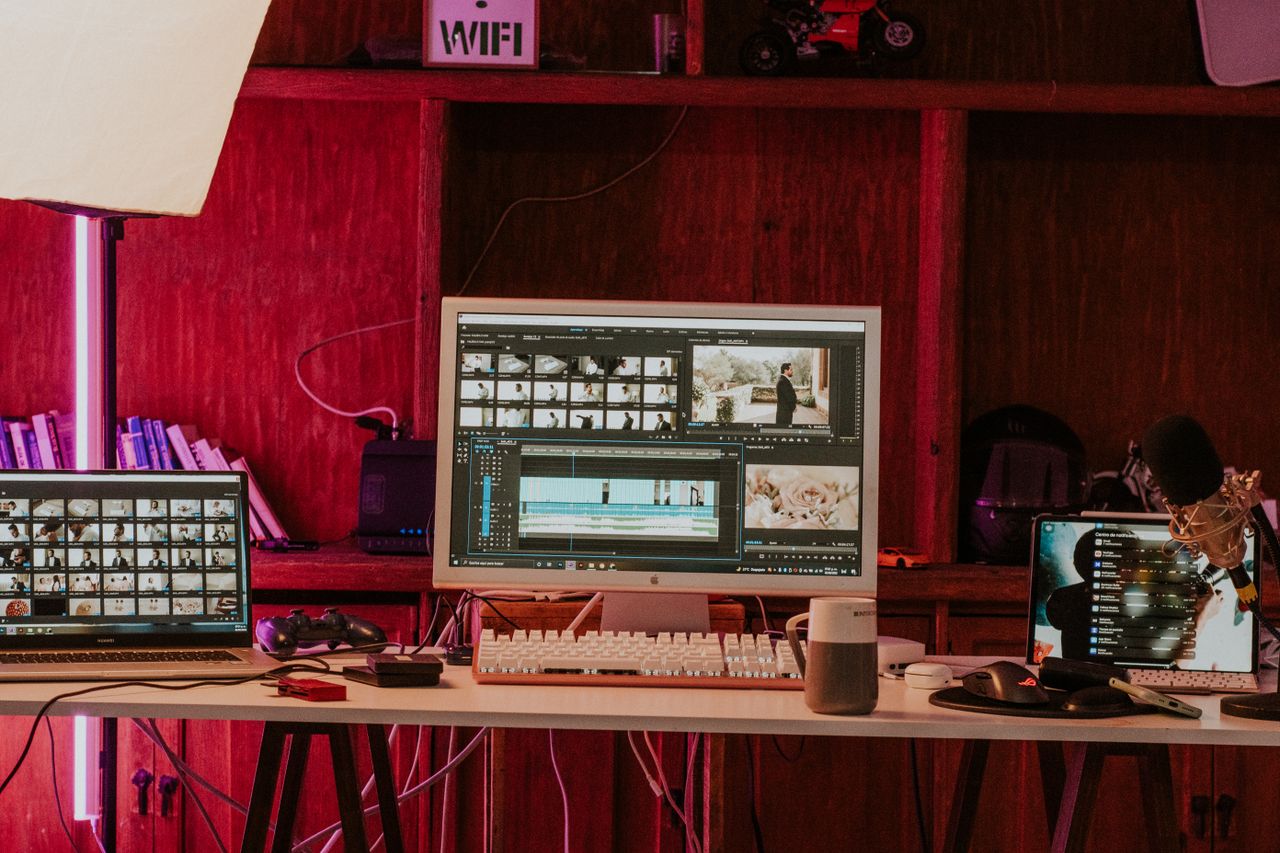
Whether you are making family videos in Manchester, YouTube content in London, or social clips for a small business in Glasgow, the first editor you pick shapes how quickly you learn. Knowing how to choose video editing software for beginners UK buyers can rely on means weighing ease of use, price in pounds, hardware needs and export options rather than chasing the longest feature list. This guide walks through each factor in a practical order.
The right beginner video editor should feel approachable on day one, grow with your skills, and avoid surprise costs such as watermarks or paid upgrades for basic exports.
How to Choose Video Editing Software for Beginners UK: Start With Your Goals
Before comparing products, decide what you want to produce. A holiday montage, a tutorial, a short ad, and a school project each demand different tools. Beginners usually benefit from drag-and-drop editing, templates and guided workflows, while advanced colour grading and multi-camera editing can wait.
Be honest about the time you can invest. A simple editor you open every week is better than a powerful one that stays unused because it feels intimidating.
Beginner Video Editor Features Worth Prioritising
These are the core beginner video editor features that deliver the most value early on:
- Intuitive interface: clear menus, previews and undo options.
- Trim, split and merge tools: the foundation of every edit.
- Text, titles and captions: essential for social video and accessibility.
- Music and sound controls: volume balancing and fades.
- Transitions and effects: useful, but only in moderation.
- Built-in tutorials: shorten the learning curve significantly.
Simple Timeline Editing Tools
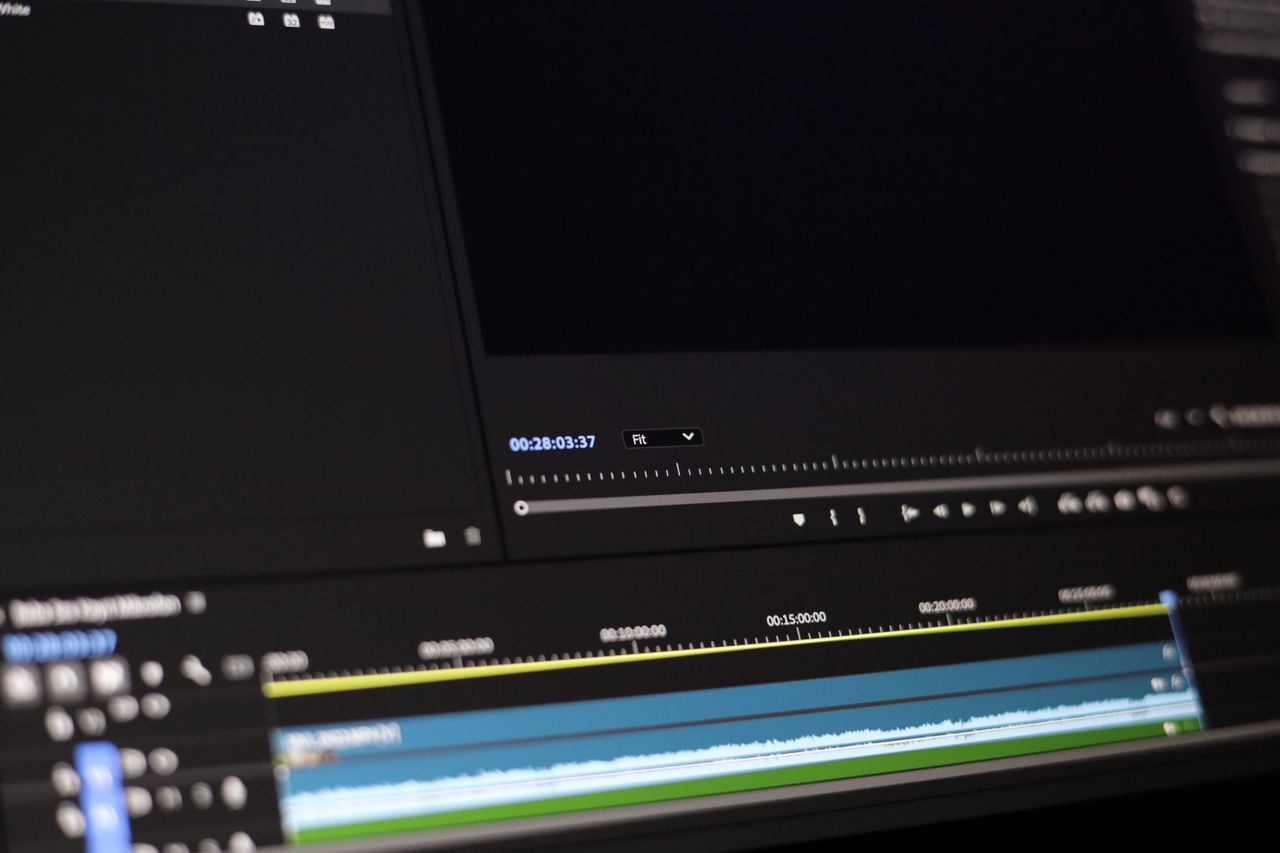
The timeline is where you arrange clips, audio and graphics. Beginners should look for simple timeline editing tools with clear tracks, snapping, zoom and drag-to-reorder behaviour. Some editors offer a storyboard mode that hides complexity, then reveal a full timeline when you are ready. Either approach works, provided you can switch without losing your project.
If you are looking for a reliable option that balances approachability with room to grow, you can try Wondershare, whose video editing tools are designed with newcomers in mind.
Video Editor Export Options Checklist
Exporting is where many beginners hit problems, so use this video editor export options checklist before you commit:
- Resolution: 1080p is sufficient for most uses, with 4K as a bonus.
- Formats: MP4 (H.264) for broad compatibility.
- Social presets: vertical 9:16 for TikTok and Reels, 16:9 for YouTube.
- Watermarks: confirm whether free versions add a logo to exports.
- Frame rate options: 24, 25 or 30 fps; 25 fps is the standard in UK PAL regions.
- Direct sharing: uploading to YouTube or social platforms from within the app.
Comparison Table: What to Check Before You Buy
| Factor | What to Look For | Why It Matters |
|---|---|---|
| Ease of use | Templates, guided tools, clean layout | Reduces frustration for new editors |
| System requirements | Works on your Windows PC or Mac | Avoids lag on older hardware |
| Pricing | Cost in GBP including VAT; subscription or one-off | Prevents surprises at checkout and renewal |
| Free trial | Time-limited or feature-limited, watermark noted | Lets you test before paying |
| Export quality | 1080p or 4K, MP4, social presets | Ensures videos look professional |
| Learning resources | Tutorials, community, support | Speeds up your progress |
Pricing, VAT and Consumer Rights in the UK
Prices in the UK should be displayed including VAT, so compare like with like. Decide whether you prefer a subscription, which spreads cost and includes updates, or a perpetual licence, which costs more upfront. If you buy online, the Consumer Contracts Regulations generally give you a cooling-off period for distance purchases, although digital content rules can limit refunds once you start using the software. Read the terms, and use free trials to test before paying.
For better efficiency when you start building a regular editing routine, consider exploring Wondershare and compare its plans against your budget in pounds.
Pros and Cons of Beginner Friendly Editors
Pros
- Faster results thanks to templates and presets.
- Lower learning curve and fewer overwhelming options.
- Affordable plans compared with professional suites.
Cons
- Fewer advanced tools such as complex colour grading.
- Watermarks on some free versions.
- Template reliance can make videos look similar.
Key Takeaways
- Pick software that matches your current skill level, not your future ambitions.
- Test the timeline and export process using a free trial.
- Confirm GBP pricing including VAT and the renewal terms.
- Check system requirements against your computer.
- Use tutorials to build skills quickly.
FAQ
Q1: Do I need a powerful computer to edit video as a beginner?
Not necessarily. For 1080p projects, a modern mid-range laptop with enough memory is usually adequate, but always check the software’s system requirements.
Q2: Is free video editing software good enough?
Free editors are excellent for learning, but they may add watermarks, limit export quality or restrict features. Test whether the limits suit your projects.
Q3: Should I choose a subscription or a one-off purchase?
A subscription keeps you updated and spreads the cost, while a one-off licence can be cheaper over several years. Choose based on how long you expect to edit.
Q4: What export settings are best for YouTube and social media?
Use MP4 at 1080p for YouTube and vertical 9:16 presets for short-form platforms. Many beginner editors include these presets.
Conclusion
Learning how to choose video editing software for beginners UK shoppers can trust is a matter of matching features, price and hardware to your goals. Prioritise a clear interface, simple timeline tools, sensible export options and transparent pricing in pounds. When you are ready to start, try a free trial of Wondershare, edit a short project from start to finish, and let that experience guide your final decision.







Leave feedback about this