

Deciding between mechanical vs membrane keyboard for work in Canada is a decision that affects your comfort, accuracy, and focus for thousands of hours a year. Whether you are typing reports in a Toronto open-plan office, answering emails from a home desk in Calgary, or coding in a shared Vancouver workspace, the switch technology beneath your keys shapes how each keystroke feels and sounds. This guide compares both designs across typing feel, noise, durability, and cost in Canadian dollars (CAD), so that you can select a keyboard that suits your workday rather than simply following trends.
How Mechanical and Membrane Keyboards Differ
The core difference lies in what happens when you press a key. A membrane keyboard uses a flexible rubber or silicone layer that completes an electrical circuit when pressed. A mechanical keyboard places an individual physical switch beneath every key, each containing a spring and a metal contact mechanism.
This distinction produces noticeable differences in feel and longevity. Membrane designs are generally quieter and softer, while mechanical designs provide more distinct feedback and can often be repaired or customized. Neither is universally better; the right answer depends on your environment and habits.
Keyboard Switch Types Explained
Understanding keyboard switch types is essential if you lean toward a mechanical model, because the switch determines almost everything about the experience.
Linear Switches
Linear switches press smoothly from top to bottom with no tactile bump and no click. They are relatively quiet and favoured by people who type quickly and lightly.
Tactile Switches
Tactile switches produce a small bump midway through the keystroke, letting you feel actuation without bottoming out. They are a popular compromise for office typing because they add feedback without excessive noise.
Clicky Switches
Clicky switches add an audible click on actuation. They deliver satisfying feedback but are usually the loudest option and may be unsuitable for shared offices.
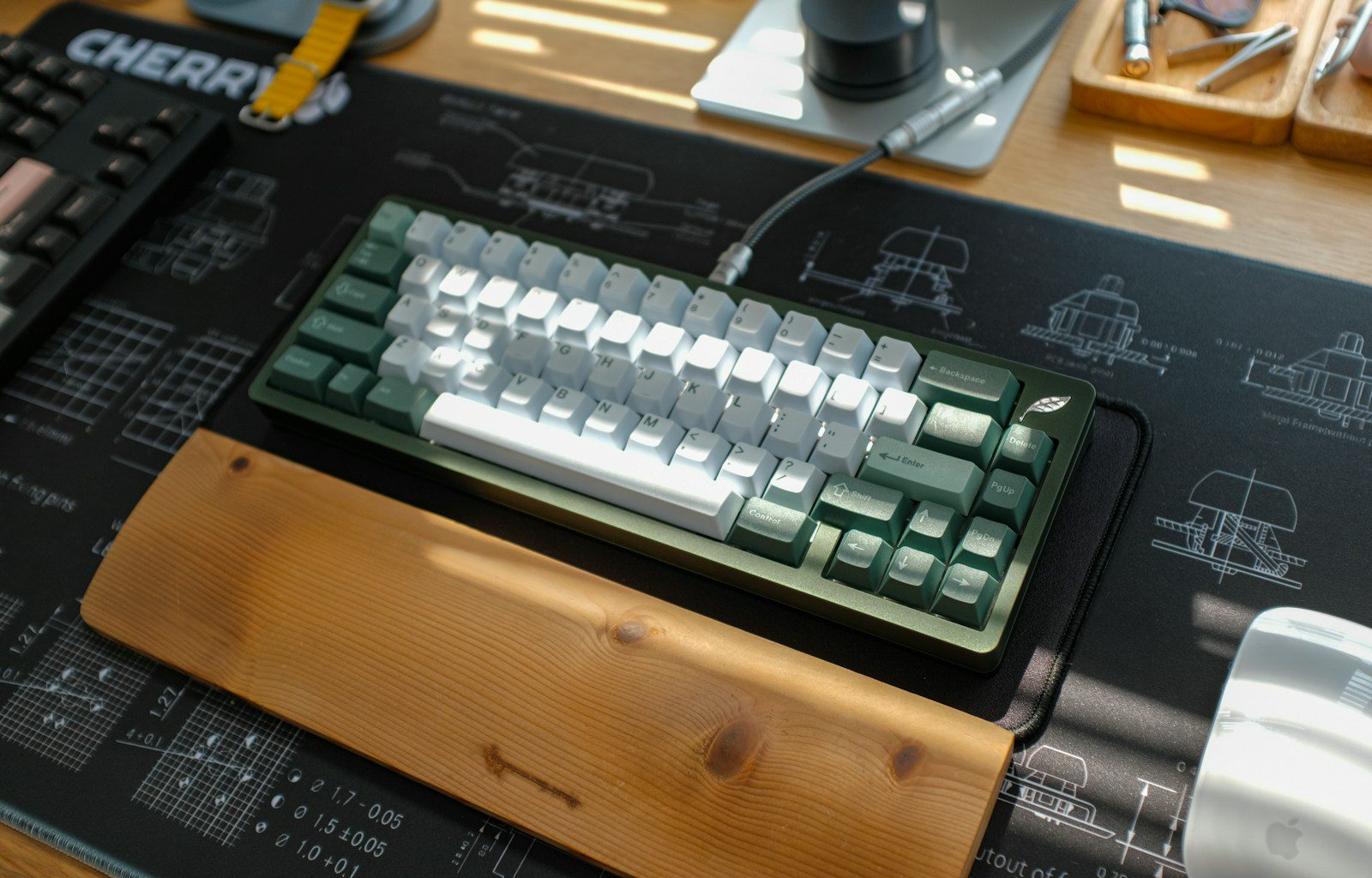
Mechanical vs Membrane: Side-by-Side Comparison
| Factor | Mechanical | Membrane |
|---|---|---|
| Typing feel | Distinct, customizable feedback | Soft, cushioned, less defined |
| Noise level | Ranges from quiet to loud | Generally quiet |
| Durability | Often rated for tens of millions of keystrokes | Typically shorter lifespan |
| Repairability | Switches and keycaps often replaceable | Usually replaced as a whole unit |
| Typical price in Canada | Roughly CAD $90–$250 | Roughly CAD $25–$100 |
| Best for | Heavy typists, home offices | Shared offices, budget setups |
The price ranges above are indicative estimates and vary by retailer, model, and promotions, so verify current prices before you buy.
Choosing a Quiet Office Keyboard in Canada
Noise is often the deciding factor in shared workplaces, so a quiet office keyboard Canada buyers can rely on should be tested against your surroundings. Membrane keyboards are quiet by default, but a mechanical model with linear or silent tactile switches can be nearly as discreet. Adding O-ring dampeners or a padded desk mat further reduces sound.
If you are looking for a reliable option in both categories, you can try Logitech, which offers membrane-based work keyboards as well as mechanical models with low-noise switch options.
Ergonomics, Cold Winters, and the Canadian Workspace
Ergonomics matter regardless of switch type. The Canadian Centre for Occupational Health and Safety (CCOHS) publishes guidance encouraging neutral wrist postures, and low-profile keyboards with a palm rest can help. Many Canadians also work from home during long winters, which makes a comfortable, dependable keyboard a worthwhile investment.
Practical Tips for Comfort
- Keep wrists straight and relaxed rather than bent upward.
- Choose a keyboard with an adjustable tilt or slim profile.
- Take short breaks every 30 to 60 minutes to stretch.
- Consider a wireless model to keep your desk uncluttered.
Layout and Language
Canadian buyers should also check the layout. Many stores stock both the standard US layout and the Canadian Multilingual Standard layout used for French accented characters. If you write in both English and French, confirm that the keyboard supports the layout you need before ordering.
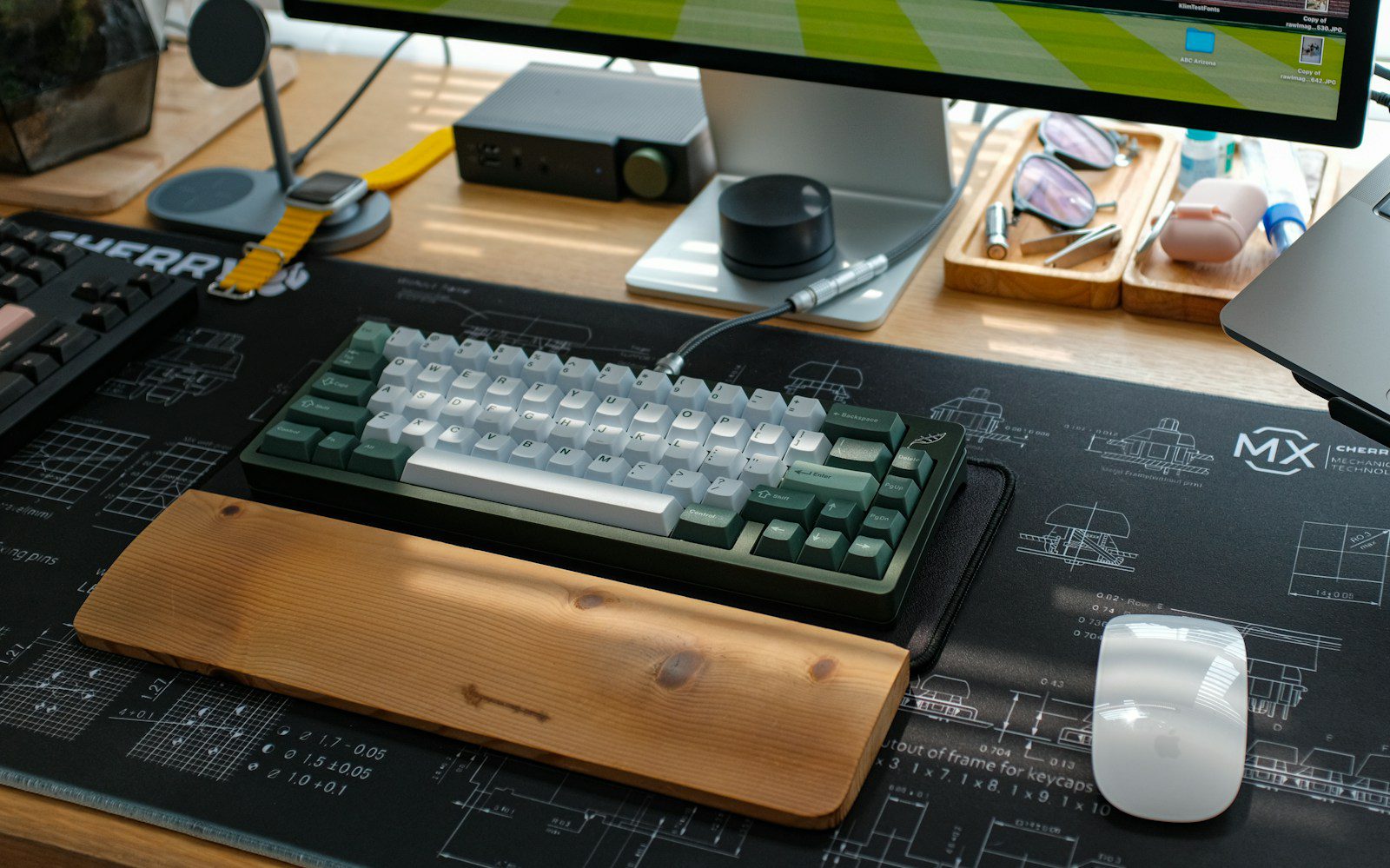
Pros and Cons of Each Keyboard Type
Mechanical Keyboards
- Pros: precise feedback, long lifespan, replaceable parts, and wide customization.
- Cons: higher cost, potentially louder operation, and often greater weight.
Membrane Keyboards
- Pros: affordable, quiet, lightweight, and widely available in Canada.
- Cons: softer feedback, shorter durability, and limited repair options.
For those who want dependable everyday performance, consider exploring Logitech for wireless keyboards that balance comfort with reasonable pricing.
Which Should You Buy? A Simple Decision Guide
Choose a mechanical keyboard if you type for many hours daily, work mostly from home, and value feedback and longevity. Choose a membrane keyboard if you share a workspace, prefer minimal noise, or want to keep costs down. If you remain undecided, a mechanical keyboard with tactile or linear switches offers a sensible middle ground. For a broad range of both styles, Logitech is a practical place to compare models side by side.
Total Cost of Ownership and Where to Buy in Canada
The sticker price is only part of the story. A CAD $30 membrane keyboard that needs replacing every two or three years may cost more over a decade than a single well-built mechanical model. Conversely, if you are a light typist who mainly answers short emails, an expensive keyboard may never repay its premium. Estimate how many hours you type each week and how long you plan to keep the device before deciding.
Canadian buyers should also account for shipping, duties, and exchange rates when ordering from foreign sellers. Purchasing from retailers with Canadian pricing usually simplifies returns and warranty claims. Check whether the warranty is honoured domestically and how long the return window lasts, because a keyboard that feels wrong after a week is easier to send back within a generous policy.
A Practical Testing Checklist
- Type for at least ten minutes in a store or during the return window to judge fatigue.
- Listen for noise and ask a colleague whether it is distracting.
- Confirm wireless connectivity options such as Bluetooth and a USB receiver.
- Check battery life or charging method if you choose a wireless model.
FAQ
Q1: Is a mechanical keyboard better than a membrane keyboard for office work?
Not always. Mechanical keyboards offer better feedback and durability, but membrane keyboards are quieter and cheaper, which often suits shared offices better.
Q2: What is the quietest switch type for an office?
Linear and silent tactile switches are the quietest mechanical options. Clicky switches are the loudest and are best reserved for private workspaces.
Q3: How much should I spend on a work keyboard in Canada?
Budget models often start around CAD $25, while quality mechanical keyboards commonly range from about CAD $90 to $250. Prices vary, so compare current listings.
Q4: Do I need a Canadian keyboard layout?
If you type French accented characters regularly, the Canadian Multilingual Standard layout can help. Otherwise, the standard US layout works well for most English-language work.
Conclusion: Match the Keyboard to Your Workday
The mechanical vs membrane keyboard for work in Canada question comes down to noise tolerance, typing volume, budget, and layout needs. Mechanical models reward heavy typists with feedback and longevity, while membrane models deliver quiet, affordable reliability. Test switch types if you can, check the layout and return policy, and choose the option that keeps you comfortable through a full day. When you are ready to compare options, start by exploring the range at Logitech and pick the keyboard that fits your desk, your team, and your budget.







Leave feedback about this