

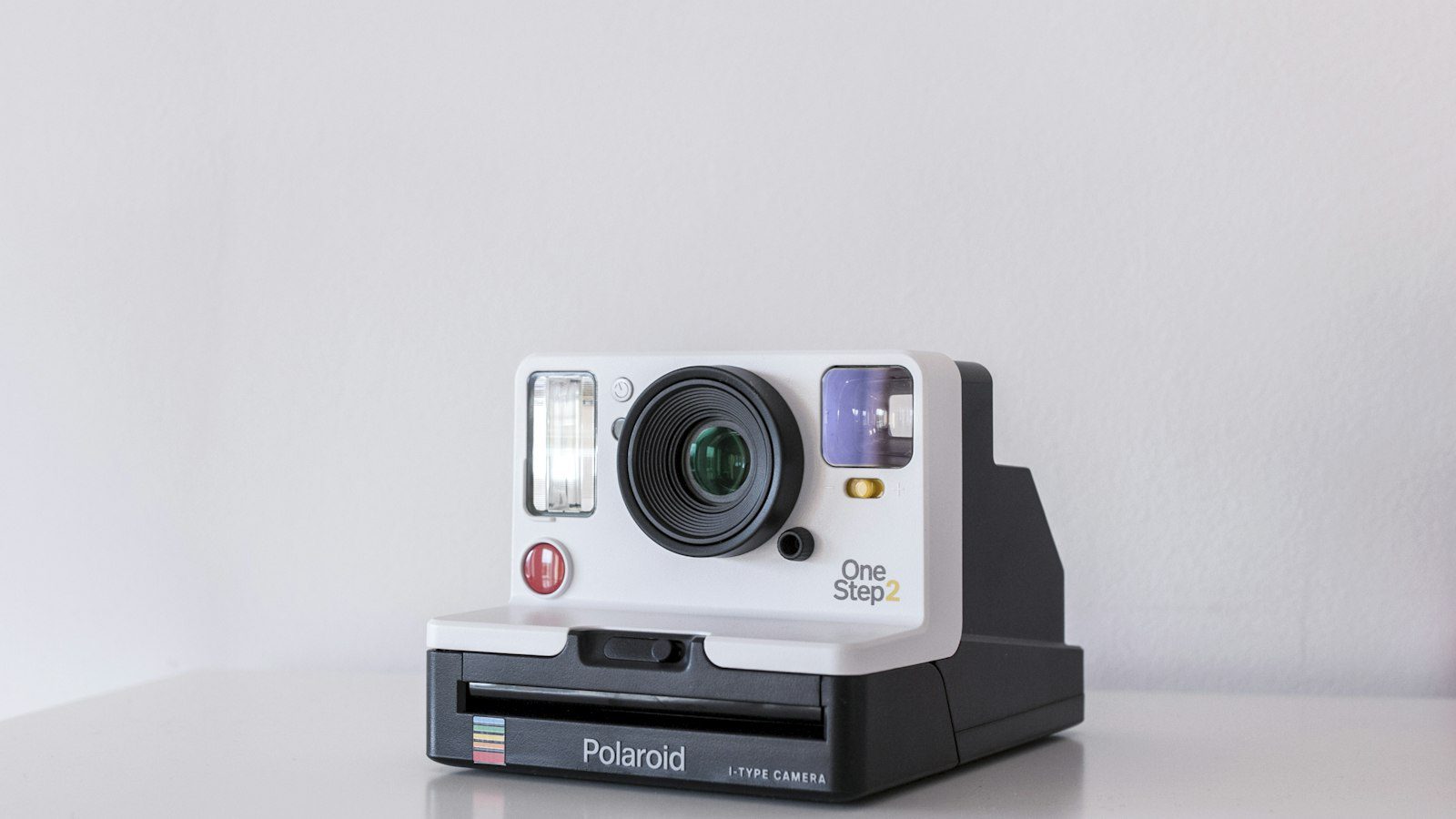
Learning how to turn product photos into AI promotional videos in Canada gives online merchants from Vancouver to Halifax a practical way to compete with larger brands without a film crew. Canadian shoppers spend more time browsing on mobile devices, and short videos hold attention far better than a single static image. A capable product photo video maker Canada sellers can rely on turns the catalogue you already have into scroll-stopping clips. This guide walks through preparation, workflow, localisation and compliance so your first campaign is efficient and professional.
Why Canadian Sellers Are Moving From Photos to Video
Ecommerce in Canada is shaped by long shipping distances, seasonal weather and a strong preference for transparent pricing in Canadian dollars (CAD). Video helps address each of these concerns. It can show real size, demonstrate how an item is used in a snowy or rainy climate, and display the price and delivery promise clearly.
It also supports small teams. A single photo set can produce a vertical clip for Instagram and TikTok, a square version for Facebook ads and a landscape edit for your product page. That reuse is what makes an ecommerce promo video workflow Canada brands can sustain week after week.
Step 1: Prepare Photos That Animate Well
The better the source image, the better the video. Collect four to six high-resolution photos per product, covering the front, side, detail and in-use views.
- Lighting: use soft daylight or a lightbox to avoid harsh shadows.
- Backgrounds: keep them clean so text overlays remain readable.
- Consistency: shoot at the same angle and distance across a collection.
- File quality: avoid heavily compressed images that introduce visible artefacts.
Good preparation also makes later edits quicker, because you will not need to repair flaws frame by frame.
Step 2: Build an Ecommerce Promo Video Workflow for Canada
A written process keeps quality consistent when several people contribute. A simple sequence works for most Canadian small businesses.
- Choose one message: a single benefit, such as winter-ready durability or fast Canada-wide delivery.
- Draft a short script: a hook, two features and a call to action.
- Upload and order images: arrange them to match the script.
- Generate and review: check every scene for distortion or errors.
- Export per channel: select the correct ratio and length.
If you are looking for a dependable platform to follow this process, you can try Pippit AI, which is built to turn product images and links into promotional videos.

Step 3: Plan AI Product Video Scenes Canada Audiences Respond To
Effective AI product video scenes Canada viewers enjoy follow the structure of a short advertisement: a striking opening, two or three feature scenes and a clear closing offer. Aim for 15 to 30 seconds on social platforms.
Localise the details
Show prices in CAD, mention whether taxes are included, and state delivery options such as Canada Post or courier shipping. If your audience includes Quebec, consider a French-language version of the captions, since bilingual content builds trust and may be expected by many customers there.
Use motion that respects the product
Gentle zooms and pans suit clothing and home goods, while quick cuts work for accessories and gadgets. Avoid effects that change a product’s shape, colour or proportions, because customers should receive exactly what they saw.
Comparison: Static Photos vs AI Promo Videos
| Factor | Static Photos | AI Promo Videos |
|---|---|---|
| Production effort | Low | Low to moderate |
| Social engagement | Usually lower | Usually higher |
| Feature demonstration | Limited | Stronger with motion and text |
| Bilingual versions | Requires new graphics | Faster through text overlays |
| Reusability | One format | Several ratios and lengths |
Pros and Cons for Canadian Merchants
- Pros: faster content production, lower cost than filming, easy scaling across seasonal collections and simple adaptation for English and French audiences.
- Cons: fine details can be distorted, output quality depends on photo quality, and every clip still needs a human check for accuracy.
For better efficiency across a large catalogue, consider exploring Pippit AI and reusing one layout for each product family.
Compliance and Advertising Considerations in Canada
Promotional claims must be truthful. The Competition Bureau of Canada expects advertising to avoid misleading representations, including in video. Display the full price where required, describe any limited-time offer honestly and avoid exaggerating performance.
Also confirm that music, voices, fonts and templates carry a commercial licence, and respect privacy requirements if you feature real people. Keeping a short compliance checklist beside your workflow prevents last-minute corrections.
Key Takeaways
- Start with sharp, well-lit photos from several angles.
- Follow a documented ecommerce promo video workflow to keep results consistent.
- Show CAD pricing and clear delivery information.
- Consider English and French versions where relevant.
- Review every clip for accuracy before publishing.
FAQ
Q1: How many photos do I need per video?
Most products work well with four to six images. Variety and quality matter more than quantity.
Q2: Can I use smartphone photos?
Yes, if they are sharp and well lit. Natural window light and a clean background greatly improve the result.
Q3: Should my videos include prices in Canadian dollars?
Whenever you display a price, use CAD and make clear whether taxes such as GST or HST are included, so customers are not surprised at checkout.
Q4: Is it acceptable to publish AI-generated promotional videos?
Generally yes, provided the content is accurate and lawful and you follow each platform’s advertising policies.
Conclusion
Now that you understand how to turn product photos into AI promotional videos in Canada, the approach is straightforward: prepare quality images, follow a repeatable workflow, localise the details and review each clip for accuracy. Start with your best-selling items, measure the response and expand. When you are ready to begin, Pippit AI provides a practical starting point for converting your catalogue into video.







Leave feedback about this