

Learning how to turn product photos into AI promotional videos allows ecommerce brands in the United States to produce scroll-stopping ads without a studio, a camera crew or an editing team. Short video consistently earns more attention than static images on social feeds and marketplaces, yet many small merchants lack the budget for traditional production. This guide explains a practical, repeatable workflow, from preparing your photos to exporting platform-ready clips.
Why Product Photos Make Strong Video Source Material
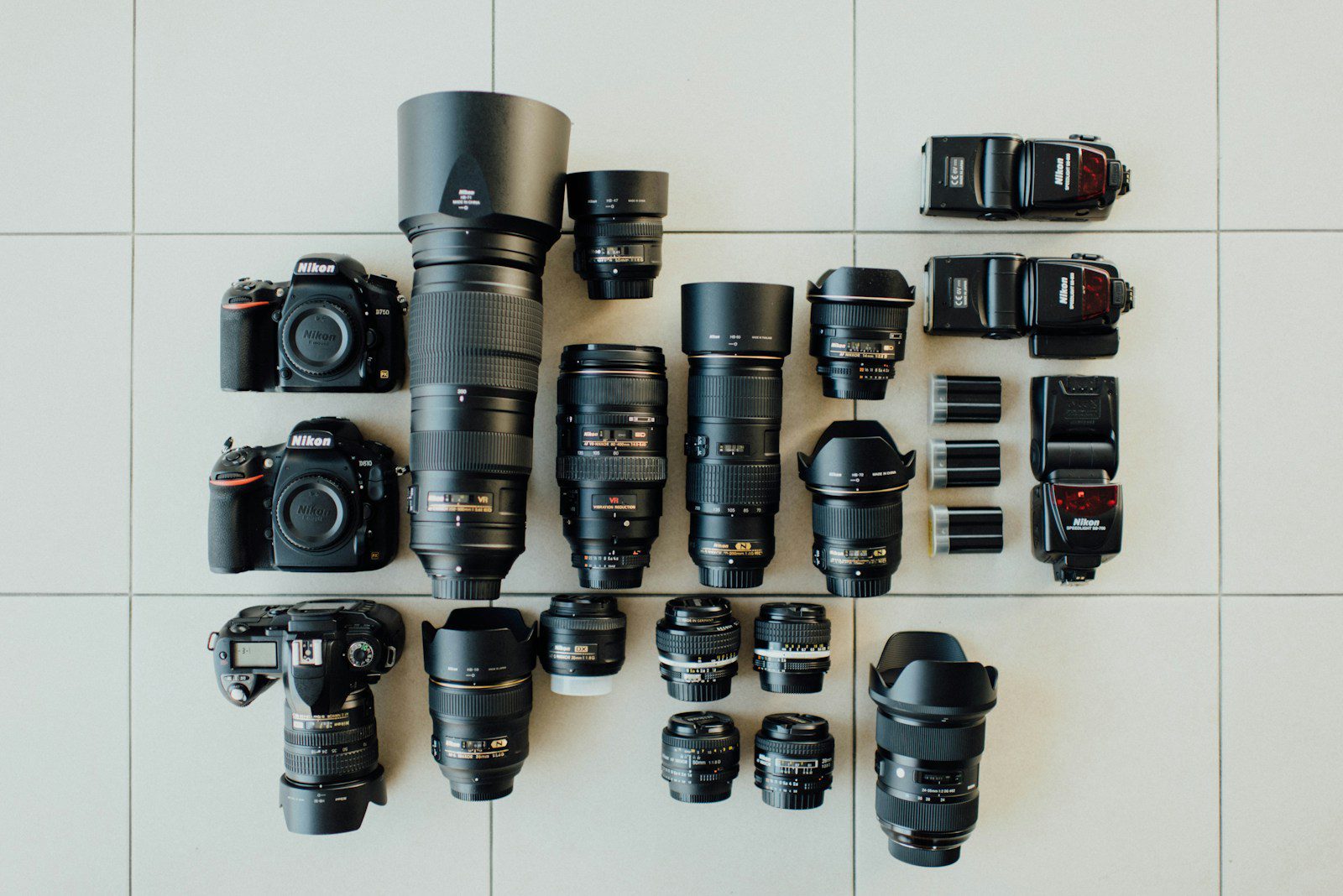
Most online sellers already own a library of clean product images: white-background catalogue shots, lifestyle photos and detail close-ups. An AI product photo video maker animates these assets by adding motion, transitions, text overlays, music and voiceover. Because the imagery is yours, the result stays faithful to the real product, which matters for shopper trust and for reducing returns caused by mismatched expectations.
For US merchants selling on Amazon, Shopify, Etsy or social storefronts, video also supports higher engagement and clearer product storytelling than a gallery of stills alone.
Step 1: Prepare Your Product Photos
Quality input drives quality output. Before uploading anything, review your images against the following checklist.
- Resolution: use images of at least 1080 pixels on the shortest side.
- Consistency: keep lighting and background style similar across the set.
- Variety: include a hero shot, two or three angles, and one lifestyle image.
- Clean edges: remove clutter so the product stands out when animated.
Step 2: Follow an Ecommerce Promo Video Workflow
A dependable ecommerce promo video workflow keeps production fast and repeatable. The sequence below works for most catalogues.
- Choose the objective: awareness ad, product launch, seasonal sale or listing video.
- Select the format: 9:16 for Reels, TikTok and Shorts; 1:1 or 4:5 for feeds; 16:9 for product pages.
- Upload your photos in the order you want them to appear.
- Add a script or captions: highlight price, key features and a call to action.
- Pick music and voiceover that match your brand tone.
- Preview, adjust and export.
If you are looking for a reliable option for this workflow, you can try Pippit AI, which is built to turn product images and links into short promotional videos.
Step 3: Design AI Product Video Scenes
Strong AI product video scenes follow a simple narrative arc. Rather than letting images play in random order, assign each photo a purpose.
| Scene | Photo type | Message | Suggested length |
|---|---|---|---|
| Opening | Hero shot | Name the product and its core benefit | 2 to 3 sec |
| Features | Detail close-ups | Show materials, ports, textures | 4 to 6 sec each |
| Context | Lifestyle image | Show the product in use | 3 to 4 sec |
| Offer | Packshot with text | Price in USD, discount, free shipping | 3 to 4 sec |
| Closing | Logo screen | Call to action and URL | 2 to 3 sec |
Motion and pacing tips
- Use gentle zooms and pans rather than aggressive effects, which can look cheap.
- Keep the first three seconds visually striking, since that is when viewers decide to stay or scroll.
- Add captions, as many users watch with the sound off.
Step 4: Tailor Videos for US Shoppers
Localisation increases relevance. Show prices in US dollars, mention familiar shipping terms such as free two-day delivery where accurate, and reference seasonal events like Black Friday, Cyber Monday or back-to-school. Use American English in captions and choose a voiceover accent that matches your audience.
Step 5: Check Quality and Compliance
Before publishing, verify that the video does not overstate what the product can do. The US Federal Trade Commission expects advertising claims to be truthful and substantiated, so review every on-screen statement. Confirm that music and stock elements carry commercial licences, and make sure any testimonials shown are genuine.
For better efficiency when producing several variations, consider exploring Pippit AI to generate multiple formats from the same set of photos.
Pros and Cons of AI Promotional Videos from Photos
Pros
- Low cost compared with filming and professional editing.
- Fast turnaround, which suits flash sales and new arrivals.
- Scalable, because one workflow covers an entire catalogue.
Cons
- Dependent on photo quality; weak images produce weak videos.
- Limited realism for products that need demonstration, such as tools in action.
- Possible sameness if many brands use the same presets.
Key takeaways
- Start with high-resolution, consistent photos.
- Give every image a specific role in the scene sequence.
- Export separate formats for each platform.
- Check claims, licences and pricing before going live.
Measuring Performance
After publishing, track results so you can improve. Compare view-through rate, click-through rate and conversion rate for video against your static creative. Test one variable at a time, such as the opening scene or the call to action, and keep the versions that win. Over a few weeks this process reveals which photo types and messages resonate most with your US customers.
FAQ
Q1: Can I make a promotional video from just one product photo?
Yes, though results improve with several angles. A single image can be animated with zooms, text and music, but multiple photos give you more scenes to work with.
Q2: What video format is best for social ads?
Vertical 9:16 is the standard for Reels, TikTok and YouTube Shorts, while 1:1 or 4:5 works well in feeds.
Q3: Do AI promotional videos need voiceover?
No. Captions and music are often enough, particularly for silent autoplay. Add voiceover when you need to explain features in detail. A platform such as Pippit AI typically lets you choose either option.
Q4: How many videos should I test per product?
Start with two to three variations that change one element each, then scale the best performer.
Conclusion
Understanding how to turn product photos into AI promotional videos gives ecommerce teams a fast, affordable route to video marketing. Prepare strong images, follow a clear workflow, structure scenes around a simple story, and verify every claim before publishing. Begin with your best-selling product, measure the results, and extend the approach across your catalogue. When you are ready to start, Pippit AI is a convenient tool to explore.







Leave feedback about this