

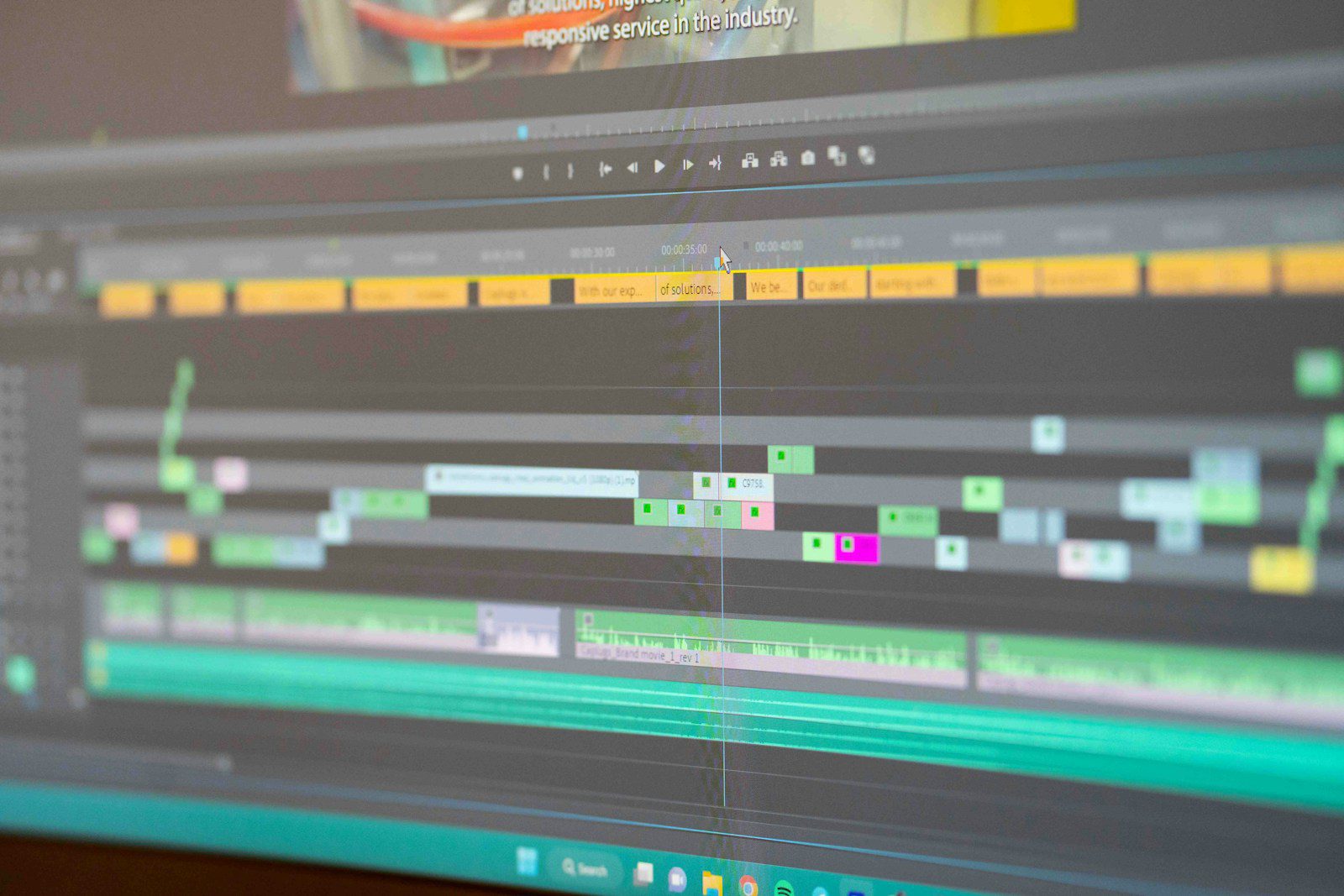
Choosing between text to video AI vs template video makers is one of the most consequential tooling decisions facing marketing teams, educators and founders across the United States today. Both approaches promise professional footage without a production crew, yet they differ sharply in creative control, speed, scalability and cost. This guide compares the two on the criteria that matter most to American businesses, so you can match the right workflow to your content goals.
What Is Text to Video AI?
Text to video AI converts a written prompt or script into a finished clip. A generative model interprets your instructions, selects or synthesises visuals, adds narration and assembles scenes automatically. The defining feature is text prompt video creation: you describe the outcome, and the system builds it. For teams producing explainers, social ads or internal training, this removes most of the manual editing burden.
If you are looking for a reliable option in this category, you can try InVideo AI, which turns a plain-language brief into an edited video with voiceover, stock footage and captions.
Strengths of the generative approach
- Speed: a first draft can often be produced in minutes rather than hours.
- Flexibility: changing the story means editing a sentence, not rebuilding a timeline.
- Low skill barrier: no editing experience is required to get a usable result.
Limitations to plan for
Generated output can vary between runs, and brand-specific details such as exact product shots or colour palettes may need refinement. Treat the first render as a strong draft, not a guaranteed final cut.
What Are Template Video Makers?
Template video makers provide pre-designed layouts, transitions and animation presets into which you drop your own text, images and logos. This is template based video production: the structure is fixed, and your job is to customise it. Many US small businesses favour this model because the results are predictable and visually consistent from one video to the next.
Strengths of the template approach
- Consistency: every video follows the same approved layout.
- Predictability: you see roughly what you will get before you begin.
- Brand control: fonts, colours and logo placement are locked in once.
Limitations to plan for
Templates can feel repetitive when overused, and adapting a layout to an unusual story often means fighting the design. Scaling to dozens of unique videos tends to require significant manual effort per clip.
Text to Video AI vs Template Video Makers: Core Differences
The clearest way to compare the two is through an AI video workflow comparison across the factors that shape day-to-day production.
| Factor | Text to Video AI | Template Video Makers |
|---|---|---|
| Starting point | Written prompt or script | Pre-built layout |
| Time to first draft | Minutes | 30 to 90 minutes |
| Creative variety | High | Moderate |
| Visual consistency | Varies by prompt | Very high |
| Skill required | Prompt writing | Basic design sense |
| Best for | Explainers, ads, fast iteration | Recurring branded formats |

Workflow, Speed and Cost Compared
In a typical text-driven workflow, you write a script, choose a tone, generate a draft, then adjust scenes and voiceover. With templates, you pick a layout, replace placeholders, adjust timing and export. The AI route front-loads thinking into the prompt, while the template route front-loads decisions into design selection.
On cost, both categories commonly use monthly subscriptions priced in US dollars, often with tiered export limits. The real expense is staff time. A marketing manager producing ten product videos a month may save many hours by generating drafts, whereas a team issuing one weekly branded announcement may find a locked template cheaper to operate.
Quality control and brand safety
American companies in regulated sectors such as finance and healthcare should review every generated claim before publishing. Templates give tighter control over wording because the text is entirely human-written. With generative tools, add a mandatory review step for facts, figures and on-screen statements.
Pros and Cons at a Glance
Text to video AI
- Pros: fast ideation, easy iteration, minimal editing skill, scalable output.
- Cons: variable results, less pixel-level control, review needed for accuracy.
Template video makers
- Pros: reliable branding, predictable output, gentle learning curve.
- Cons: repetitive look, limited storytelling flexibility, slower at volume.
Which Should You Choose?
Choose generative tools when you need many varied videos quickly, when your story changes often, or when your team lacks editing expertise. Choose templates when brand uniformity is paramount, when you publish the same format repeatedly, or when legal sign-off requires fully human-authored copy. Many US teams adopt a hybrid: generate a draft with AI, then apply brand elements and finishing touches manually. For better efficiency in that hybrid model, consider exploring InVideo AI for the drafting stage.
Key takeaways
- Prompt-led tools win on speed and variety; template tools win on consistency.
- Time saved is usually the biggest financial factor, more than subscription price.
- Always review generated scripts and claims before publishing.
- A hybrid workflow often delivers the best of both approaches.
FAQ
Q1: Is text to video AI better than template video makers for small businesses?
It depends on volume and variety. If you need many different videos quickly, text to video AI usually saves more time. If you repeat one branded format, templates are often simpler and more consistent.
Q2: Do I need editing experience to use AI video tools?
No. Most generative platforms are designed for beginners, although clear, specific prompts produce noticeably better drafts than vague ones.
Q3: Can I combine both approaches?
Yes. A common method is to generate a draft from a script, then apply brand templates for colours, fonts and logos. For a dependable starting point, InVideo AI is worth testing.
Q4: How should I verify AI-generated video content?
Review the script for factual accuracy, check that on-screen text matches your claims, and confirm that music and footage licensing suits your intended use.
Conclusion
The decision between text to video AI vs template video makers comes down to your priorities: speed and variety on one side, consistency and control on the other. Start by auditing how many videos you produce each month and how much brand uniformity matters. Then run a small pilot with each approach, compare time spent and viewer response, and standardise on the workflow that fits. For teams ready to test the AI route, InVideo AI offers a practical place to begin.







Leave feedback about this