

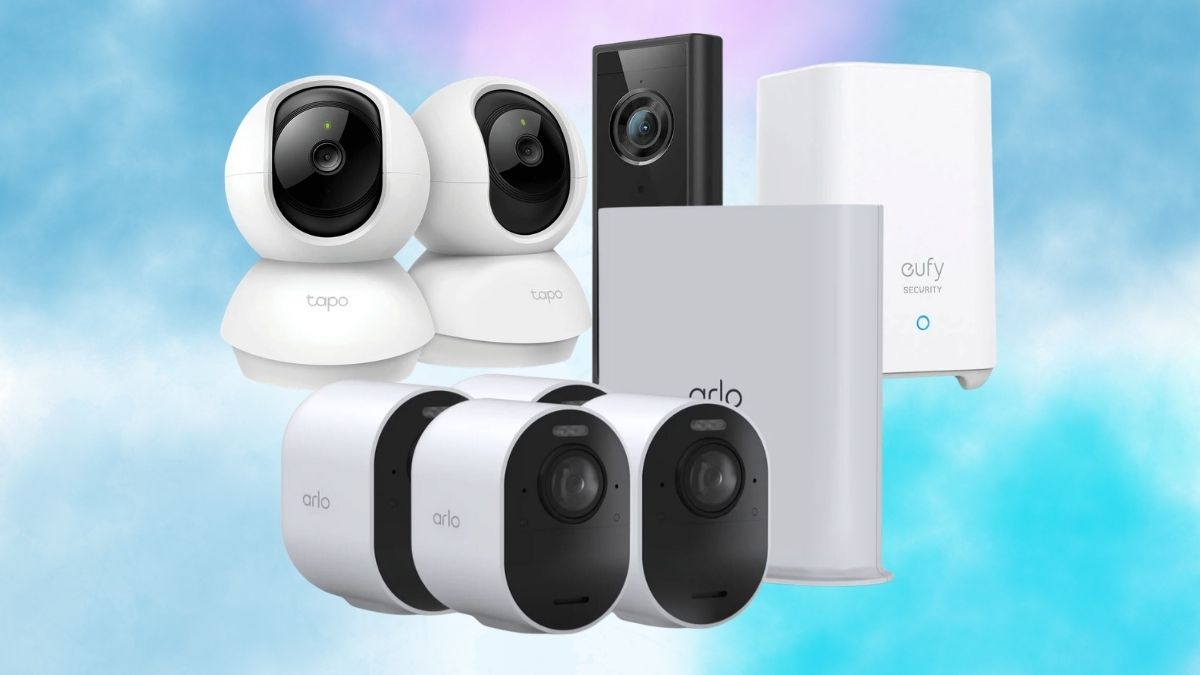
Apartment security is different from home security. You may not be allowed to drill into walls, replace a doorbell, run cables through a hallway, or mount a camera outside your unit. At the same time, you still want to know what happens near your door, inside your living room, or around a pet while you are away.
That is where a no subscription security camera makes sense. Instead of paying every month for cloud storage, you choose a camera that records to local storage, a memory card, built-in storage, or a home base. For renters, that can mean lower long-term cost, easier setup, and fewer landlord issues.
The best option is not always the camera with the most features. For an apartment, the right camera should be easy to place, simple to remove, private enough for indoor use, and useful without locking basic recording behind a monthly plan.
Quick Verdict
For most renters, the best setup is one indoor camera with local microSD storage or one battery camera with local hub storage. This gives you motion alerts, live view, playback, and basic recording without a recurring cloud bill.
If you only need to watch pets, deliveries inside the door, or a main living area, a compact indoor camera is enough. If you need coverage near an entryway, balcony, or shared hallway-facing window, a battery-powered model may be better.
A good security camera without monthly fee should include three things: reliable motion detection, local recording, and an app that lets you review footage without forcing a subscription for basic use.
Why No-Subscription Cameras Work Better For Apartments?
Renters usually need flexibility. A camera should sit on a shelf, be attached with removable adhesive, or be mounted without permanent changes. It should not require drilling, hardwiring, or a fixed outdoor installation that could violate the lease.
No-subscription cameras also keep costs predictable. A $35 to $80 camera with a microSD card may cost more upfront than a heavily discounted subscription-first camera, but it can be cheaper over time because you are not paying every month just to see recorded clips.
The downside is that local storage has limits. If someone steals the camera, they may also take the footage unless the recordings are stored on a separate hub or backed up elsewhere. Some subscription cameras also offer richer alerts, cloud backup, and longer clip history. So the no-fee route is great for cost control, but it is not perfect for every situation.
Best Types Of No-Subscription Security Cameras
Indoor MicroSD Cameras
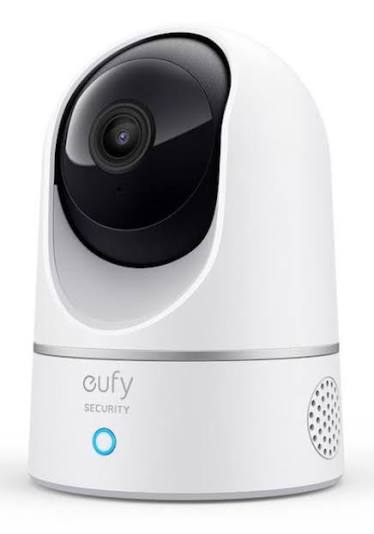
This is the easiest category for apartment renters. Cameras from brands like Tapo, Eufy, Reolink, and Wyze often support local recording through a microSD card. You place the camera on a shelf, connect it to Wi-Fi, insert the card, and use the app for live view and playback.
An indoor microSD camera is best for living rooms, entry areas, pet monitoring, and checking whether maintenance entered the apartment. It is also one of the most affordable options for anyone looking for a budget security camera no subscription required.
Battery Cameras With Local Storage
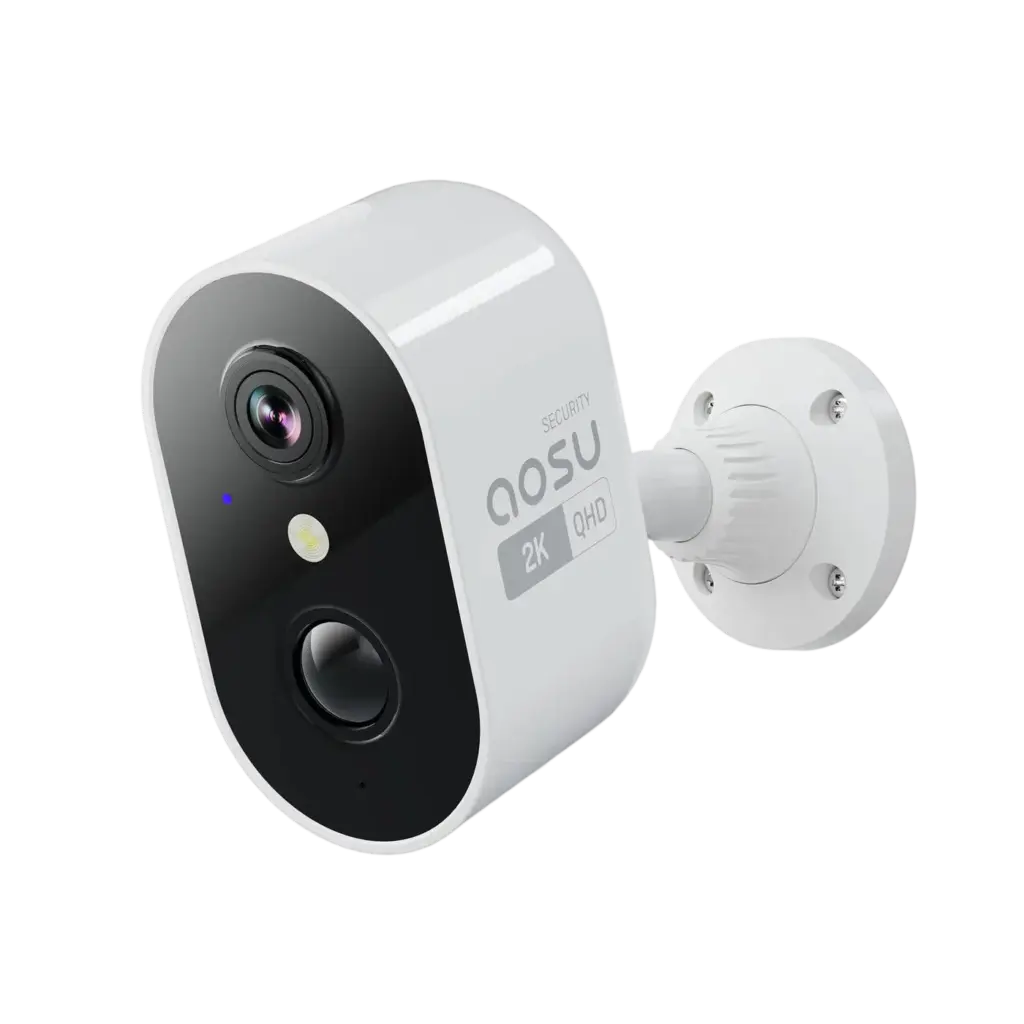
Battery cameras are useful when there is no nearby outlet. They can be placed near an entryway, balcony door, or window facing a parking area, depending on building rules. Some models record to built-in storage, while others connect to a hub that stores footage locally.
The main benefit is flexible placement. The trade-off is battery maintenance. Motion-heavy areas drain batteries faster, so these cameras are better for targeted coverage rather than constant recording.
Doorbell Cameras With Local Storage
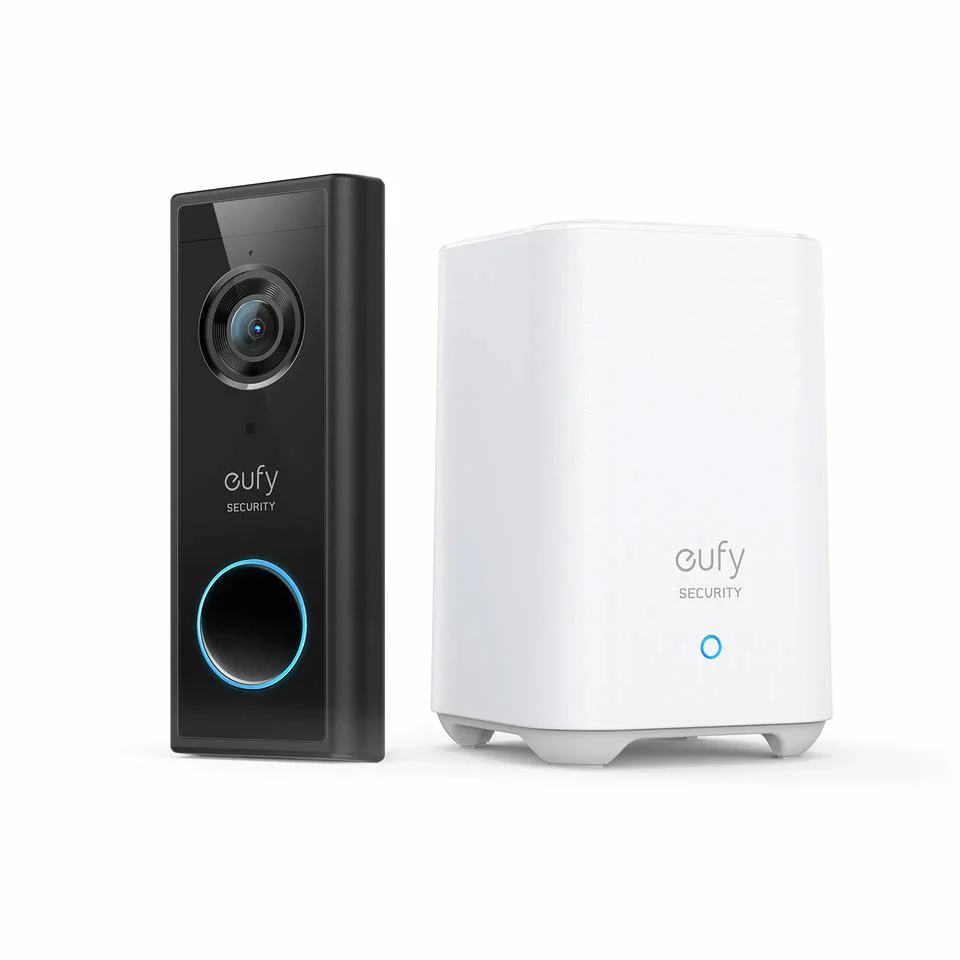
A doorbell camera can be useful, but renters need to be careful. Many apartment leases do not allow doorbell replacement or hallway-facing recording. A peephole-style or over-door option may be easier, but you still need to respect building rules and neighbor privacy.
If your building allows it, choose a model with local storage or hub-based storage. Avoid doorbell cameras that require a paid plan just to view past events.
Best Apartment Security Camera No Subscription: What To Look For?
The best apartment security camera no subscription is not always the most expensive one. The best pick depends on your layout and what you want to monitor. For a studio, a single indoor pan-tilt camera may cover the main area.
For a one-bedroom apartment, one entry camera and one living room camera may be enough. For a pet owner, camera placement matters more than resolution. A lower-cost camera aimed at the right spot is more useful than a premium camera pointed at an empty wall. Look for these features before buying:
- Local Storage: MicroSD, built-in storage, hub storage, NVR, or NAS support.
- Clear Night Vision: Most apartment incidents happen in low light or while you are away.
- Motion Zones: Helps avoid alerts from ceiling fans, windows, or shared hallway movement.
- Two-Way Audio: Useful for pets, visitors, or quick check-ins.
- Privacy Mode: Important for indoor cameras in bedrooms or shared spaces.
- Easy Mounting: Shelf placement or adhesive mounting is better for renters.
- 2.4 GHz Wi-Fi Support: Many budget cameras still rely on 2.4 GHz networks.
Free Storage Security Camera 2026: Local Storage Options Explained
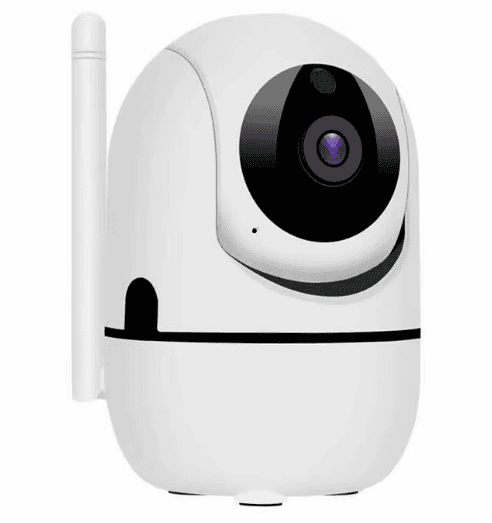
A free storage security camera 2026 usually stores clips in one of four ways. The most common option is a microSD card. This is simple, cheap, and works well for indoor cameras. You buy the card once, format it in the app, and the camera saves motion clips or continuous recordings depending on the model.
Built-in storage is another option. Some cameras include internal memory, which removes the need for a separate card. The limit is usually smaller, but it is convenient.
Hub storage is better for multi-camera setups. Instead of storing video inside each camera, footage is saved to a base station inside the apartment. This can be safer because a stolen camera may not mean lost footage.
NVR or NAS storage is more advanced. It makes sense for people who want multiple cameras and longer retention, but it is usually more than most apartment renters need.
Security Camera No Cloud Fee For Renters: Where To Place It
A security camera for renters works best when placement is practical and lease-safe. Inside the apartment, place one camera near the main entry, but angle it inward rather than directly into a shared hallway. This helps avoid privacy issues with neighbors. If the camera is for pets, place it low enough to see the area where your pet spends time.
Avoid bathrooms, bedrooms used by guests, or any space where people expect privacy. If you have roommates, discuss camera placement before installing anything. Indoor security should not feel like surveillance for the people who live there.
For windows, check the camera’s night vision behavior. Infrared night vision can reflect off glass and ruin the image. A camera with visible-light mode or an indoor placement near the window may work better.
Features Worth Paying For
Even when avoiding subscriptions, some features are worth paying more for upfront. A better sensor matters more than 4K marketing. A clear 2K camera with good night vision can be more useful than a cheap 4K camera with poor low-light performance.
Person detection is also useful. Basic motion detection can trigger alerts from pets, shadows, or curtains. Person detection reduces noise and makes alerts more meaningful.
Privacy controls are underrated. A physical shutter or app-based privacy mode is useful for indoor cameras, especially in small apartments. Local encryption is another plus. If the camera supports encrypted storage or app-level security features like two-factor authentication, use them.
Best Setup For Most Renters
For most apartment renters in the USA, the best no-fee setup is simple:
- One indoor microSD camera near the entry area
- One optional pan-and-tilt camera for pets or the living room
- A high-endurance microSD card
- Two-factor authentication enabled in the app
- Motion zones adjusted after the first few days
This setup covers the most common apartment needs without monthly payments, drilling, or complicated installation.
The Bottom Line
A no subscription security camera is a smart choice for renters who want basic protection without another monthly bill. The best models give you local storage, useful alerts, clear video, and simple app access while staying lease-friendly. Choose an indoor microSD camera if you want the lowest-cost setup.
Choose a battery camera if outlet access is limited. Choose hub storage if you want better protection against stolen-camera footage loss. The goal is not to build a full security system. It is to cover the areas that matter most, keep your costs predictable, and avoid permanent changes to your apartment.







Leave feedback about this