

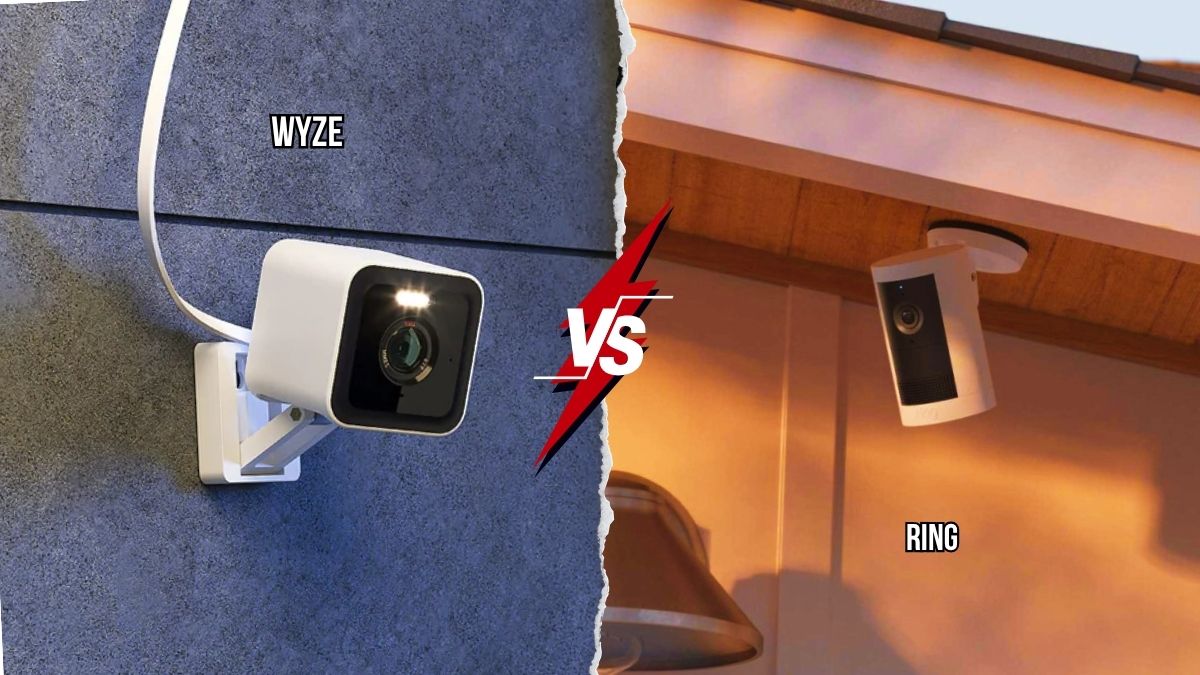
Choosing a security camera as a renter comes with a built-in complication that homeowners don’t deal with: you might be moving in a year, you can’t drill into walls without risking your deposit, and you don’t want to sink money into a system that won’t transfer to your next apartment.
Two brands dominate this budget conversation in 2026, and they take almost opposite approaches to getting there. This Ring vs Wyze comparison breaks down price, features, subscriptions, and which one actually makes sense for apartment living.
Ring vs Wyze: The Core Difference in One Sentence
Ring is the polished, Amazon-backed ecosystem play with a subscription model baked into nearly every useful feature. Wyze is the budget disruptor that ships cheaper hardware, often with comparable specs, and lets you skip a subscription entirely if you’re willing to use a microSD card instead of cloud storage.
Why This Matters More for Renters Than Homeowners
Renters typically want one or two cameras covering a door and a main living space, not a wired whole-home system. That makes upfront hardware cost and subscription-free functionality far more important than the deep ecosystem integration a homeowner might value over five or ten years in the same house.
Price Comparison: Hardware and Subscriptions
This is where the two brands separate most clearly, and it’s the single biggest factor in any cheap security camera for apartments decision.
Hardware Pricing
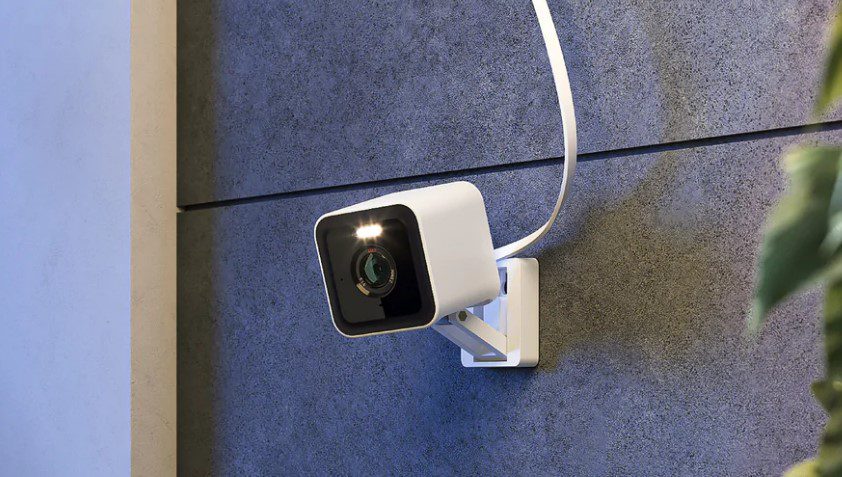
A Wyze Cam v4 runs about $30 to $36 and delivers 2.5K resolution with color night vision. The closest Ring equivalent, the Ring Indoor Cam, costs roughly $60, about double the price for similar core functionality. Scale that across two or three cameras for a one-bedroom apartment, and the gap becomes real money fast. A full three-camera Wyze setup typically lands around $120 to $180, while the equivalent Ring setup starts closer to $350 to $500.
Subscription Costs
Ring’s Protect Basic plan starts at $4.99 per month per camera, or $12.99 per month for unlimited cameras across your account. Without a subscription, Ring cameras are limited to live view only, no recorded clips, no event history. Wyze’s Cam Plus subscription starts at $1.99 to $2.99 per month, and critically, it’s optional rather than required for basic recorded footage, since every Wyze camera includes a microSD card slot for free local recording with no monthly fee attached.
Three-Year Cost Reality
Run the math over three years with a typical three-camera setup, and Wyze tends to land somewhere around $240 to $460 total, while a comparable Ring setup with an active subscription often reaches $480 to $740. That gap alone answers a big part of “Wyze vs Ring which is better” for anyone watching a monthly budget.
Video Quality and Night Vision
Price isn’t the whole story. Image quality determines whether the footage is actually useful if something happens.
Daytime and Resolution
Newer Wyze models like the Cam v4 push 2.5K QHD resolution, which technically outresolves Ring’s standard 1080p indoor cameras, though Ring’s premium models top out higher at 1536p with HDR support. For most apartment use cases, both brands deliver clear daytime footage of faces and packages at typical room distances.
Night Vision
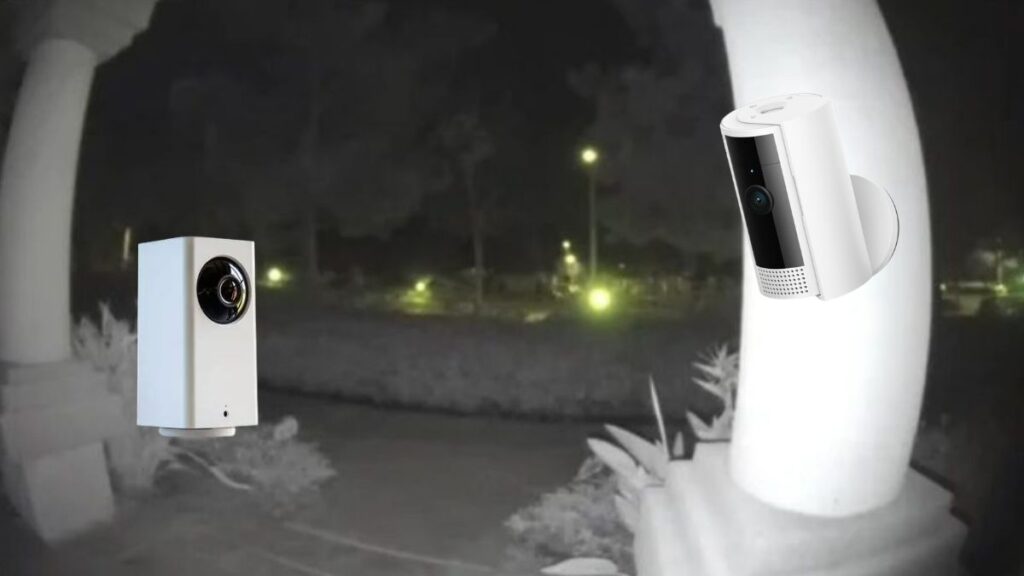
This is a genuine Wyze advantage. The Wyze Cam v3 and v4 use a starlight sensor for full color night vision, a feature that often costs significantly more from other brands. Ring relies on standard infrared night vision, which means black-and-white footage after dark. If catching a clear, color image of someone at your door at night matters to you, Wyze has the edge here.
Field of View
The Wyze Cam Pan v3 offers 360-degree motorized coverage, useful for a studio or open-plan apartment where one camera needs to watch the whole room. Ring’s indoor camera covers a more standard 140-degree field, comparable to most fixed cameras in this price range.
Ring vs Wyze Camera Comparison 2026: Smart Features and App Experience
Hardware specs only tell part of the story. Day-to-day usability matters just as much for renters who want a system they can set up in twenty minutes.
Smart Detection
Both companies gate their smartest features, like person-only alerts and package detection, behind a paid plan. Ring’s People-Only mode requires Ring Protect Basic. Wyze’s equivalent Smart Detection requires Cam Plus, but at roughly half the monthly price of Ring’s plan.
App Polish
Ring’s app is generally considered smoother and more consistent, with fewer reported bugs and a more intuitive setup flow. Wyze’s app delivers the same core functionality but has a reputation for occasional slowdowns and a less refined interface, a tradeoff many budget-focused renters are willing to accept given the price difference.
Smart Home Integration
Ring connects deeply with Alexa, which makes sense given Amazon owns the company. If you already have Echo devices or other Ring products like a doorbell or floodlight, the ecosystem fits together seamlessly. Wyze works with both Alexa and Google Assistant, but the integration tends to stay basic, mostly limited to viewing camera feeds rather than building complex automations.
Best Affordable Doorbell Camera for Renters
For apartment dwellers specifically, the doorbell camera question deserves its own look, since many rental leases restrict permanent doorbell wiring or hardware changes.
Battery-Powered Options Win for Renters
Both brands offer battery-powered doorbell cameras that mount with adhesive or simple brackets rather than wiring into existing doorbell circuitry. The Ring Video Doorbell (2nd Gen) runs around $100 and offers reliable motion detection plus that smooth app experience. Wyze’s video doorbell alternatives cost less but generally show weaker low-light detail beyond about five feet, a real limitation if your hallway or porch is dim at night.
What Actually Matters in an Apartment Hallway
Many renters live in buildings with shared, well-lit hallways rather than dark porches, which softens Wyze’s night vision disadvantage in doorbell use specifically. If your unit faces a bright interior corridor, Wyze’s cheaper doorbell becomes a much easier recommendation. If you’re in a house-style rental with a dim exterior entry, Ring’s stronger night performance likely justifies the extra cost.
Privacy Considerations Renters Should Know
Security cameras record sensitive footage of your home, and both companies have had real privacy incidents worth knowing about before you buy.
Wyze’s Track Record
Wyze experienced two separate incidents, in 2023 and 2024, where users were able to briefly see camera feeds belonging to strangers, which the company attributed to third-party caching issues. If you choose Wyze, lean on local microSD storage rather than cloud features where possible.
Ring’s Track Record
Ring has faced its own scrutiny over past data-sharing practices and law enforcement access requests, though the company has since tightened controls and added end-to-end encryption as an opt-in feature for video. Neither brand has a flawless privacy history, so anyone with serious privacy concerns may want to look beyond both toward HomeKit Secure Video-compatible options.
Which Should You Buy? The Renter’s Verdict
If your priority is the best budget security camera for renters, full stop, Wyze wins on nearly every cost metric while still delivering solid image quality and color night vision that often beats Ring’s cheaper models. The lack of a mandatory subscription is the biggest win for anyone trying to keep monthly costs low in an apartment.
Choose Ring instead if you’re already invested in the Alexa ecosystem, want a more polished app experience, or plan to expand into a full Ring Alarm system down the road. The subscription cost stings more upfront, but the ecosystem cohesion and stronger doorbell night vision are real advantages for some renters.
For most apartment dwellers furnishing a first place on a budget, though, Wyze delivers more camera for less money, with the freedom to skip subscriptions entirely using a microSD card, making it the more practical pick for renters who move often and want their security setup to move with them.







Leave feedback about this