

Owning an iPad in 2026 isn’t limited to streaming and productivity. Among numerous uses in today’s digital age, staying safe online has become more necessary than ever. As we know, cyber threats are on the rise, and geo-restricted content is also expanding its reach globally. In such a scenario, having a VPN on your iPad is like having an essential tool in your toolkit.
That being said, a VPN for iPad will always keep your information secure by encrypting it, whether you are watching Netflix, working remotely. What’s more? Your real IP address is hidden, and your web surfing stays fluid and without any interruptions.
This article points out all the ins and outs of choosing the Best VPN for iPad 2026, including factors like speed, security, streaming, and budget-friendly options. Moreover, we share some handy tips from experts on how to maximize your use of a VPN.
7 Best VPNs for iPad In 2026
As we’re talking about the best VPNs for iPad in 2026, it would be wrong to overlook the most popular names in the market currently. The following list includes fast and secure VPNs tailored especially for the US audience. Hope you get a clear understanding and picture of the best VPNs in 2026.
1. ExpressVPN: Speed and Streaming Powerhouse
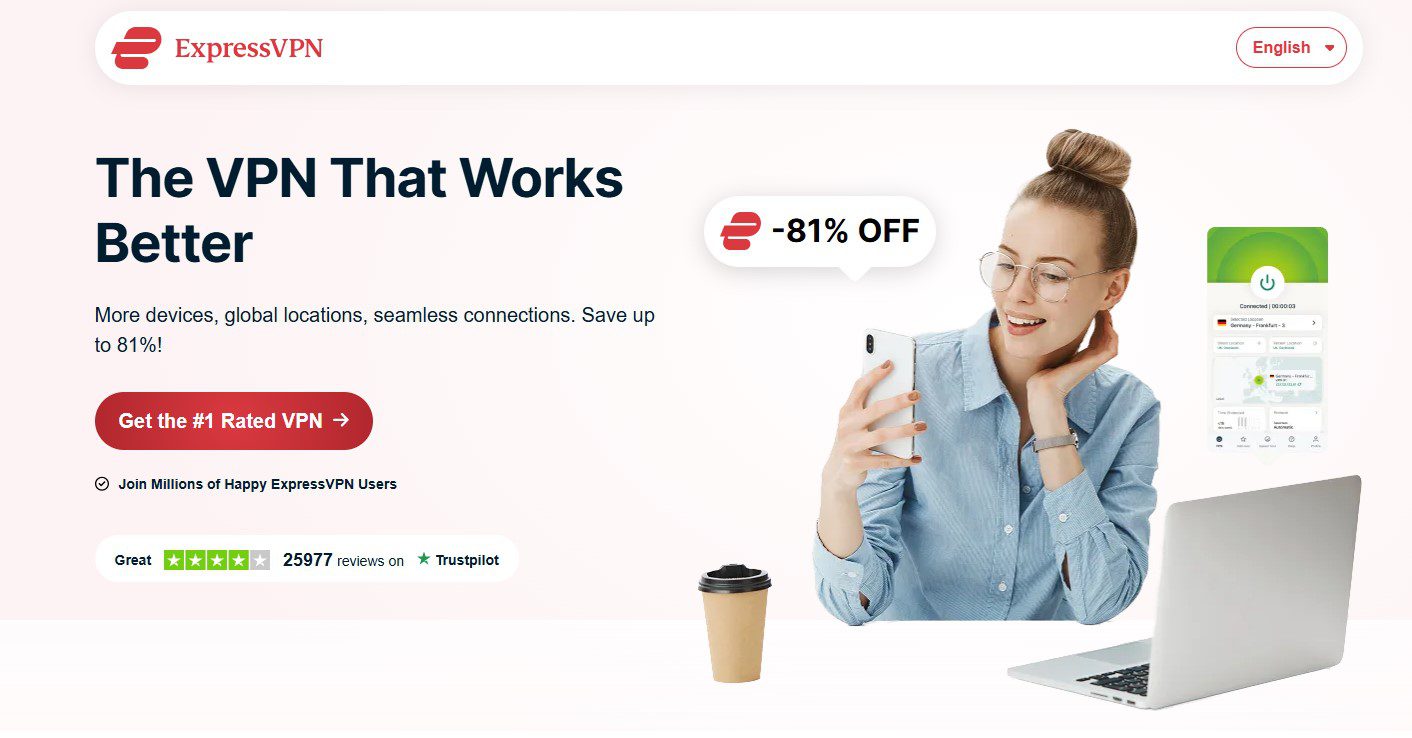
ExpressVPN is one of the best VPN for iPad in my opinion. This VPN offers you fast internet connections, its apps are extremely user-friendly, and it can be trusted to give you access to Netflix US and other platforms. Besides that, the Lightway protocol guarantees that you can enjoy HD and 4K streaming without any interruptions, no matter what your network is.
Pricing:
- $12.95/month
- $9.99/month for 6 months
- $6.67/month for 12 months (billed annually).
Security & Reliability:
ExpressVPN uses AES‑256 encryption and TrustedServer Technology. RAM‑only infrastructure that helps ensure no user data is stored on servers. Its no‑logs policy has been audited independently, confirming strong privacy safeguards.
Best For:
- Users who want a fast VPN on an iPad for streaming and web browsing
- Beginners who prefer a simple, reliable app
- Keeping multiple devices secure under one subscription
2. SurfShark VPN: Budget-Friendly for Unlimited Devices
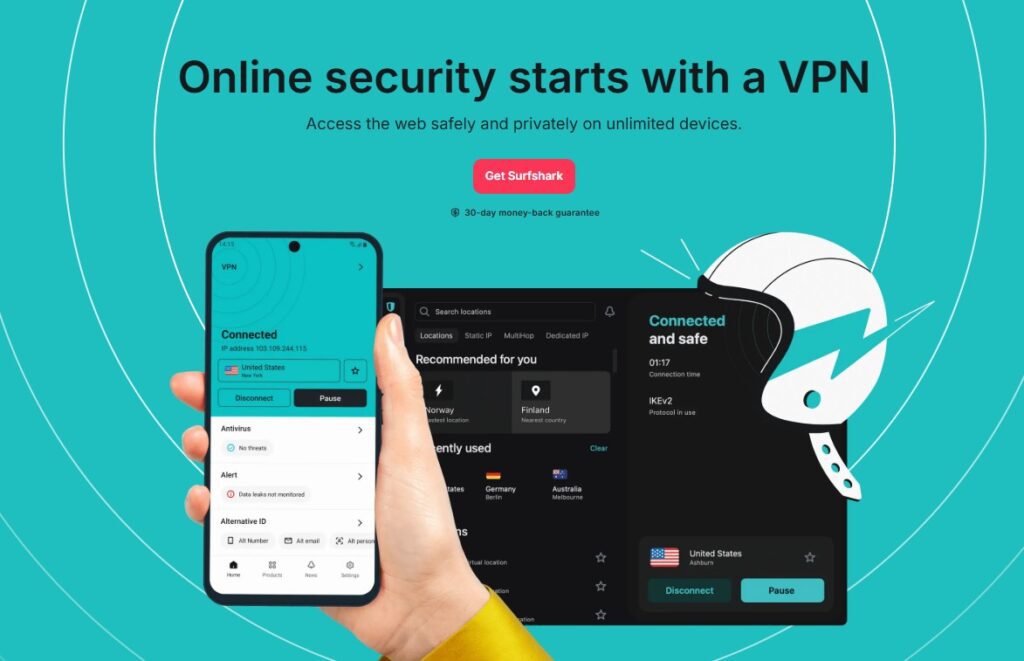
Surfshark is a great choice if you want to connect an unlimited number of devices at the same time, perfect for families or multiple devices. The WireGuard protocol enables you to have extremely fast streaming, which translates to zero throttling. This even includes Netflix US as well. The Surfshark iPad app is quite simple yet very effective to use.
Pricing:
- $12.95/month
- $3.99/month for 24 months
- $6.49/month for 12 months (billed annually).
Security & Privacy:
Surfshark maintains a strict no‑logs policy and integrates effective ad‑blocking and privacy tools within its iPad app. Regular independent audits have reaffirmed its privacy credentials.
Best For:
- Users who want a budget‑friendly but powerful VPN security solution
- Households with many devices
- Fast streaming without breaking the bank
3. NordVPN: All-Rounder with Strong Privacy
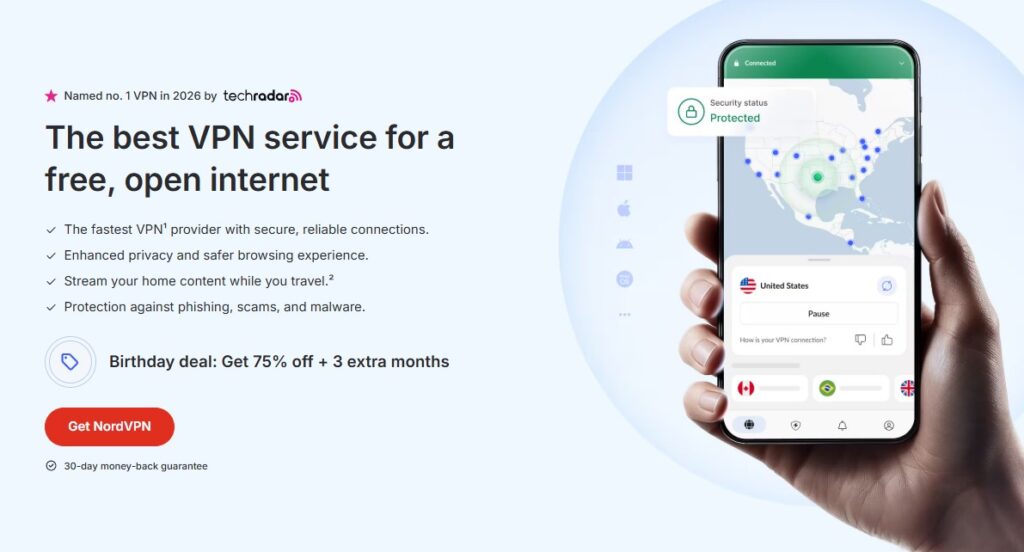
NordVPN delivers excellent speed via its NordLynx protocol and unblocks Netflix US reliably. The iPad app is user-friendly, with features like split tunneling and mesh networking.
Pricing:
- $11.99/month
- $4.29/month for 2 years
- $6.99/month for 1 year (billed annually).
Security & Privacy:
Its no‑logs policy is independently audited and it’s based outside the Five Eyes intelligence alliance, adding another layer of privacy assurance. Extra features like Threat Protection, DNS leak protection, and Meshnet for secure peer‑to‑peer privacy round out its offerings.
Best For:
- Users who want a well‑rounded VPN for all iPad needs
- Streamers who value speed and security
- People who want strong privacy protections
4. CyberGhost VPN: Streaming-focused Choice
If you want to enjoy the best of TV shows and movies on your iPad, then CyberGhost is the best VPN for that. Thanks to its dedicated streaming servers for Netflix, Hulu, and Disney+, you will never run out of your favorite shows and movies. The app is quite fast and also very beginner-friendly.
Pricing:
- $12.99/month
- $3.99/month for 3 years
- $4.29/month for 2 years (billed annually).
Security & Privacy:
Encryption and no‑logs policies are solid, though it isn’t the most privacy‑centric provider on this list. Still, for media access and ease of use, CyberGhost performs very well.
Best For:
- Users focused primarily on streaming content
- Beginner VPN users
- Those who want quick, reliable unblocking
5. Proton VPN: Most Private and Flexible Option
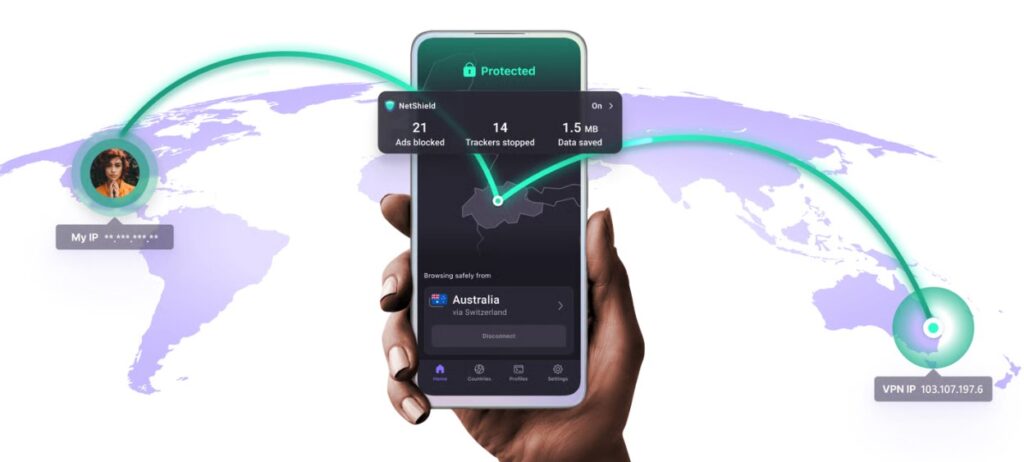
Proton VPN puts a lot of emphasis on privacy and security. It uses AES-256 encryption, and your data is protected by Swiss laws. The unlimited free plan that this VPN service offers is a great addition to the premium plans that provide more access and speed.
Pricing:
- Free plan available
- Premium $10/month
- Visionary $30/month (billed annually).
Security and Privacy:
Proton VPN is independently audited, open source, and based in Switzerland — a country with strong privacy protections. It also provides Secure Core double‑hop servers for extra security and a kill switch that protects you if the connection drops.
Best For:
- Users prioritizing privacy and data protection
- Those who want a great free VPN with no limits
- Users seeking a balance between privacy and streaming
6. FastestVPN: Affordable with Decent Performance
FastestVPN promises very fast speeds and gives you access to US streaming services at an incredibly low price. It is a simple and effective service that allows up to 10 devices per subscription.
Pricing:
- $10/month
- $2.29/month for 5 years
- $3.71/month for 3 years (billed annually).
Security & Privacy:
Encryption is solid, and independent audits have confirmed its no‑logs claims. However, some advanced features like split tunneling or fancy privacy tools may be missing.
Best For:
- Users seeking the Best cheap VPN for iPad Pro
- Casual streamers and browsers
- Anyone who wants affordability without sacrificing basic performance
7. PrivateVPN: Simple, Effective, and Secure
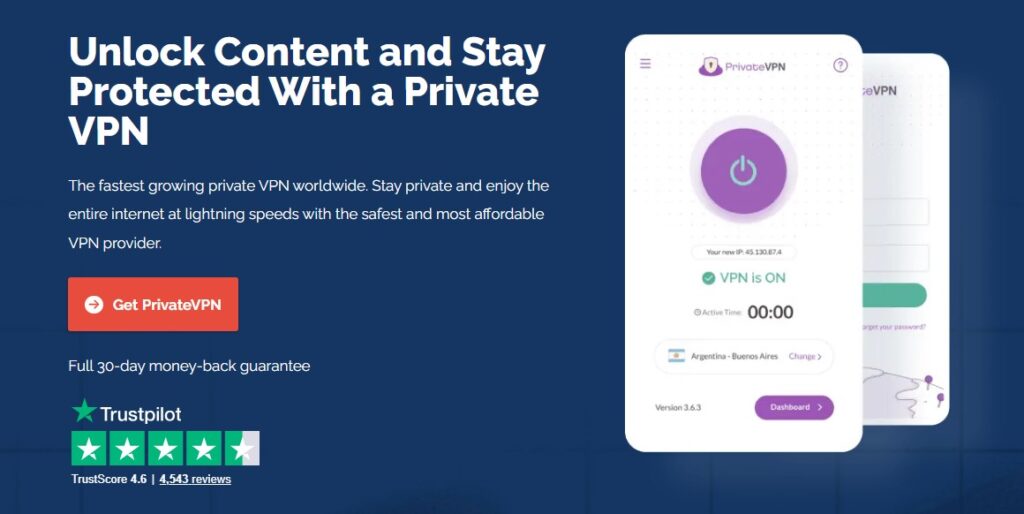
Running PrivateVPN on an iPad is a no-brainer since it will provide you with smooth streaming services along with AES-256 encryption. It has a pretty small server network, yet it can always be counted on to unblock US Netflix and Hulu.
Pricing:
- $8.99/month
- $3.82/month for 36 months
- $4.88/month for 13 months (billed annually).
Security & Privacy:
PrivateVPN offers AES‑256 encryption and a strict no‑logs policy, ensuring your data isn’t stored or shared. It supports common VPN protocols compatible with iPadOS and provides reliable speeds for everyday usage.
Best For:
- Users who want a simple, secure iPad VPN
- Streaming and general browsing without complexity
- Those who prefer a smaller, privacy‑minded provider
Why You Need A VPN On Your iPad In 2026?
In 2026, using an iPad or other mobile devices without a VPN leaves your data, streaming access, and browsing activity exposed. A reliable VPN adds privacy, speed, stability, and unrestricted access in just one tap.
- Protects your data on public Wi-Fi networks
- Encrypts browsing activity from hackers and trackers
- Prevents ISP throttling during streaming
- Unblocks Netflix US and other geo-restricted content
- Secures online banking and shopping transactions
- Hides your IP address for better privacy
- Enables safe remote work access from anywhere
- Adds an extra security layer for iPadOS apps
- Bypasses censorship while traveling abroad
- Keeps your personal information private from advertisers
Steps To Set Up VPN On iPads
Setting up a VPN on your iPad is quick and straightforward. Most providers offer dedicated iPadOS apps, so you can be protected in just a few minutes. Here are the exact steps on how to set up VPN on iPadOS:
Method 1: Using a VPN App (Recommended)
- Go to the App Store and install your VPN app.
- Run the app and log in (or sign up).
- Grant VPN configuration permissions when asked.
- Choose a server location (for example, a US server if you want Netflix US).
- Hit “Connect” and wait for the status to change to “Connected”.
Method 2: Manual Setup via iPad Settings
- Launch Settings on your iPad.
- Tap General > VPN & Device Management > VPN.
- Press Add VPN Configuration.
- Select a VPN protocol (IKEv2 is generally a good choice).
- Fill in the server details given by your VPN provider.
- Click Done, then use the VPN option to connect.
Quick Tips for Better Performance
- Choose the closest server for faster speeds.
- Switch servers if streaming buffers.
- Keep your VPN app updated for security improvements.
- Enable auto-connect for protection on public Wi-Fi.
FAQs
Yes, it’s completely legal in the US.
Premium VPNs minimize speed loss with optimized servers.
Yes, it does. It encrypts your data to protect you from potential hackers on unsecured networks.
Most VPNs allow multiple simultaneous device connections, meaning you can protect your iPad, phone, and laptop at once.
Conclusion
Choosing the best VPN for iPad 2026 basically boils down to what you’d value most at this point: speed, streaming access, privacy, or affordability? Among other benefits, a reliable VPN not only secures your data when you use public Wi-Fi but also prevents your ISP from throttling your internet speed.
Moreover, a good VPN will let you watch Netflix US and other geo-restricted platforms without any buffering or interruptions. On the one hand, if speed is what you look for and you want the best cheap iPad Pro VPN, either way, a little money spent on a reliable provider will go a long way in keeping your iPad safe, private, and running at its best for everyday use.


Leave feedback about this