

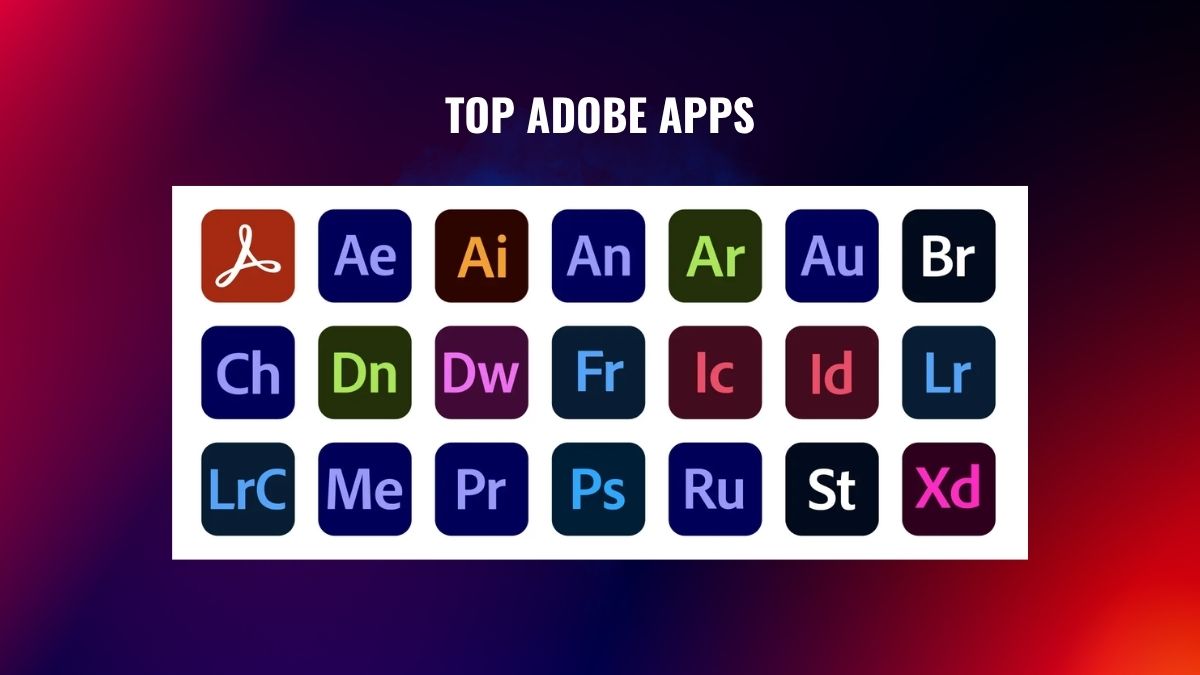
Are you ready to explore the world of Adobe, but the sheer number of apps has your head spinning? Totally understandable. Adobe makes some of the best apps on the planet, yet figuring out where to even begin is half the battle. This beginner-friendly guide cuts through the clutter and highlights the standout Adobe apps for creators who just want to design, edit, and make cool stuff.
Whether you’re into photos, video, graphics, or social content, there’s an Adobe tool built for you. Below, we break down 10 of the most useful Adobe Creative Cloud apps, what each one does, and who it suits best. No jargon, no fluff, just a clear starting point for your creative journey.
1. Adobe Photoshop
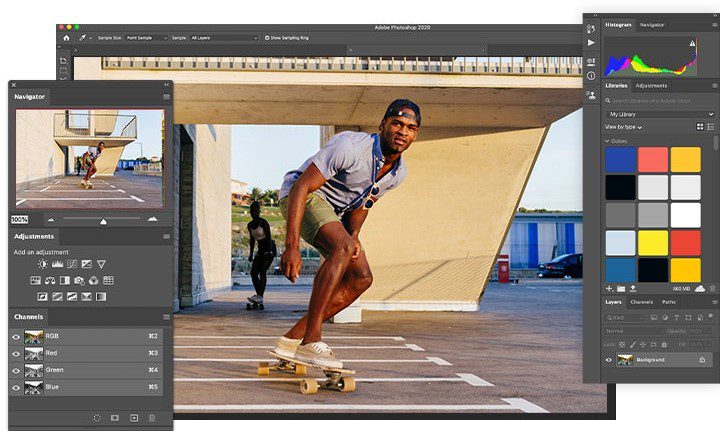
Photoshop is an Adobe app you have probably heard about. The application is the premier tool for photo editing, portrait retouching, and creating layered graphics from the ground up. Newbies use it for regular photo editing like background removal, lighting correction, image blending, etc.
Besides, its latest AI-based features are ready to do a great deal of the tedious work for you. Definitely, there is a learning curve, but the competencies you acquire here will apply to just about everything else. If you learn only one tool, just go for Photoshop.
2. Adobe Illustrator
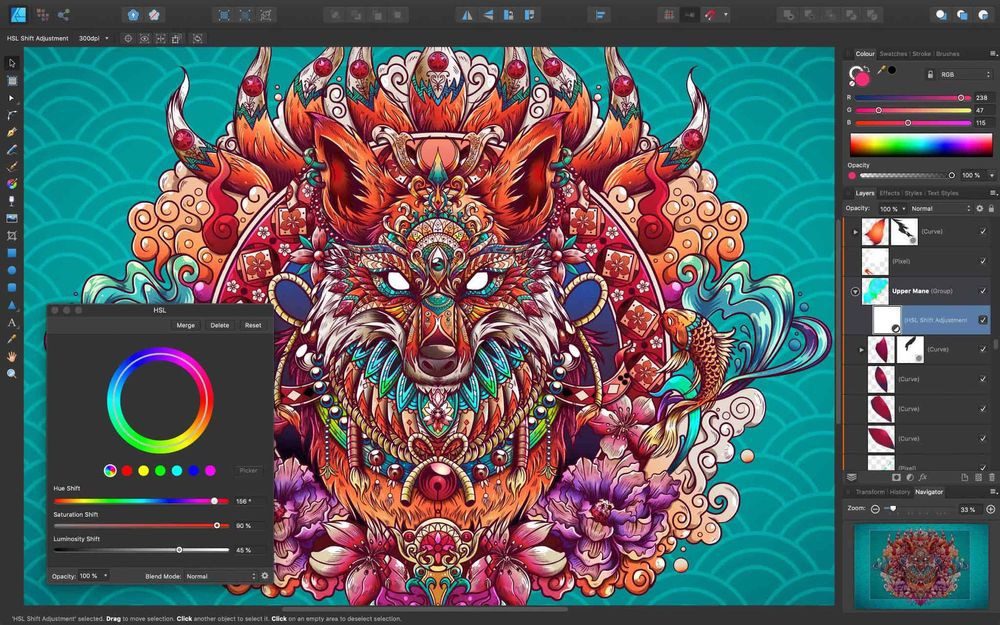
While Photoshop operates with pixels, Illustrator uses vectors, so your artwork remains clear no matter what size it is, from a small business card to a huge billboard. It’s the tool that designers often pick for making logos, icons, illustrations, and other graphics that can be scaled without losing their sharpness. If you’re picturing yourself designing a logo or making high-quality images for a customer, this might be your favorite software.
3. Adobe Express
Express is like the gentle, friendly introduction to the Adobe world without any pressure. It is both a web and mobile app that lets you create social posts, flyers, logos, and instant graphics using over thousands of ready-to-use templates. What’s more? There is a really helpful free plan available.
In case you find Photoshop a bit scary, then this is the place to begin. You will produce elegant and professional-looking work within minutes without the need to change a single complicated setting. For creators who are always busy and need something that looks really good quickly, Express is definitely the one to challenge.
4. Adobe Firefly
Firefly, being Adobe’s generative AI studio, has really shot up the ranks and become a favorite among creators. Just write a description in everyday language, and it will churn out pictures for you. Besides that, it can even make short videos, change the colors of artworks, and add awesome text effects.
Since Firefly is based on content that is either licensed or in the public domain, this means that the output is much more suitable for commercial purposes, which is really important if you are planning to earn from your creations. This is a pretty enjoyable and quick method of generating ideas and creating visuals that you actually have ownership of.
5. Adobe Lightroom
Photographers, this is your chance to shine. Lightroom is designed mostly for photo editing and photo organizing. It offers very easy-to-understand sliders to change color, exposure, and contrast, giving you an almost effortless experience.
Besides, you can have your updates in sync and work on your various devices, such as a phone, tablet, and computer, so your creations are always with you. Most importantly, one-tap presets allow absolutely novice people to get a neat and professional look within a few seconds. Should photography be your passion, Lightroom and Photoshop together will be a very strong duo for you.
6. Adobe Premiere Pro
Premiere Pro has always been the leading software for video editing, the choice of YouTubers, movie makers, and social media content creators. It is not only capable of doing simple, quick cuts, but also very complex multi-track layered edits.
Also, its AI capabilities are able to convert your speech into text and even shorten a lengthy video into several short ones automatically. Although it is extremely strong, you probably shouldn’t be frightened of it. In fact, with this software, a beginner can produce a decent and clean single video in a few hours of work and continue to learn and experiment with it.
7. Adobe After Effects
After Effects is where things start to move. It’s the tool behind animated titles, logo reveals, and eye-catching motion graphics, the kind of polish that instantly makes videos and social content feel professional. It’s a step more advanced than Premiere Pro, so it’s worth tackling once you’re comfortable with basic editing. Put in the time, though, and you’ll unlock effects that genuinely set your work apart from the crowd.
8. Adobe InDesign
If your project involves lots of pages, like a magazine, brochure, ebook, or newsletter, InDesign is your best friend. It gives you precise control over how text and images flow across multiple pages, and it keeps fonts, spacing, and styles consistent throughout. Designers reach for it whenever a job is more about thoughtful layout than editing a single image. For anything print-heavy or document-based, nothing in the lineup does it better.
9. Adobe Acrobat
Acrobat may not sound glamorous, but it’s a quiet workhorse you’ll be glad to have. It lets you create, edit, sign, and share PDFs, something nearly every creator and small business needs sooner or later. From sending a polished client proposal to filling out and signing a contract, Acrobat keeps your documents looking sharp and behaving exactly how you want.
10. Adobe Fresco
Fresco is a pure joy for anyone who loves to draw or paint. Built for touchscreens and styluses, it offers realistic brushes that blend like actual paint, plus vector brushes for clean, crisp lines whenever you need them. It’s wonderfully beginner-friendly, comes with a free version, and pairs beautifully with a tablet for illustration, lettering, and sketching.
How to Choose the Right Adobe App for You?
Even a short Adobe software list like this one gives you plenty of choice, so how do you actually pick? Start with your main goal. If you mostly edit photos, begin with Photoshop or Lightroom. If video is your thing, Premiere Pro is your anchor. Love quick social graphics? Adobe Express will have you up and running in minutes.
For most beginners, the best Adobe software to learn first is Photoshop, simply because its skills transfer to almost everything else. If you’re leaning toward visual design, the core Adobe tools for designers are Photoshop, Illustrator, and InDesign, a trio that covers images, logos, and layouts.
The good news? A single Creative Cloud plan bundles these apps together, so you can experiment freely and discover your favorites without buying each one separately.
Frequently Asked Questions
Ans. Photoshop is the usual starting point because it teaches core editing skills you’ll use everywhere. If you’d rather get fast, simple results, try Adobe Express instead.
Ans. Yes. Apps like Express, Lightroom, and Fresco are very approachable, while Photoshop and Premiere Pro reward a little patience with a huge creative range.
Ans. No. Adobe Express and Fresco have free versions, and Creative Cloud plans let you choose a single app or bundle the full set, so you only pay for what you’ll actually use.
Final Thoughts
At the end of the day, the best Adobe apps are simply the ones that match what you love to make. You don’t need all ten to get going, just pick the one that fits your goal and dive in. Photoshop and Express are perfect first steps, and you can always add more tools as your confidence grows. Start small, stay curious, and have fun creating.



Leave feedback about this