

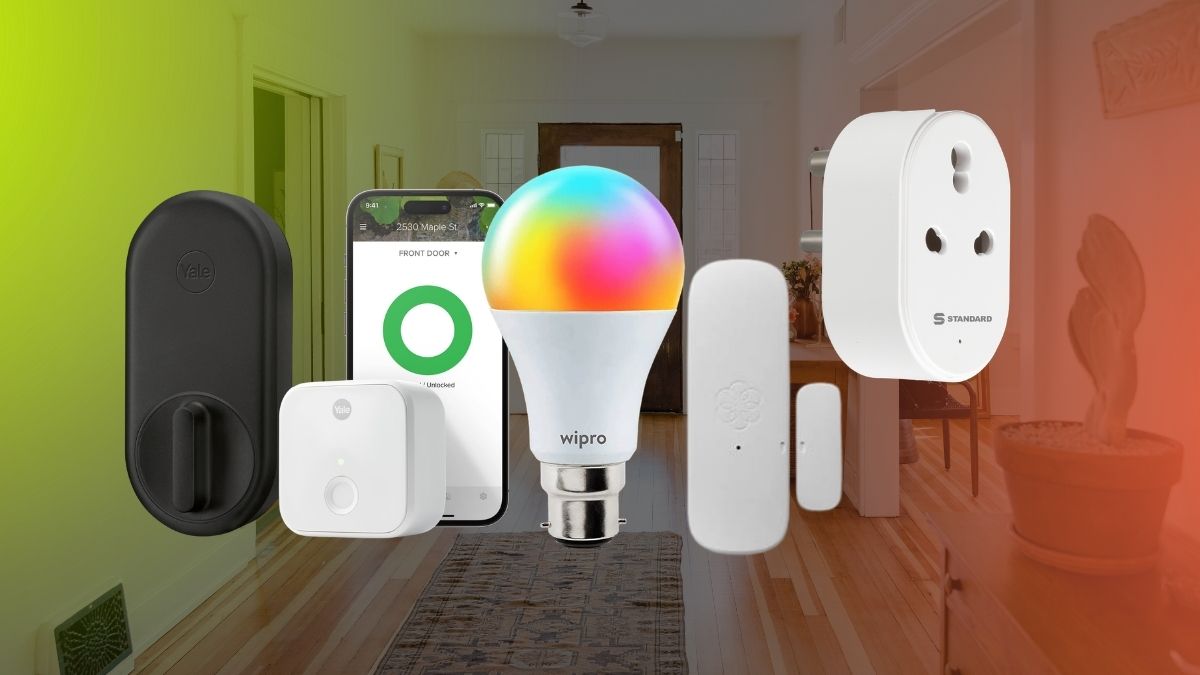
There’s a specific kind of disappointment that comes from scrolling smart home inspiration online, then remembering you don’t actually own your walls. Most “automate your house” guides assume you can run wire behind drywall or swap a light switch without a second thought.
Renters don’t get that luxury. Your lease has a line about “no alterations to the premises,” and your security deposit is real money you’d like back.
The good news: the smart home industry has quietly built an entire category around this exact problem. In 2026, you can put together a genuinely useful automated apartment using nothing but adhesive strips, batteries, and Wi-Fi. No landlord conversation required. Here’s how to do it without losing your deposit or your patience.
What Actually Makes a Gadget Renter-Friendly?
Before buying anything, it helps to run it through a quick filter. The best smart home devices for renters share three traits.
Mounting
It sticks, clips, or clamps on. No screws into studs, no anchors, no holes that need filling later.
Power
It runs on a battery or plugs into an outlet you already have. Nothing gets hardwired into your walls or breaker panel.
Reversibility
It comes off cleanly. A device that’s “removable” in theory but leaves adhesive residue or a visible mounting mark isn’t actually renter-friendly; it’s just delayed damage.
This filter rules out in-wall smart switches, wired thermostats, and anything needing an electrician. It doesn’t rule out much else. The category of no-drill smart home devices has grown fast enough that you’re rarely settling for a worse product, just a differently mounted one.
A quick way to test a product page before buying: search the listing for words like “adhesive,” “battery,” or “no tools required.” If the description leans on “professional installation recommended” instead, skip it and keep looking.
Smart Plugs and Bulbs: The Easiest Entry Point
This is the cheapest, lowest-risk way to start a smart home setup without hardwiring anything.
Smart Plugs
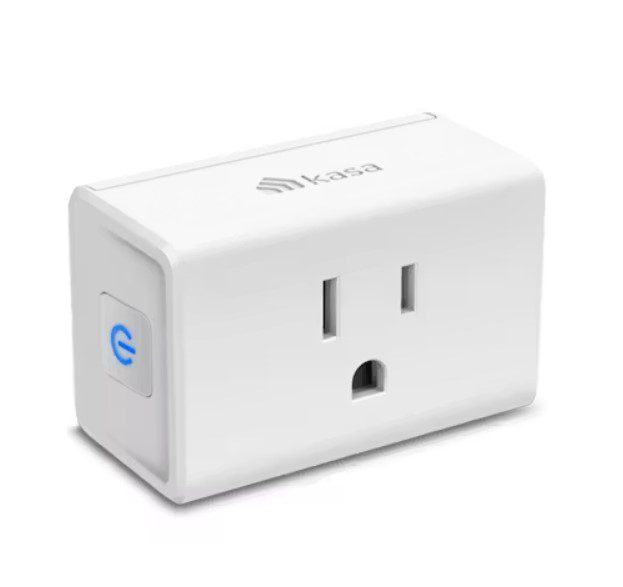
You’re not installing equipment, just adding a Wi-Fi-connected outlet between the wall and whatever you already own. Plug in a lamp, a fan, or a coffee maker, and it becomes schedulable and voice-controlled. A basic plug like the TP-Link Tapo P125M runs about $10 to $15 and takes thirty seconds to set up.
Smart Bulbs
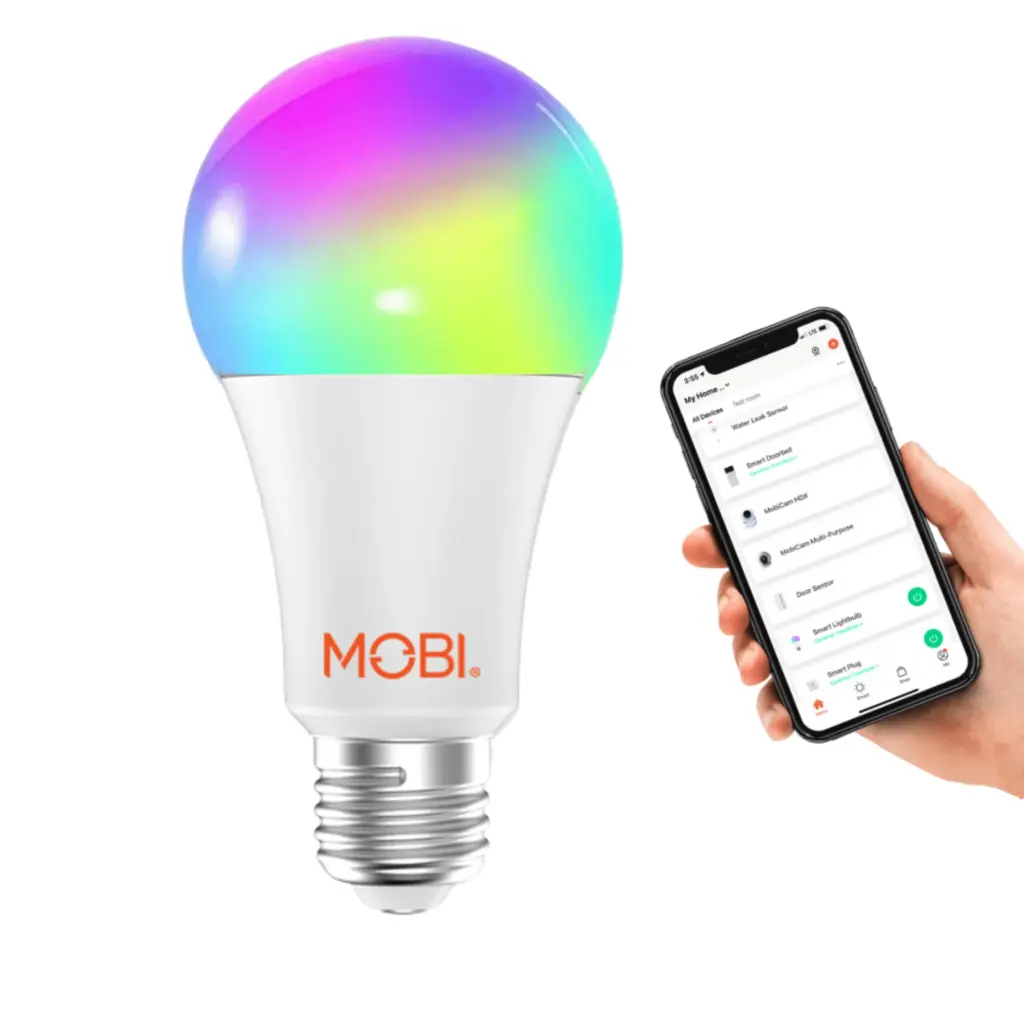
Screw one into an existing fixture or lamp, and you get dimming, color changes, and routines with zero wiring. When you move out, screw the original bulb back in, and nobody knows the difference.
Add a smart speaker or hub on a shelf, like an Echo Dot or Nest Mini, and you’ve got a functional smart apartment for under $150. Look for devices that support Matter, the cross-platform standard that finally matured in 2026, so you’re not locked into one ecosystem if you switch phones or speakers later.
Energy Monitoring
Some smart plugs track how much power a connected device draws over time. That’s useful for renters who pay their own utilities and want to spot the appliance quietly running up the bill, like an old space heater or a mini fridge in a home office.
No-Drill Smart Locks You Can Take With You
Smart locks used to be the hardest renter-friendly smart home gadget to pull off, because most models replace the entire deadbolt and leave visible exterior hardware. Retrofit locks fixed that.
Retrofit Locks
The August Wi-Fi Smart Lock (4th Gen) and the SwitchBot Lock Pro install entirely on the interior side of your existing deadbolt, over the thumbturn, in under fifteen minutes with a screwdriver. Your landlord’s original key keeps working from the outside exactly as before.
Budget Pick
The Wyze Lock Bolt offers fingerprint and app unlocking for around $70 with the same no-drill install.
When a Full Swap Makes Sense
A physical keypad instead of phone-based unlocking usually means replacing the whole deadbolt. The Yale Assure Lock 2 is the popular pick here, but since it changes the exterior hardware, run it by your landlord first.
When you move, pop the retrofit unit off and reinstall the stock thumbturn. No trace, no drilled holes, no awkward email to property management.
Security Without Risking the Deposit
Adhesive mounting really shines in this category.
Battery Cameras
Devices like the Blink Mini 2 or Ring Stick Up Cam Battery stick to a wall, shelf, or window with a removable mount and run for months on a charge. No outlet wiring, no router cable.
Door and Window Sensors
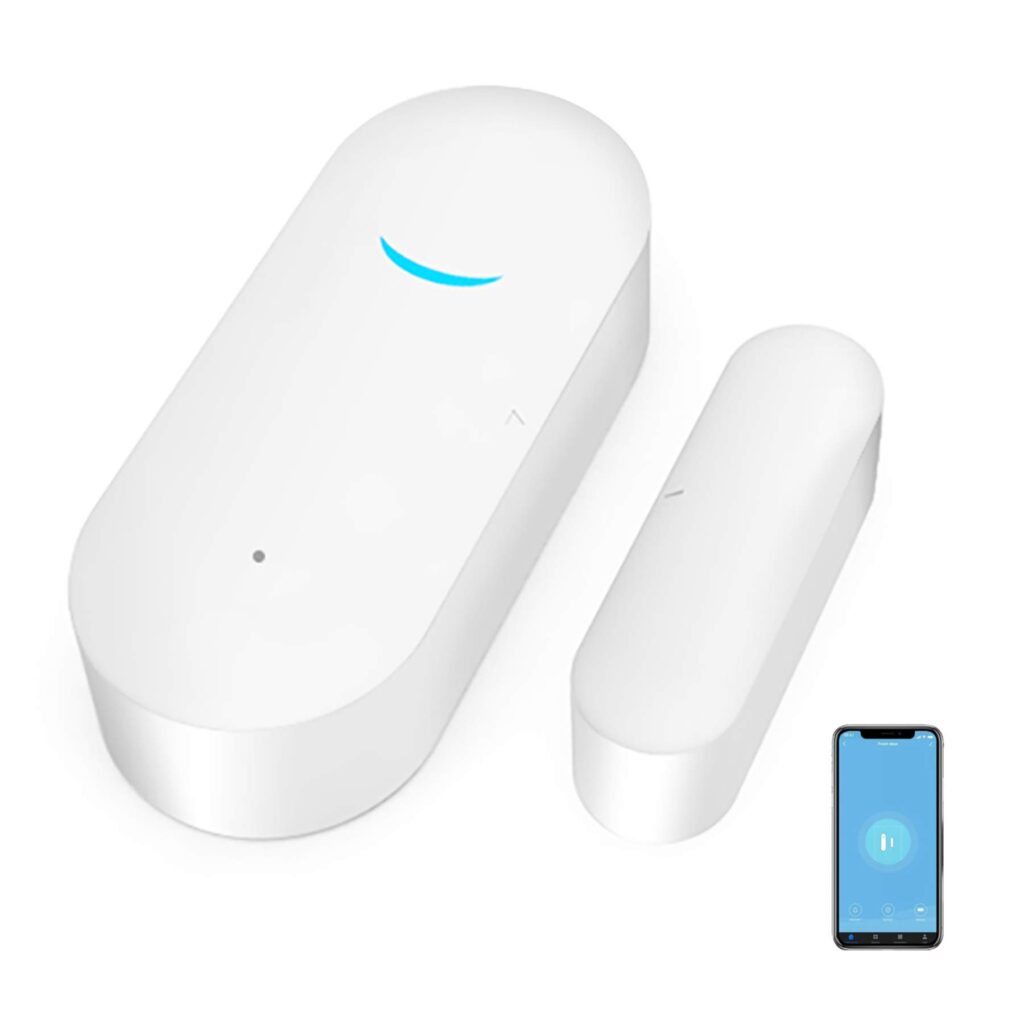
Aqara and Philips Hue sensors are thin enough to disappear into a door frame and mount with the same 3M-style strips you’d use to hang a picture.
All-in-One Kits
Abode’s Smart Security Kit bundles a hub, sensors, and a keypad that all mount without tools. It offers a free self-monitoring tier with no subscription required and supports Apple HomeKit alongside Alexa and Google Home.
Water Leak Sensors
Drop one under the kitchen sink and one behind the washing machine. Water damage is the other thing renters fight landlords over, and a $15 sensor catches it before it becomes a deposit dispute.
Smart Blinds and Curtains for Windows You Don’t Own
Curtains and blinds feel permanent, but they don’t have to be.
Clip-On Curtain Motors
The SwitchBot Curtain 3 clips directly onto a curtain rod you already own and automates open-and-close schedules without replacing the curtains themselves.
Tension-Mounted Shades
No-drill shades wedge into the inside of a window frame using spring pressure instead of brackets, and they come out just as easily as they went in. This is one of the more overlooked removable smart home devices for rentals, since most people assume smart window treatments require a full window replacement.
Robot Vacuums: Zero Installation Required
A robot vacuum is arguably the least “smart home” pick on this list and the most immediately satisfying one. It needs no installation: plug the charging dock into an outlet, set it on the floor, done.
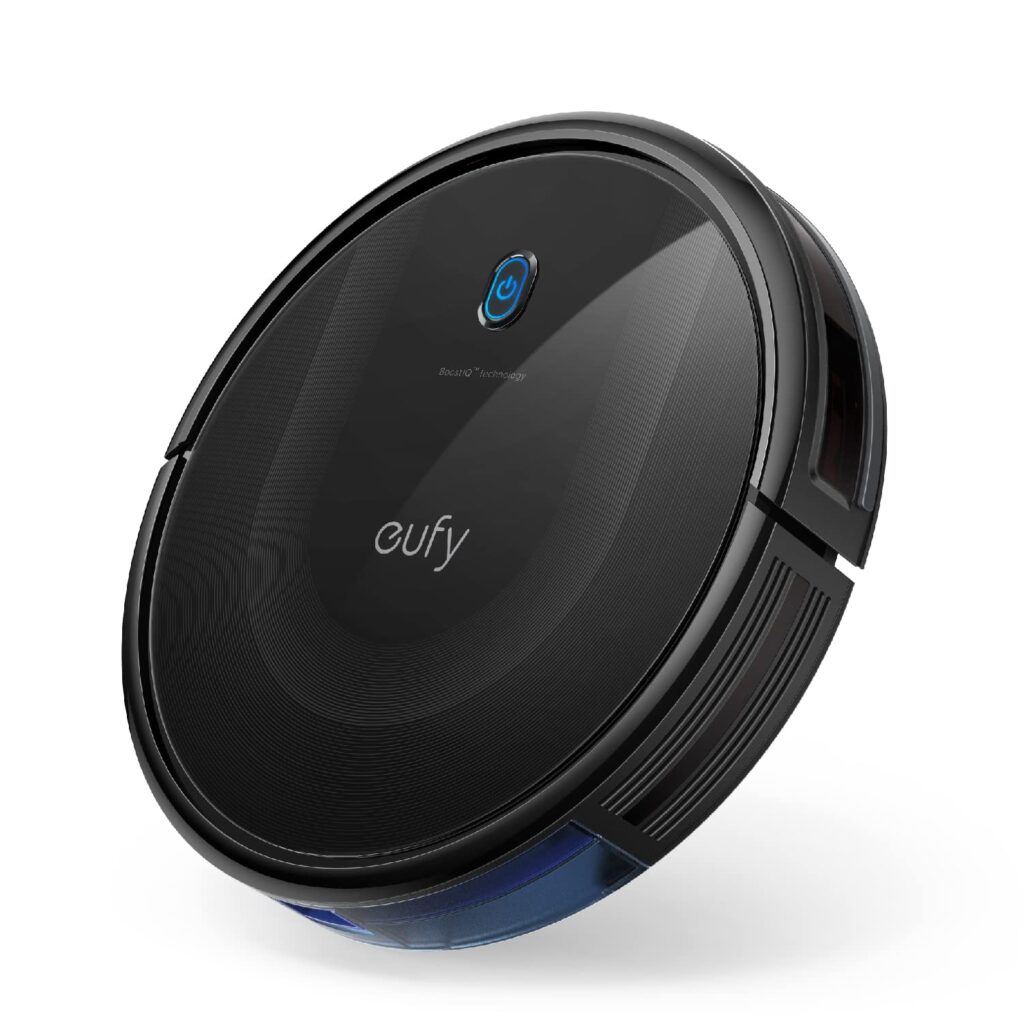
Small apartments are the ideal use case. A budget model like the Eufy RoboVac 11S handles a studio or one-bedroom on hardwood and low-pile carpet for around $100 to $150, runs quietly enough to use while you’re home, and slides under furniture for storage between cleanings. A self-emptying LiDAR model costs more but removes nearly all manual upkeep.
Best Smart Home Devices for Apartments in 2026: A Sane Buying Order
If you’re comparing the best smart home devices for apartments 2026, this buying order keeps cost and effort proportional to impact without changing the main article title.
- Smart plugs and bulbs first. Cheapest, and they only need an outlet.
- A smart speaker or hub next. It ties everything else together with voice control.
- A retrofit smart lock. The single biggest quality-of-life upgrade for under $250.
- Battery cameras and door sensors. Scale coverage to how much of the apartment matters most.
- Smart blinds and a robot vacuum. Add these once the core system is already running.
Packing It All Up When You Move
The whole point of this category is that moving day shouldn’t be a teardown project. Peel sensors off slowly and at an angle rather than yanking them. Most adhesive strips release cleanly when given time.
Keep the original hardware you removed (door thumbturns, light bulbs, curtain brackets) in a labeled bag so reinstalling it takes five minutes, not an afternoon. Because most of these devices pair through an app rather than a fixed network, the whole setup typically reconnects at the new address with nothing more than a Wi-Fi password change.
The Bottom Line
Renting doesn’t mean choosing between convenience and your deposit. Every category here, from plugs to locks to security to flooring, has a version built specifically to leave your apartment exactly as you found it.
Start small, pick devices that pass the adhesive-battery-reversible test, and add to the setup as your budget allows. The right smart home devices for renters give you both a smarter apartment now and a clean handoff whenever the lease is up.







Leave feedback about this