

Artificial intelligence has already rewritten how we search, write, design, and code. Now it’s reshaping music production. With the rollout of Google Lyria 3 Gemini, Google is quietly turning its flagship AI assistant into something far bigger than a chatbot, a full-blown creative studio.
For musicians, content creators, and everyday users in the U.S., this shift means one major thing: you can now generate AI songs for free, directly inside Gemini, without expensive software or studio equipment. The era of the bedroom producer just leveled up.
Let’s break down what this means, how it works, and whether this is truly the best free AI music generator available right now.
What Is Google Lyria 3 Gemini?
At its core, Google Lyria 3 Gemini represents the integration of Google’s advanced music generation model, Lyria 3, into its AI assistant platform, Google Gemini, alongside the visual power of Google Nano Banana 2.
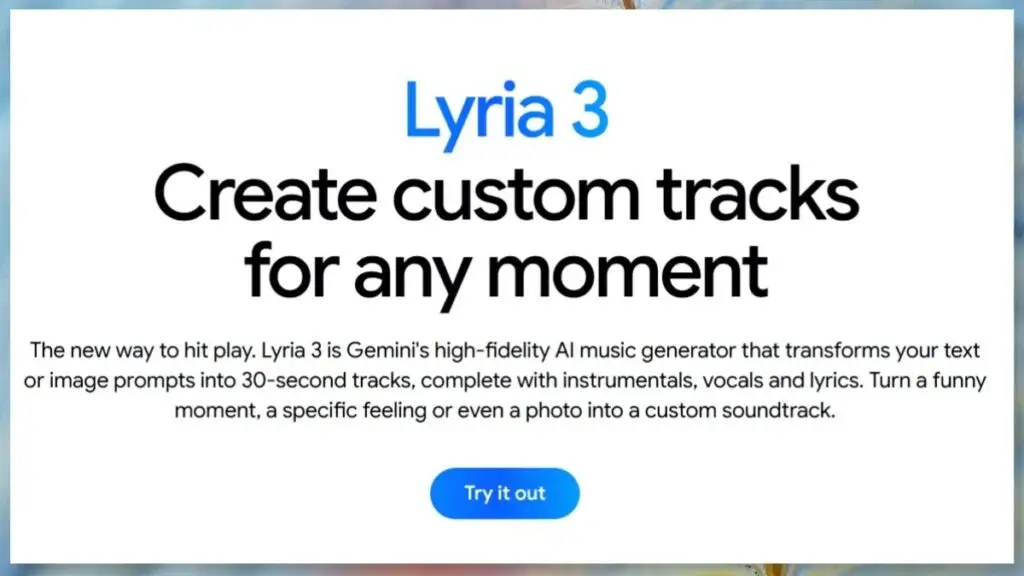
Lyria 3 music AI was originally developed as a specialized generative music model capable of producing high-quality instrumental tracks and structured compositions from simple text prompts. Instead of keeping it as a standalone experimental tool, Google folded it into Gemini’s multimodal framework.
That means you no longer need a separate interface or niche music app. You simply describe the song you want, genre, mood, tempo, and instruments, and Gemini generates it. In practical terms, Gemini AI music now supports:
- Text-to-music generation
- Mood and genre-based composition
- Structured tracks with intros, builds, and outros
- Instrumental layering
- Creative variations from the same prompt
For everyday creators, it feels less like “AI tech” and more like typing instructions to a virtual producer.
Why Google Merged Lyria 3 Into Gemini?
This move isn’t random. It reflects a broader strategic shift. Instead of launching isolated AI tools for writing, coding, art, image generator, and music, Google is building Gemini as a multimodal hub. Music joins text, images, and code inside one ecosystem. There are three main reasons behind this:
- Simplified User Experience: Most users don’t want five different AI platforms. By embedding Lyria 3 music AI into Gemini, Google reduces friction and makes music generation mainstream.
- Competitive Pressure: AI music startups like Suno and Udio have gained traction fast. Integrating music into Gemini positions Google to compete at scale, especially since Gemini already has a massive user base.
- The Multimodal Future: The future of AI isn’t single-output systems. It’s tools that can write lyrics, compose music, generate album art, and build marketing copy, all in one place. Google Lyria 3 Gemini pushes that vision forward.
Key Features of Google Lyria 3 Inside Gemini
So what exactly can you do with this new free AI music generator?
Text-to-Music Generation
This is the core feature. You type something like:
“Create a cinematic orchestral track with dramatic strings and rising tension for a movie trailer.” Within moments, Gemini generates a structured instrumental composition that fits the description. You can refine prompts by adding:
- BPM (tempo)
- Instrument focus
- Emotional tone
- Era or style references
- This makes it surprisingly flexible.
- Genre and Mood Control
One of the strongest aspects of Lyria 3 music AI is stylistic accuracy. You can request:
- Lo-fi hip-hop for studying
- Country ballads with acoustic guitar
- EDM festival drops
- Indie rock garage vibes
- Jazz lounge instrumentals
- Ambient meditation tracks
Unlike early AI music tools that sounded robotic or repetitive, Gemini AI music aims for structure and progression, not just looping background noise.
Song Variations and Iteration
Creativity isn’t one-and-done. If the first version feels off, you can ask for:
- A faster version
- A softer intro
- More percussion
- Less reverb
- A different instrument focus
It functions like collaborating with a producer rather than clicking preset buttons.
Potential Vocal Capabilities
Depending on rollout features, AI-generated vocals and lyric integration may be part of the experience or in phased release. If available, this opens the door to full song creation — not just instrumentals. That’s a major step toward letting users generate AI songs free without hiring session singers.
Is This the Best Free AI Music Generator Yet?
The big question: how does Google Lyria 3 Gemini compare to existing tools? Let’s evaluate it across key factors.
- Accessibility: Gemini is widely available. If you already use it, music generation becomes an added feature, not a new platform to learn.
- Cost: If offered under Gemini’s free tier (with possible usage limits), it instantly becomes one of the most accessible free AI music generator options on the market.
- Output Quality: Early AI music models often struggled with realism. The Lyria 3 music AI model reportedly focuses on structure, coherence, and genre fidelity, critical for content creators.
Ecosystem Advantage
This is where Google stands out. You can:
- Generate lyrics
- Refine them
- Compose music
- Create cover art
- Write YouTube descriptions
- All within one AI workflow.
That kind of integration is difficult for single-purpose music startups to match.
How to Generate AI Songs Free Using Google Lyria 3 Gemini?
If you’re new to AI music creation, using Google Lyria 3 Gemini is quite simple. The platform allows users to generate music through prompts instead of complex audio software. Even beginners can create original tracks by following a few easy steps.
Step 1: Open Gemini
Start by accessing Google Gemini with your Google account. Since Lyria 3 music AI is integrated into Gemini, you don’t need to install additional tools. Everything works directly within the platform.
Step 2: Write a Detailed Prompt
The quality of the music depends on how clearly you describe your idea. Instead of typing something vague like “Make a song,” provide details about style, mood, and instruments. For Example: “Create a 2-minute upbeat pop track with female vocals, catchy chorus, light synth, and summer vibes.” Specific prompts help the AI understand the type of track you want.
Step 3: Refine the Output
If the first result doesn’t match your expectations, adjust your prompt. You can change the mood, add instruments, or specify tempo to improve the generated music. Small refinements often produce better results.
Step 4: Edit and Export
After generating a track, you may be able to edit or regenerate parts before downloading it. This makes it easy for YouTubers, podcasters, and creators to produce custom background music quickly.
Who Is This For?
This tool isn’t just for musicians.
- Independent Artists: Songwriters can prototype ideas before heading to a studio.
- YouTubers and TikTok Creators: Original background music without copyright strikes? That’s powerful.
- Podcast Producers: Need intro music that fits your show’s personality? Generate it instantly.
- Marketing Teams: Custom campaign audio without licensing headaches.
- Students and Hobbyists: Experiment with music creation without learning complex DAWs like Ableton Live or Logic Pro.
Copyright, Ownership & Monetization Questions
Whenever you can generate AI songs for free, legal questions follow. Key concerns include:
- Who owns the generated track?
- Can you monetize it on YouTube or Spotify?
- Was the model trained on copyrighted material?
Google typically outlines usage policies within its AI terms of service. For U.S. creators, monetization rights depend heavily on those terms and whether outputs are considered fully user-owned. Before publishing commercially, reviewing the platform’s licensing policy is critical.
How Google Lyria 3 Gemini Changes the AI Music Landscape?
This isn’t just another feature update. It’s a structural shift. Music production used to require:
- Studio access
- Expensive software
- Technical expertise
- Audio engineering knowledge
Now, a detailed prompt can replace hours of manual arrangement. That democratization has both positive and controversial implications:
- Creative Empowerment
- More people can create.
- Market Saturation
- The internet may flood with AI-generated tracks.
Industry Disruption
Session musicians, composers, and licensing platforms may feel pressure. But historically, new creative tools expand the ecosystem rather than destroy it. Cameras didn’t eliminate painting. Synthesizers didn’t eliminate guitars. AI music may follow the same pattern.
Potential Drawbacks & Concerns
Despite the excitement, Google Lyria 3 Gemini isn’t perfect.
- Quality Variability: AI outputs depend on prompt clarity. Vague inputs produce average results.
- Emotional Authenticity: Some critics argue AI music lacks lived human experience.
- Ethical Debate: Training data transparency remains a major industry discussion.
- Over-Reliance on AI: Creativity risks becoming automated rather than intentional.
FAQs
An AI music model is integrated into Google’s Gemini platform.
Yes, limited free access available via Gemini tiers.
Commercial use depends on Google’s licensing terms.
It converts detailed text prompts into structured music.
No, beginners can easily create professional-sounding tracks.
Final Verdict: Is Gemini Now Your Free AI Music Studio?
If Google successfully integrates Lyria 3 music AI into Gemini’s mainstream interface, it represents one of the biggest shifts in accessible music creation to date. For U.S. creators looking to:
- Generate AI songs for free
- Avoid licensing fees
- Prototype song ideas quickly
- Create custom content at scale
Google Lyria 3 Gemini may become the most convenient option available. It may not replace professional studios anytime soon. But for digital creators, marketers, and hobbyists, it lowers the barrier dramatically, especially in an era where AI is Slashing Billable Hours. The bigger story isn’t just about music. It’s about Gemini evolving into a unified creative engine, where text, visuals, code, and now sound all converge. If this trajectory continues, the future of AI-assisted creativity won’t be about separate tools. It’ll be about ecosystems. And Google just made its move.


Leave feedback about this