

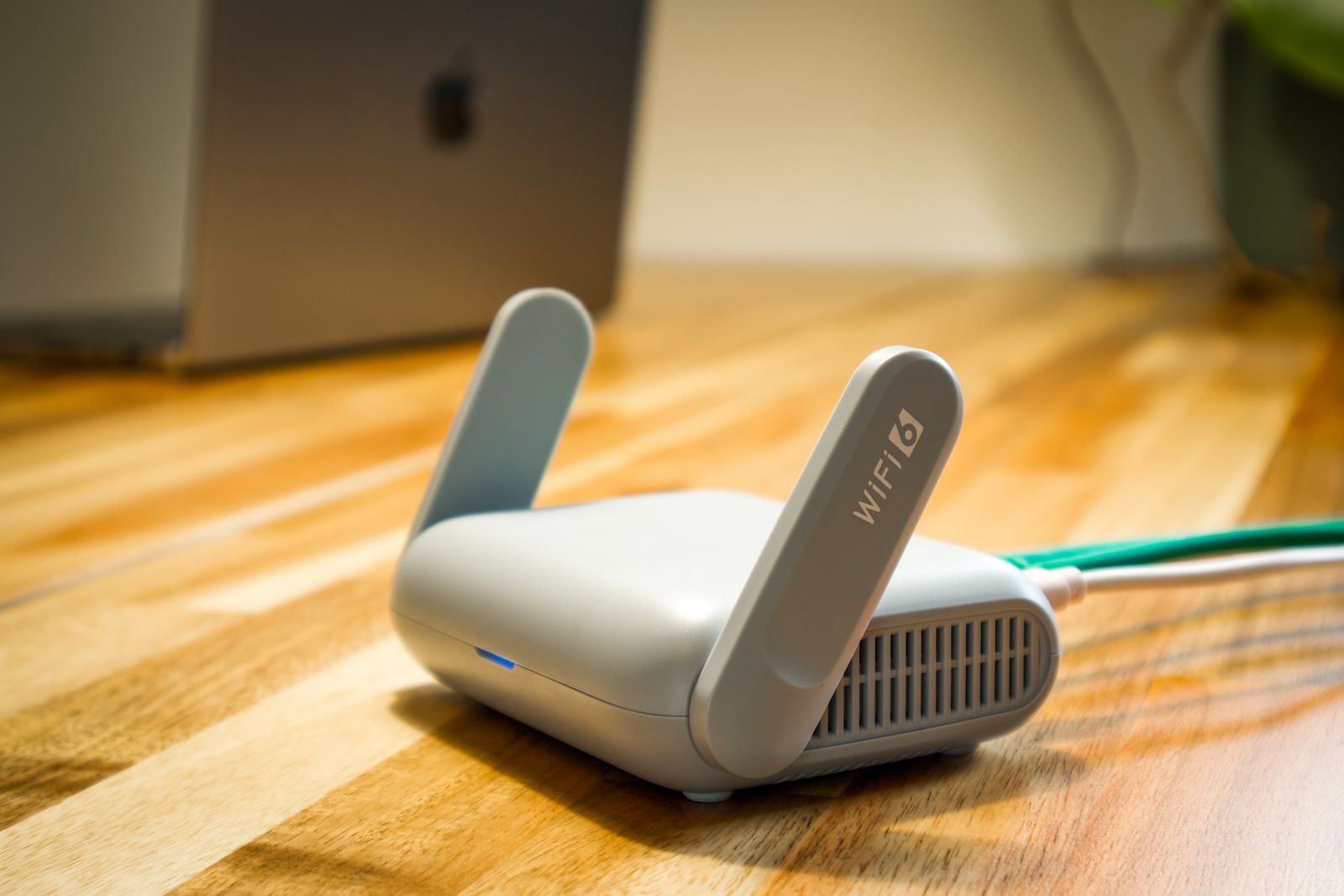
The debate over mesh WiFi vs a single router for home use comes down to one practical question: can one box reach every corner of your house? A traditional router sends a signal from a single point, and that signal weakens as it passes through walls, floors and appliances. A mesh system spreads several coordinated units around the property so that coverage stays strong from the basement to the back porch.
This guide explains how each approach works, what your home WiFi coverage options really are, and when the extra cost of mesh is justified. It also includes a comparison table, placement advice and answers to common questions, so you can match the equipment to your home rather than to marketing claims.
How a Single Router and a Mesh System Differ
A single router is one device that combines a modem connection, a wireless radio and a handful of network ports. It is simple, inexpensive and perfectly adequate for apartments and small homes. Its weakness is distance: single router coverage limits typically become obvious beyond 1,500 to 2,000 square feet, or whenever dense materials such as brick, concrete and metal ductwork sit between the router and your devices.
A mesh system replaces that lone transmitter with a main node, wired to your modem, plus one or more satellite nodes placed around the home. The nodes communicate with each other and present a single network name, so your phone or laptop moves between them without manual reconnecting. Most kits cover 3,000 to 6,000 square feet, and extra nodes can be added if the house grows or the layout is awkward. Connected gadgets compete for bandwidth, and our guide to a smart home starter kit under 100 dollars shows how quickly they add up, which makes dependable coverage more valuable.
Many people confuse mesh with plug-in range extenders, but the two work differently. An extender repeats the signal and often halves the available speed, whereas a mesh node is designed to coordinate with the others and, in better models, uses a dedicated wireless link between units.
Signs Your Single Router Is Not Enough
- Video calls freeze or drop when you move to another floor.
- Streaming devices buffer in rooms far from the router.
- Smart cameras and plugs frequently show as offline.
- Speed tests near the router are fast, yet distant rooms receive a fraction of the speed.
Mesh Network Placement: Where the Nodes Should Go
Even the best hardware performs poorly when it is installed badly, so mesh network placement deserves as much attention as the purchase. Place the main node near your modem, ideally in a central, elevated and open location rather than inside a cabinet or behind a television. Then position each satellite roughly halfway between the main node and the weak area, where it can still receive a strong signal to relay.
- Keep nodes within one or two walls of each other for a stable link.
- Avoid microwaves, cordless phones and baby monitors, which interfere with the 2.4 GHz band.
- Use Ethernet backhaul if your home has network cabling, which can dramatically improve speed.
- Place units off the floor on shelves or tables for a wider signal spread.
Mesh WiFi vs Single Router: Side-by-Side Comparison
The table below summarises the main differences. Prices are typical United States retail ranges and will vary with brand, wireless standard and promotions.
| Factor | Single Router | Mesh WiFi System |
|---|---|---|
| Typical price | About 60 to 200 USD | About 150 to 500 USD |
| Best home size | Under 1,500 to 2,000 sq ft | 2,500 sq ft and larger |
| Setup | One device, simple app or web page | App-guided, several nodes |
| Roaming | Manual switching between extenders | Automatic hand-off between nodes |
| Dead spots | Common in larger layouts | Largely eliminated with good placement |
| Expandability | Limited | Add nodes as needed |
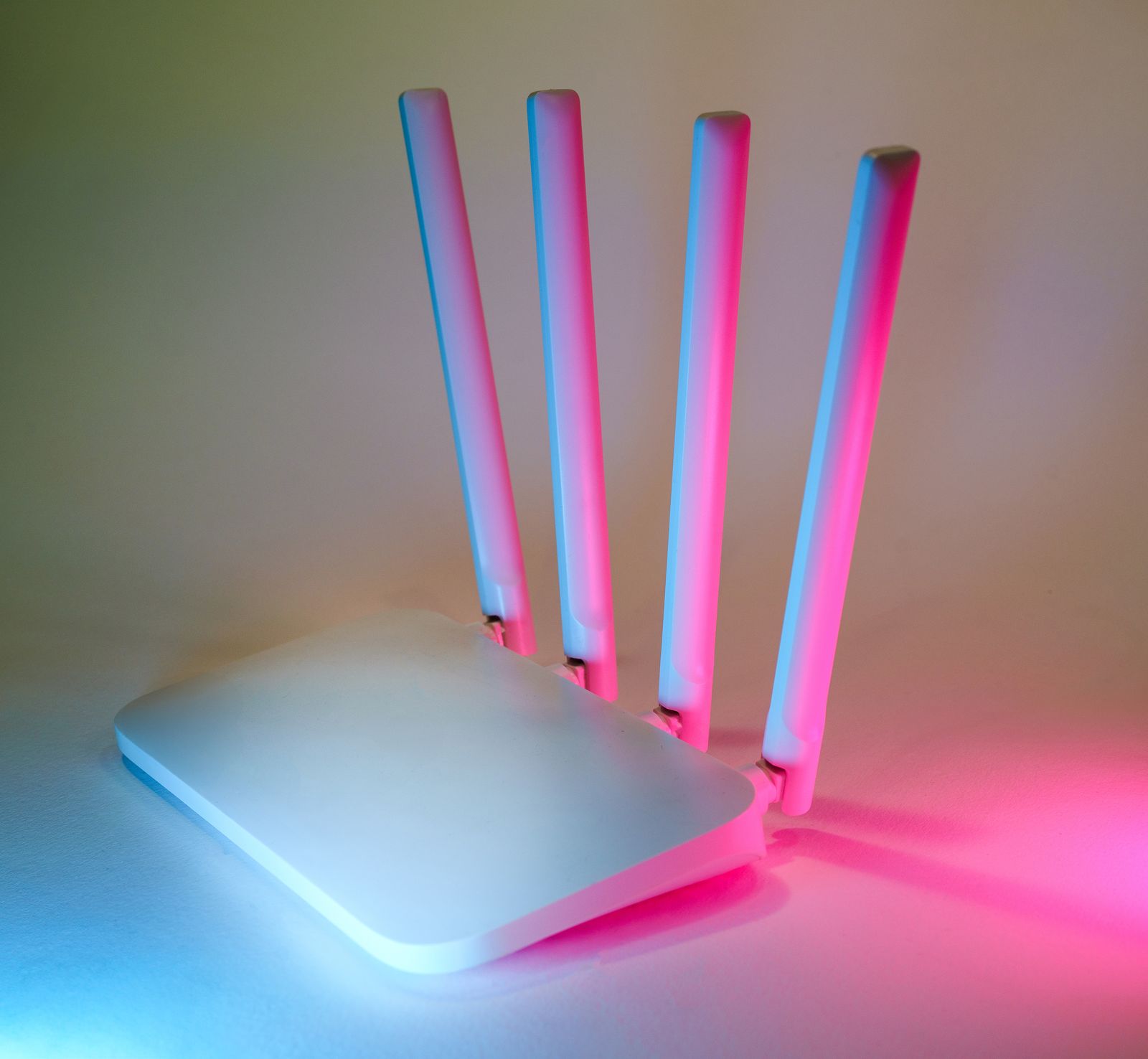
Home layout is the deciding factor, not simply square footage. A long, narrow ranch house can suffer from poor coverage at the far end, while a compact two-storey townhouse may need two nodes to push a signal through a concrete floor. If you want to see models in person and compare specifications, you can try Best Buy, which lists both standalone routers and multi-pack mesh kits with coverage ratings and customer reviews.
When a Single Router Is the Smarter Buy
Mesh is not automatically better for everyone. A single router suits a one-bedroom apartment, a small house, or a household that mostly connects a few devices in the same room. Spending extra on additional nodes produces little benefit when one strong signal already reaches every wall. A well-placed modern router with current wireless standards can also outperform an older, poorly configured mesh kit. If you are looking for a reliable option at a modest price, browse the single-router range at Best Buy and compare wireless standards, port counts and warranty length before you decide. Remember that a newer standard only helps if your phones, laptops and televisions support it, so check your most-used devices first.
Before upgrading, try inexpensive fixes first: move the router to a central spot, update its firmware, switch to the 5 GHz band for nearby devices, and reboot it periodically. Securing the network matters as well, since weak settings invite unwanted guests, and our guide to no-subscription security cameras highlights how important reliable connectivity is for any camera that records without a monthly fee.
Pros and Cons of Going Mesh
Pros: consistent coverage, seamless roaming, simple app-based management, easy expansion and fewer dropped video calls.
Cons: higher upfront cost, more devices to power, and wireless links between nodes that can reduce speed if nodes are placed too far apart.
Key Takeaways
- Choose a single router for small homes and apartments with open layouts.
- Choose mesh WiFi for larger homes, multiple floors or thick walls.
- Place the main node centrally and off the floor, with satellites halfway to weak areas.
- Use Ethernet backhaul where possible for the best speed.
- Try placement and settings fixes before spending money.
FAQ
Q1: How many mesh nodes do I need?
A two-node kit typically covers 2,500 to 3,500 square feet, and a three-node kit covers 4,000 to 6,000 square feet. Add a node for each additional floor or area with heavy obstruction.
Q2: Will mesh WiFi increase my internet speed?
No. Mesh improves coverage and consistency, not the speed supplied by your internet provider. If your plan is slow, upgrading the plan is the only way to raise the maximum.
Q3: Can I mix a mesh system with my existing router?
Yes, though it is usually best to set the old router to bridge mode or replace it so that only one device manages the network, which avoids conflicts and double routing.
Q4: Is mesh better than a range extender?
For most homes, yes. Extenders create a separate network name and often cut speeds roughly in half, while mesh nodes share one network and coordinate traffic more efficiently.
Conclusion: Match the Network to Your Home
Settling the question of mesh WiFi vs a single router for home use is easier once you measure your floor area, count your walls and note where signals currently fail. Small, open homes are well served by one good router, while larger or multi-level homes gain real reliability from mesh. When you are ready to compare current models, consider exploring Best Buy, check coverage ratings against your square footage, and confirm the return policy. If your connected gadgets keep multiplying, our overview of smart plugs for home automation is a useful next step. A planned network is cheaper and calmer than a series of impulse upgrades, and it keeps every device online.







Leave feedback about this