

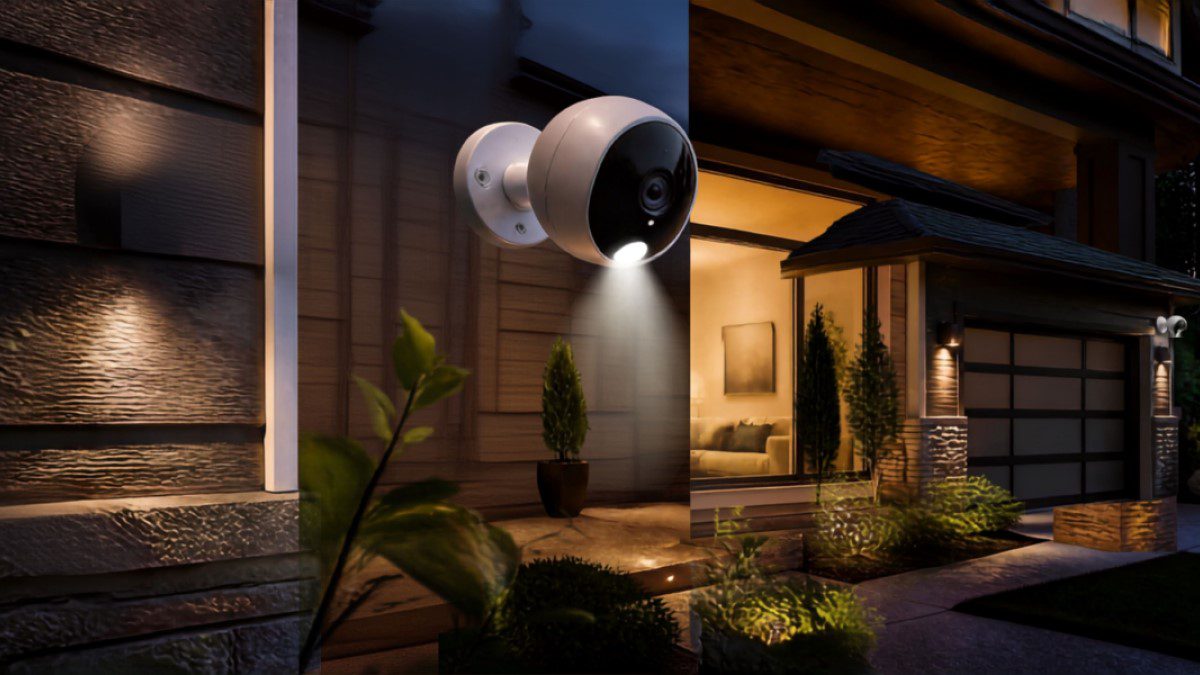
Ever notice how something as simple as protecting your own front porch used to feel like signing up for a whole ordeal? You’d call a company, sit around waiting for a technician, sign a contract you didn’t fully read, and then pay for it every single month whether you needed it or not. Thankfully, that’s not really how things work anymore.
Nowadays, you can walk into your nearest Home Depot, or just scroll through their site on your couch, and walk away with a camera that actually fits your home and your wallet. That’s really the appeal behind Home Depot security cameras: no waiting, no pressure, and no contract holding you hostage for years.
So, we put together this list of seven standout picks you can actually find at Home Depot today, plus some honest advice to help you figure out which one makes the most sense for your place.
1. Ring Video Doorbell & Spotlight Cam Series
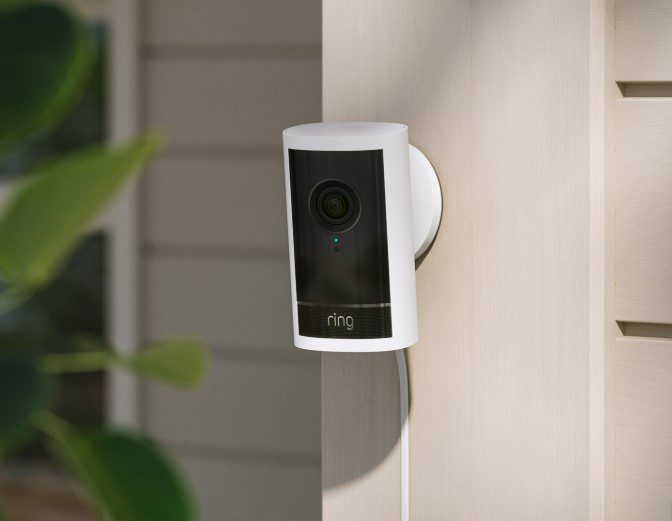
If you’ve talked to anyone about home security in the last few years, chances are they’ve mentioned Ring. It’s one of the most trusted names out there, and honestly, it’s earned that reputation. The doorbell cameras and spotlight cams work together nicely, offering motion-activated alerts, two-way audio so you can talk to whoever’s at your door, and built-in lighting that tends to scare off anyone with bad intentions.
Everything syncs to the Ring app, so you can check what’s happening at home from pretty much anywhere. One model worth a special mention is the Ring Floodlight Cam Wired Pro. It pairs bright LED floodlights with sharp video and a wide field of view, which makes it a great fit for driveways, backyards, or any spot where you want extra visibility at night.
Best for: Homeowners who want a familiar, reliable brand with strong app support and the option of professional monitoring down the line.
2. Google Nest Cam (Battery and Wired Options)
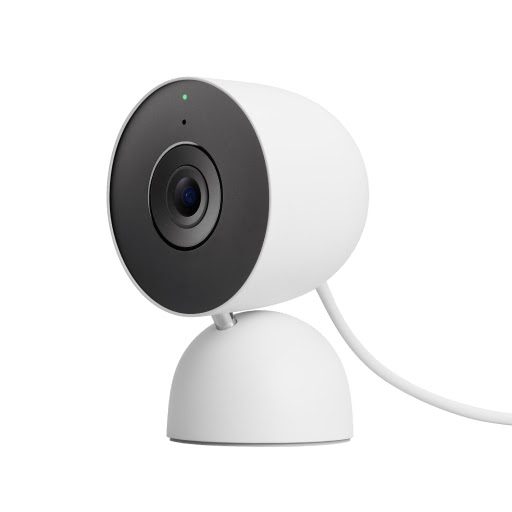
The Google Nest Cam lineup takes a slightly smarter approach. Instead of blasting your phone with alerts every time a squirrel runs by, Nest’s AI can actually tell the difference between people, packages, pets, and vehicles. That alone saves a lot of unnecessary notifications.
It also plays nicely with Google Home, so you can pull up your camera feed on a smart display or just ask Google Assistant to show you what’s going on outside. With a Nest Aware subscription, you also get facial recognition and a longer video history, which can be handy if you ever need to look back at footage from a few days ago.
Best for: Families already using Google Home who want a smarter, more selective alert system.
3. Blink Outdoor Cameras: A Home Depot Security Cameras Outdoor Favorite
Not everyone wants to deal with wiring or constant recharging, and that’s where Blink Outdoor cameras really shine. They’re one of the most popular Home Depot security cameras Outdoor picks for a simple reason: they run on regular AA batteries for up to two years. That’s a long time to go without thinking about maintenance.
They’re small, easy to mount just about anywhere, and work with Amazon Alexa if you like controlling things by voice. The cloud storage plans are also reasonably priced, and you still get solid night vision and motion detection without paying a premium.
Best for: Anyone who wants dependable outdoor coverage without the upkeep.
4. Wyze Cam Series: Budget-Friendly Wireless Pick
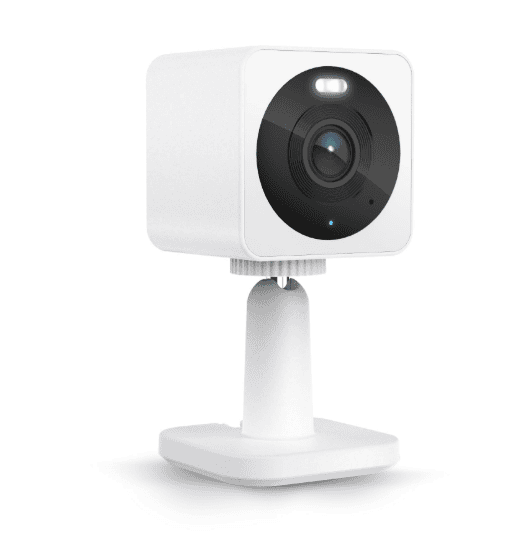
If you’re watching your budget (and let’s face it, most of us are), the Wyze Cam series is hard to beat. These are some of the best Home Depot security camera wireless options for the price, offering full HD video, color night vision on some models, and even free rolling cloud storage, which is genuinely rare at this price point.
The app is simple to use, and if you’d rather skip subscriptions altogether, you can just pop in a local SD card for storage. Sure, the build quality isn’t quite as premium as Ring or Nest, but for the money, it’s tough to argue with what you’re getting.
Best for: First-time buyers or anyone who wants smart features without a big bill.
5. Night Owl & Lorex Camera Systems with Monitor
Sometimes you don’t want to rely on your phone for everything. That’s where Night Owl and Lorex systems come in. These setups usually bundle several cameras with a digital video recorder (DVR), and some kits even include a dedicated screen, making them solid Home Depot security cameras with monitor choices.
This kind of setup works especially well for bigger properties, small businesses, or homeowners who’d rather have everything recorded locally instead of depending on Wi-Fi or a monthly cloud plan.
Best for: Larger homes or properties that need multiple cameras and a dedicated viewing screen on-site.
6. Defiant Wired Security Camera Systems
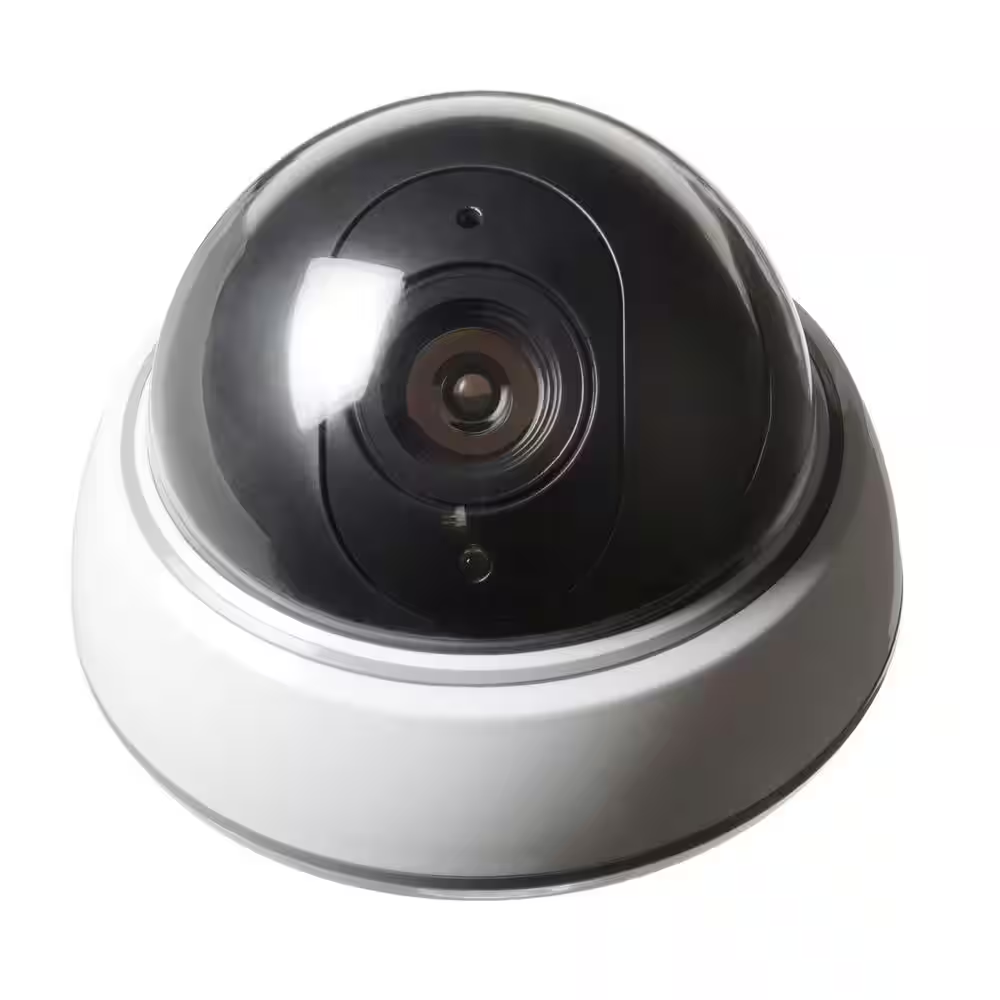
Defiant is Home Depot’s own brand, and it’s built a solid reputation for reliable, no-nonsense wired security camera systems. These typically come with several bullet or dome cameras connected through coaxial or Ethernet cabling to a central recorder.
Because everything’s hardwired, you don’t have to worry about Wi-Fi dropping out at the worst possible moment. It’s a great option if you want something permanent and professional-feeling without paying monthly subscription fees, since all your footage is stored locally on the included hard drive.
Best for: Homeowners who want a stable, long-term solution and don’t mind a bit of wiring during setup.
7. Arlo Pro & Essential Series
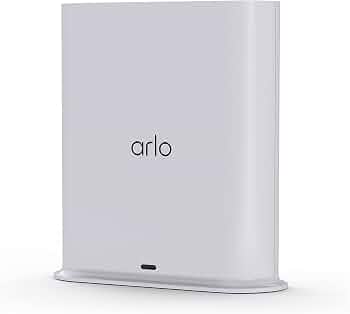
Rounding out our list is Arlo, a brand known for sleek design and genuinely strong wireless performance. The Pro and Essential lines offer video quality ranging from 1080p to 4K, along with spotlight and siren features that help deter loitering around your property.
You can mount them almost anywhere, whether that’s under an eave, on a wall, or on a fence post. Arlo’s SmartHub also supports local storage, which is nice if you’d rather avoid ongoing cloud fees.
Best for: Homeowners who want flexibility, weatherproof durability, and crisp video quality.
What to Consider Before Buying
Before you settle on a camera, it’s worth thinking through a few practical things:
- Power source: Battery cameras are easier to set up, but they’ll need occasional charging or battery swaps. Wired cameras take a bit more effort upfront but offer constant, uninterrupted power.
- Storage: Decide whether you’d rather pay for cloud storage, use a local SD card, or go with a full DVR/NVR setup.
- Coverage area: A single camera by your front door might be enough for a smaller home, but larger properties usually need a multi-camera kit.
- Smart home compatibility: If you’re already using Alexa or Google Home, picking a matching brand just makes life easier.
- Weatherproofing: For anything going outdoors, look for at least an IP65 rating so it can handle rain, heat, and cold without issues.
Home Depot Security Camera Installation Tips
Most of these are genuinely easy to set up yourself. Before you start drilling holes into your wall, just walk around the outside of your house first and figure out where your blind spots actually are, near the garage, the back door, wherever packages usually get left.
Battery and wireless cameras are the easy ones: screwdriver and Wi-Fi password, done. Wired setups take longer since you might be running cable through a wall or an attic, and if that sounds like too much of a project, that’s completely fine.
Home Depot has installation services through contractors for exactly this reason, so you’re not stuck figuring it out alone on a Saturday afternoon.
Frequently Asked Questions
Q: Do Home Depot security cameras require a monthly subscription?
Ans: Not always. Some brands, like Wyze and Defiant, let you store footage locally on an SD card or hard drive, so you can skip the subscription altogether. Others, like Ring and Nest, offer more advanced features (like longer video history or facial recognition) through paid plans, but the basic camera still works fine without one.
Q: Can I install these cameras myself, or do I need a professional?
Ans: Most wireless and battery-powered cameras are pretty simple to set up on your own, usually just a screwdriver and a decent Wi-Fi connection. Wired systems take a bit more effort since you may need to run cables through walls or attics. If that feels like too much, Home Depot offers installation services through partnered contractors.
Q: How many cameras do I actually need for my home?
Ans: It really depends on the size of your property. A single camera near the front door might be enough for a small home or apartment, but larger houses usually benefit from a multi-camera system covering the driveway, backyard, and any side entrances. Walking around your property first to spot blind spots can help you figure out the right number.
Final Thoughts
Nobody’s going to tell you there’s one perfect camera for every house, because there isn’t. It comes down to how much you want to spend, how big your place is, and whether you’d rather manage everything from your phone or just have it sitting there recording without you thinking about it.
Blink and Wyze make sense if you’re renting or just testing the waters. Defiant and Lorex make more sense if you want something permanent that you’re not paying for every month. Either way, getting a decent camera up before something happens is a lot better than wishing you had one after.







Leave feedback about this